Custom embroidered cap WooCommerce theme
LT Brim – AI-Ready Custom Embroidered Cap WooCommerce Theme
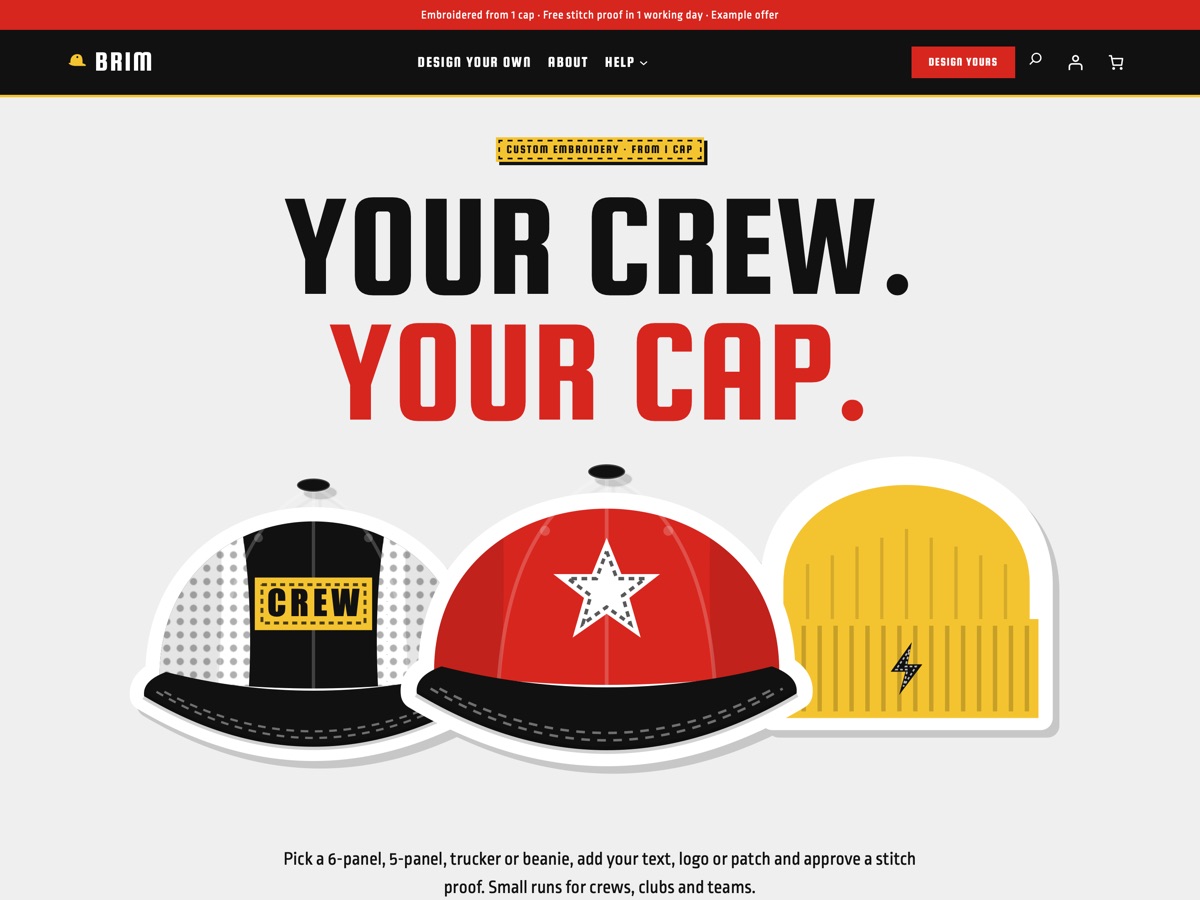
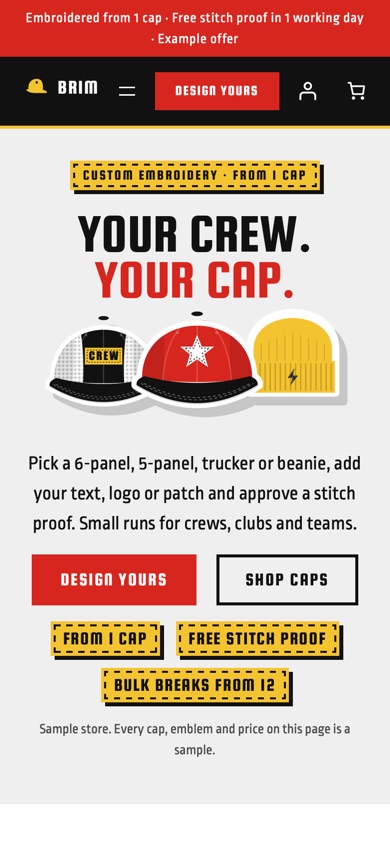
LT Brim is a WooCommerce block theme for print-on-demand shops that embroider custom caps and beanies, from one cap to a crew order. It comes with a stacked poster hero, a cap style picker, a pick a cap / pick a design flow, an embroidery placement guide, upload and proof steps, a thread colour chart, bulk price breaks and turnaround times, all built on WooCommerce's own blocks for the shop, product, cart and checkout pages. Pro Unlimited adds an AI kit so an assistant can rebrand the store and write your cap pages without breaking the design.
- 24 section patterns
- 6 page layouts
- 3 colour styles
- 15 demo products
Colour styles
3 colour styles, one click apart
Pick a style in Appearance, Editor, Styles, or set your own brand colour once. Buttons, icons and shadows follow automatically.
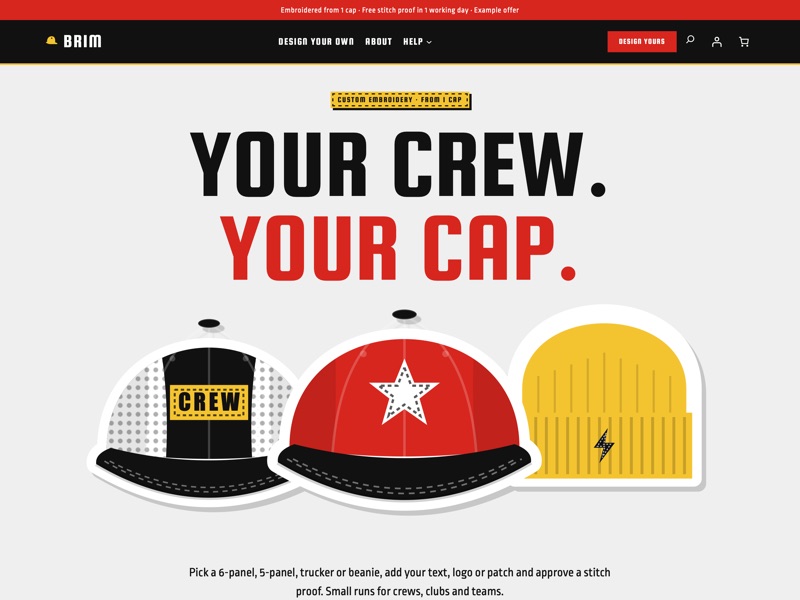 Red thread
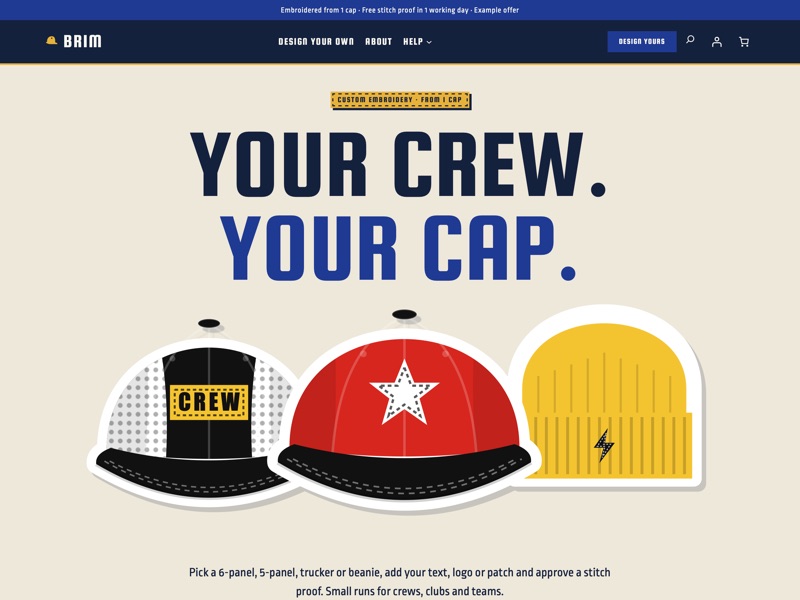 Varsity
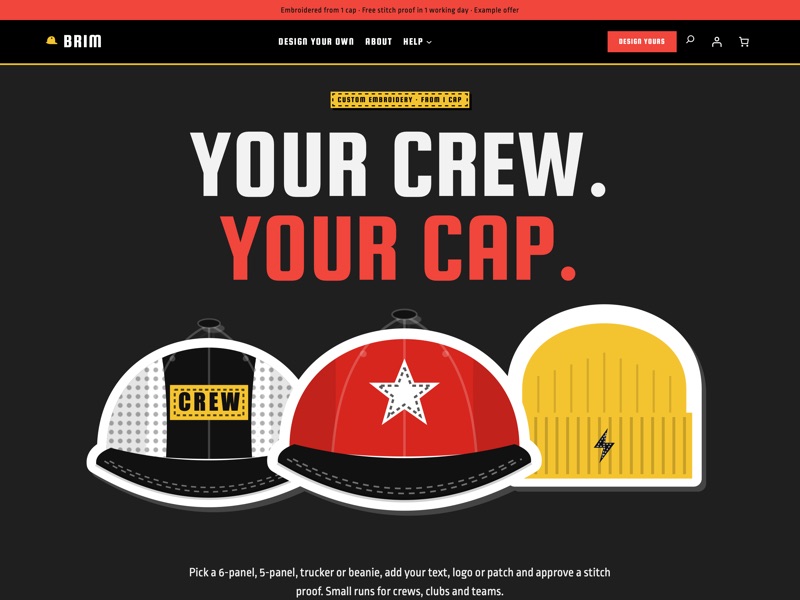 Night shift
Ready-made sections
Everything a custom cap shop needs
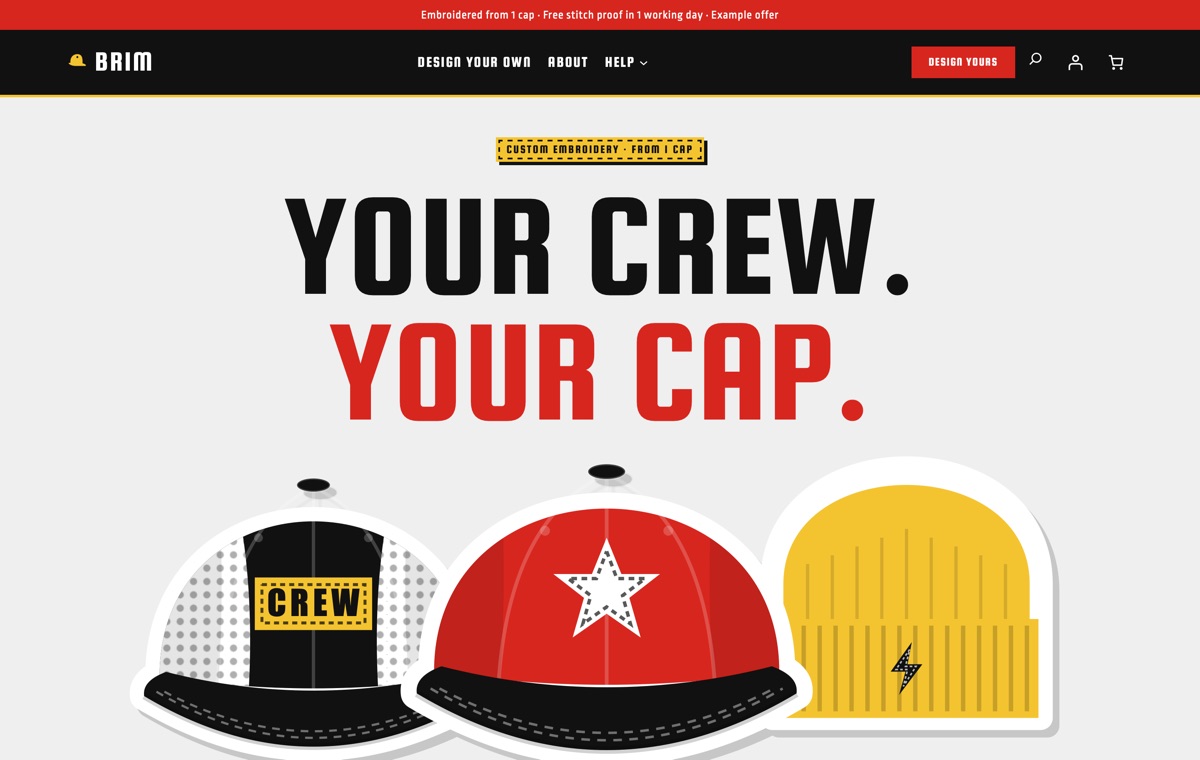
Home
A stacked poster hero with three cap cut-outs, the cap style picker, pick a cap / pick a design, fresh blanks, the placement guide, upload and proof, the thread chart, bulk price breaks, a crew banner, sizes and colours, turnaround times, crew photos, sample reviews and a FAQ.
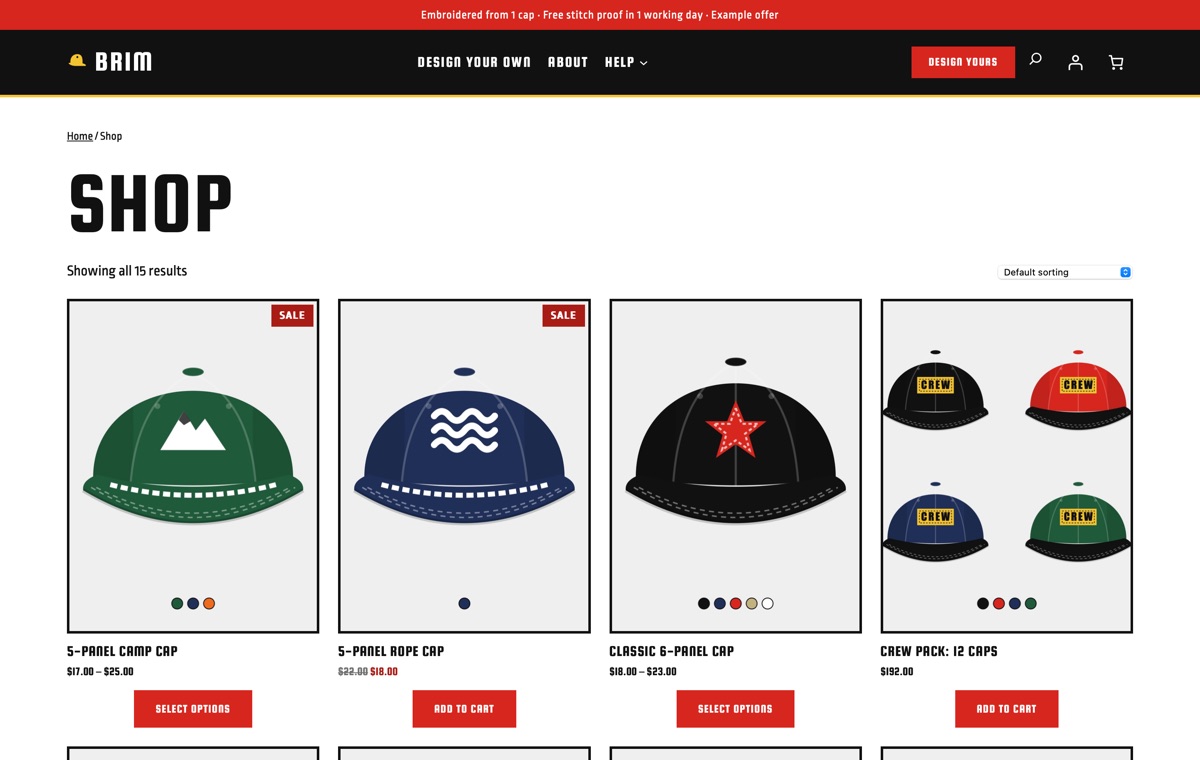
Shop
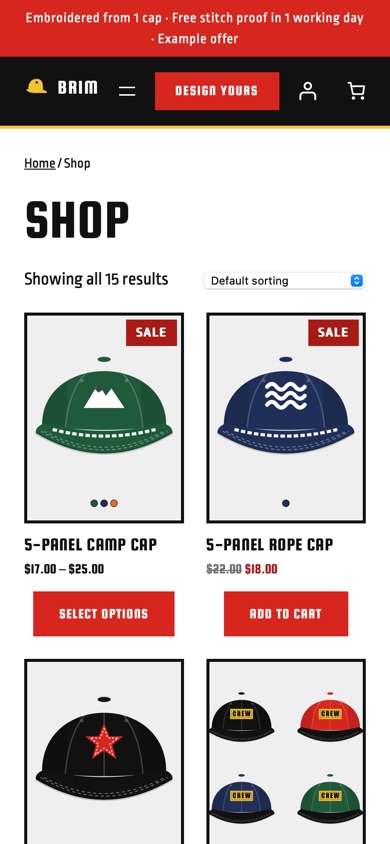
Every cap, beanie and patch in a grid of square cards on grey with chunky borders, sale badges and example prices.
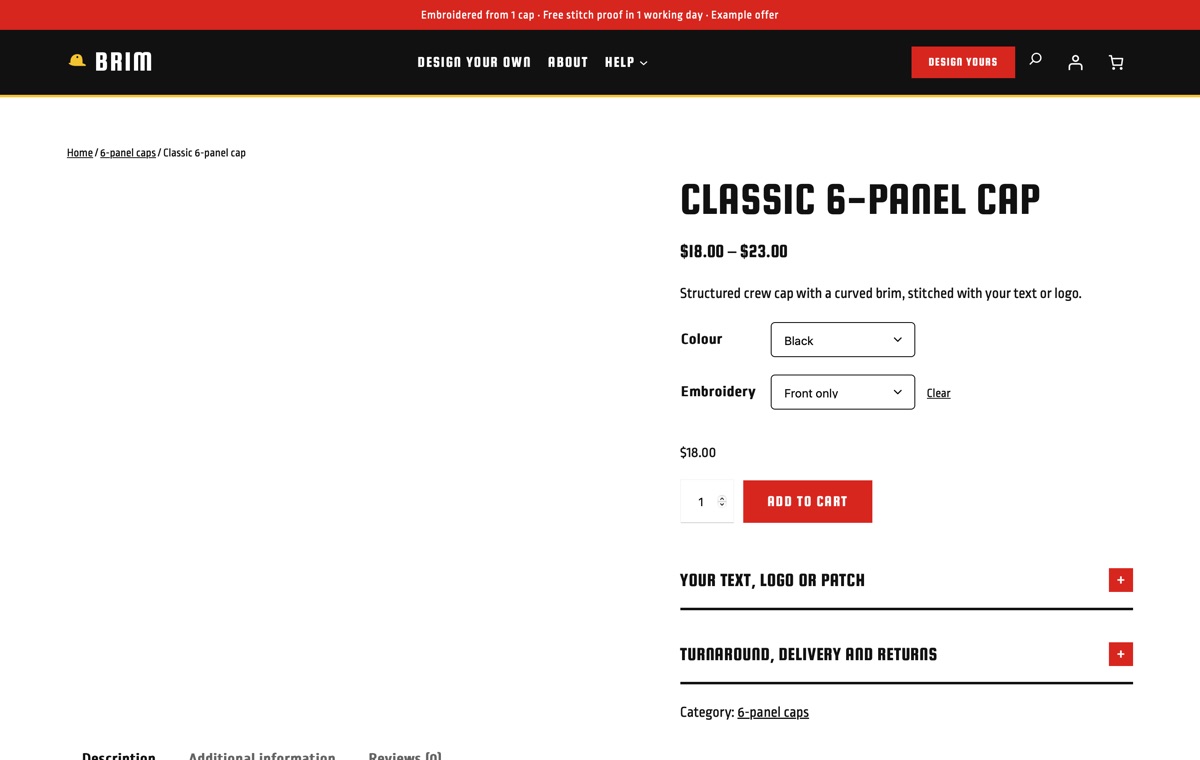
Product page
A variable cap with Colour (five colours) and Embroidery (front only, front + side, front + back) options, plus notes on sending your text or logo, the stitch proof, turnaround and returns.
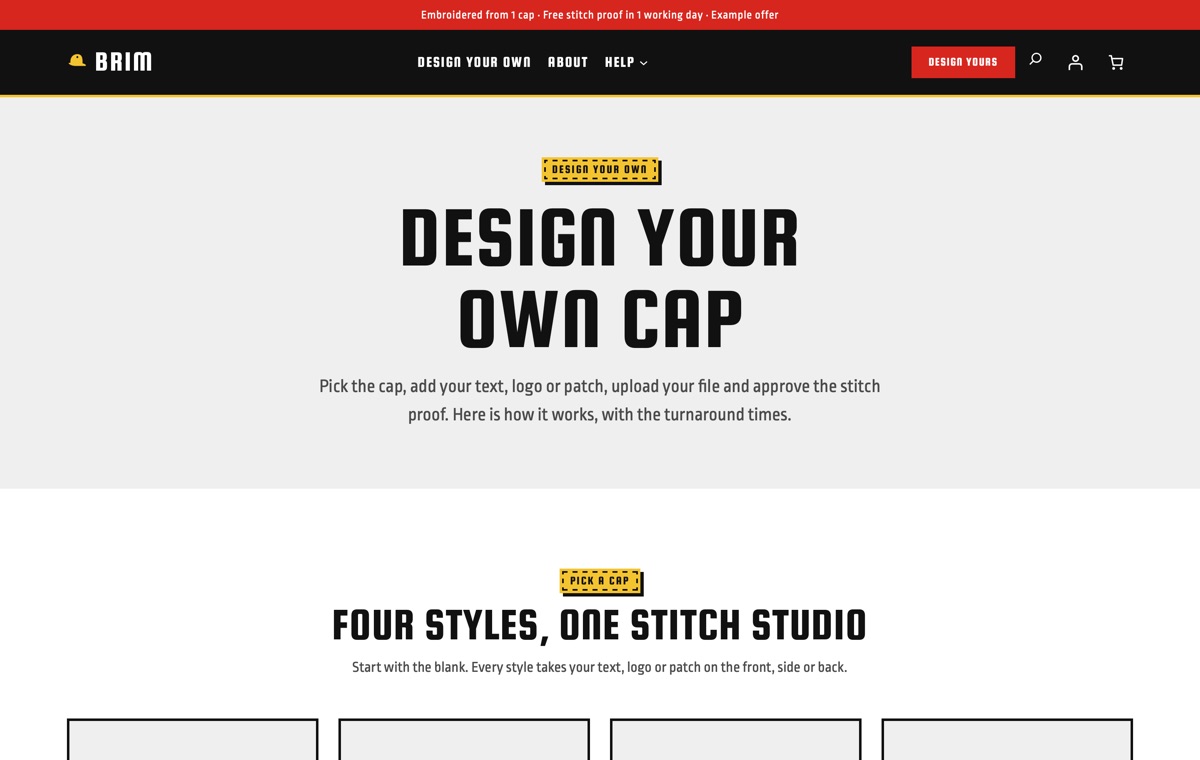
Design your own
The cap style picker, pick a cap / pick a design, placement guide, upload and proof steps, thread chart, sizes and colours, bulk price breaks and turnaround times on one page.
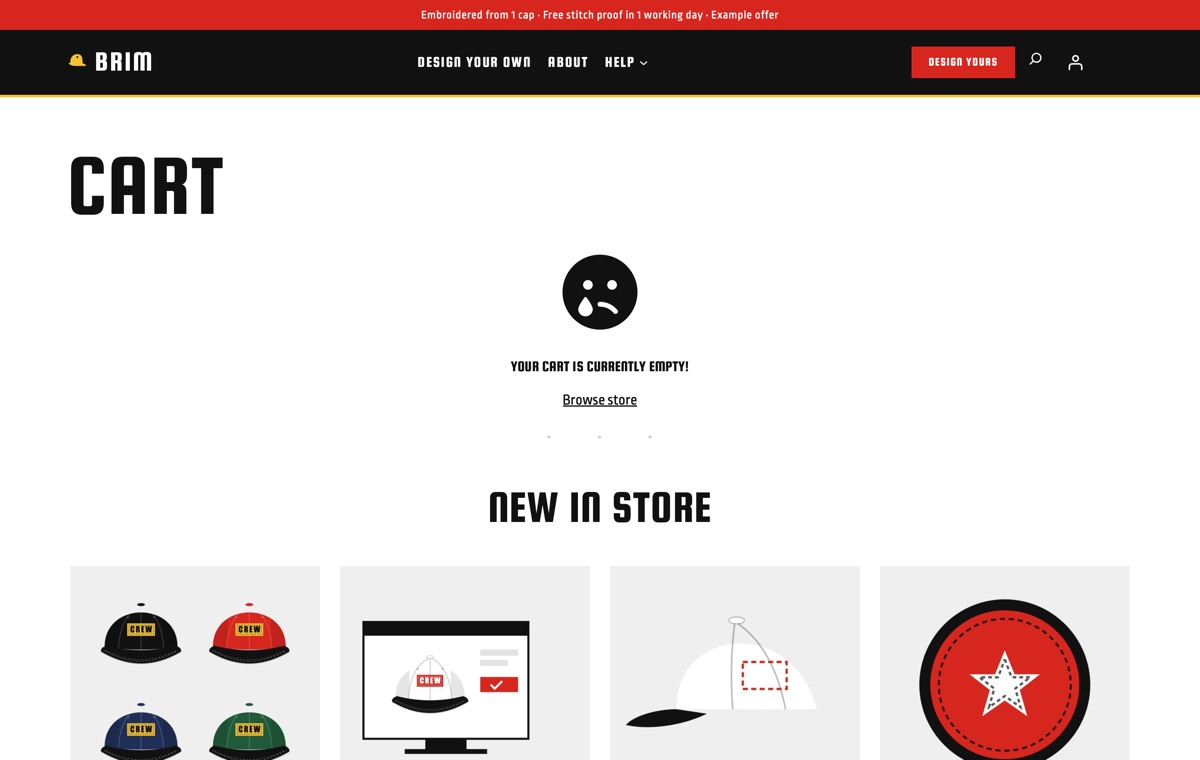
Cart
WooCommerce's Cart block in the theme's square, chunky-bordered style, with the order summary and a clear path to checkout.
AI kit, Pro Unlimited
Let your AI assistant set up your store
The Pro Unlimited AI kit lets an assistant rebrand Brim to your colours, rewrite the cap styles, placements, thread chart, price breaks and turnaround table with your own figures, and build crew-order landing pages from the theme's sections. It follows AGENTS.md and checks every change with the theme's validator.
- AGENTS.md + CLAUDE.mdRules your AI follows: design tokens, valid block markup, WooCommerce blocks and which sample text to replace.
- Agent SkillA ready skill that walks Claude through setting the store up for your business.
- 12 ready promptsSet up the theme for my shop, rebrand to my colours and fonts, rewrite the homepage in my voice and more, written for this kind of store.
- WordPress Abilitiescreate-landing-page, import-demo, list-demos, set-style: AI agents connected to your site can run them directly.
- Theme checkerOne command checks block markup, colour contrast and leftover sample content before launch.
prompts.md #1Set up this LT Brim store for my embroidery studio "Loop & Lid": 6-panel caps $20, truckers $18 and beanies $16 with front embroidery, side or back +$6, price breaks at 12 ($17), 24 ($15) and 48 ($13), a one-off $30 digitising fee, proofs within one working day with two rounds of changes, stitching in 5 days, free delivery over $150. Use the Varsity style and replace every sample text, price and policy. Features
Built the modern WordPress way
Pricing
Get LT Brim
Free is the theme with its templates, section patterns and colour styles; Pro Standard adds the complete demo store with one-click import, a year of updates and ticket support; Pro Unlimited adds the AI kit and unlimited websites.
Free download
Free Download
- Theme, templates, 24 patterns & 3 colour styles✓
- Complete demo store & one-click import✕
- Mobile ready✓
- Downloads & updatesForever
- Ticket supportDocumentation
- Website license1
- AI kit (AGENTS.md, skill, prompts, checker)✕
- Credit removal✕
Keeps a small credit link in the footer.
Most popular
Pro Standard
$29 Yearly payment
- Theme, templates, 24 patterns & 3 colour styles✓
- Complete demo store & one-click import✓
- Mobile ready✓
- Downloads & updates1 year
- Ticket support1 year (renews yearly)
- Website license1
- AI kit (AGENTS.md, skill, prompts, checker)✕
- Credit removal✓
Pro Unlimited
$49 One-time payment
- Theme, templates, 24 patterns & 3 colour styles✓
- Complete demo store & one-click import✓
- Mobile ready✓
- Downloads & updatesLifetime
- Ticket supportLifetime
- Website licenseUnlimited
- AI kit (AGENTS.md, skill, prompts, checker)✓
- Credit removal✓
LT Brim FAQ
Can customers upload their logo on the product page?
The theme explains the upload and proof steps and lays out the sections, but accepting files and custom text needs a WooCommerce product add-ons or file upload plugin. The demo describes the steps; it does not collect files.
Do the bulk price breaks change the cart price?
No. The price break table is content you edit. To charge lower prices at 12, 24 or 48 caps, add a quantity pricing plugin and keep the table in line with it.
Who is responsible for the logos customers send?
The customer. The theme’s upload section and FAQ say that customers may only send designs they own or may use. The theme itself ships original sample emblems, never brand logos.
How do colours and placements work?
Caps are variable products, for example Colour and Embroidery (front only, front + side, front + back), so every combination has its own price. The placement guide shows the largest stitch area on the front, side and back.
Can I sell beanies and patches too?
Yes. The demo store has cuffed, fisherman and pom-pom beanies, woven and embroidered patches, an extra placement add-on and a logo digitising fee as separate products.
Is there a dark style?
Yes. Night shift is a dark style with red and yellow accents; Red thread and Varsity are light. The black header and footer bars stay dark in every style.
Which versions of WordPress and WooCommerce do I need?
WordPress 7.0 or newer, WooCommerce 10 or newer and PHP 8.1 or newer (tested up to WordPress 7.1 and WooCommerce 11.2). LT Brim is a block theme: you edit the header, footer and store templates in Appearance → Editor, and WooCommerce runs products, payments, shipping and taxes.
What is the difference between Free, Pro Standard and Pro Unlimited?
Free is the theme package: all templates, the 24 section patterns and 6 page layouts and all 3 colour styles, with a small credit link in the footer; it has no demo content and no demo import. Pro Standard adds the complete demo store (categories, products, pages and menu) with one-click import, credit removal, and a year of updates and ticket support, for one website. Pro Unlimited adds the AI kit, unlimited websites and lifetime updates and support. The demo import works without a licence key; the key gives you updates.
Can I use it on my existing WooCommerce store?
Yes. Activating the theme never changes your products, orders, customers or WooCommerce settings; preview it first in Appearance → Themes. The Pro demo import adds its sample categories, products, pages and menu without changing your existing products or pages, but it can set the demo homepage as your front page and change the site title, so run it on a new or staging site if you only want to copy the layouts.
How do I get the Pro version after buying?
Right after payment you receive a licence key by email. Sign in at ltheme.com/account to download your theme and every update included in your plan, and enter the key in Appearance → Licence to get updates in WordPress.
How do I get support?
Pro Standard and Pro Unlimited include ticket support at ltheme.com/ticket-support. Free users can follow the documentation.
More fashion & accessories WooCommerce themes
No theme matches yet. Try another word, or ask us which theme fits your business.
-
Watch straps by lug width New
LT Lug
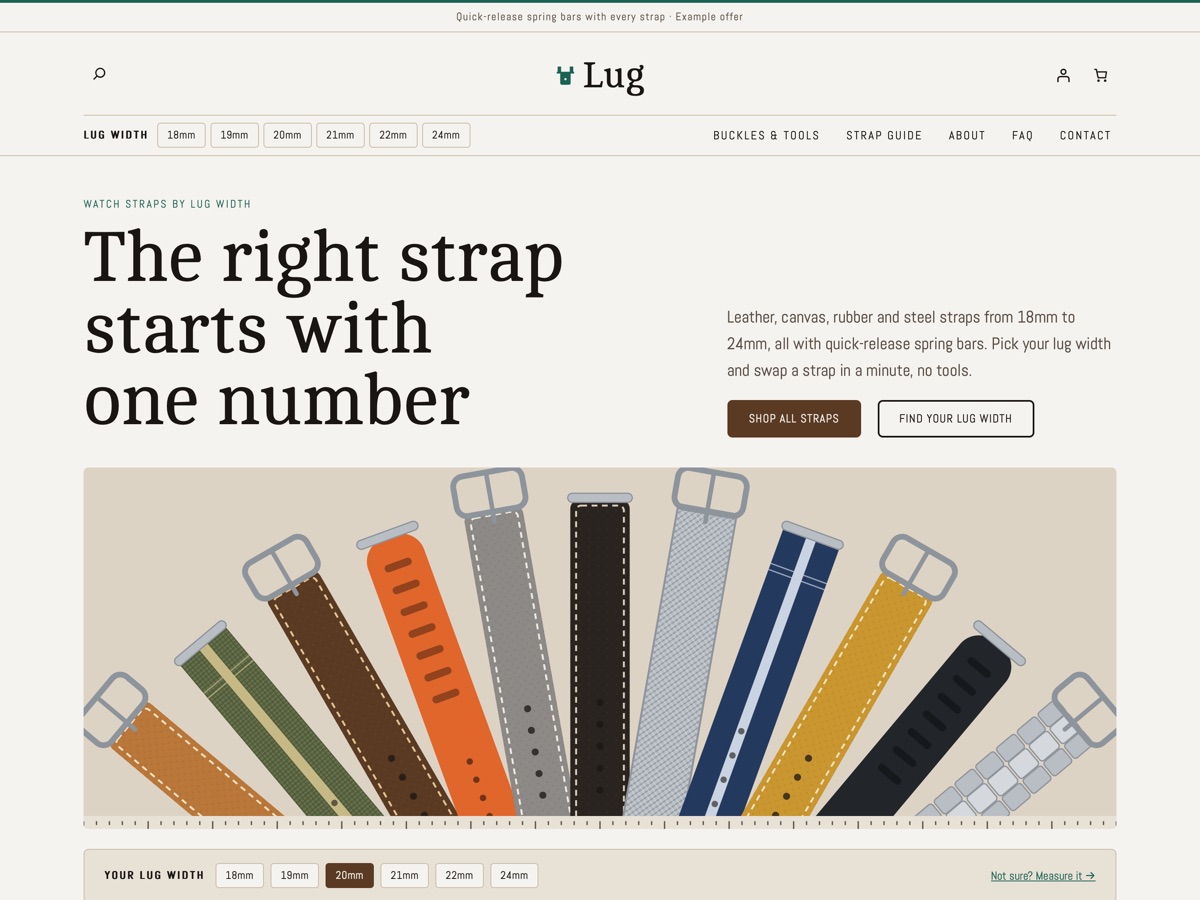
A WooCommerce theme for watch strap shops: lug-width chips, a lug width finder, a material guide, a buckle picker and a length chart.
-
Silk scarf studio New
LT Drape
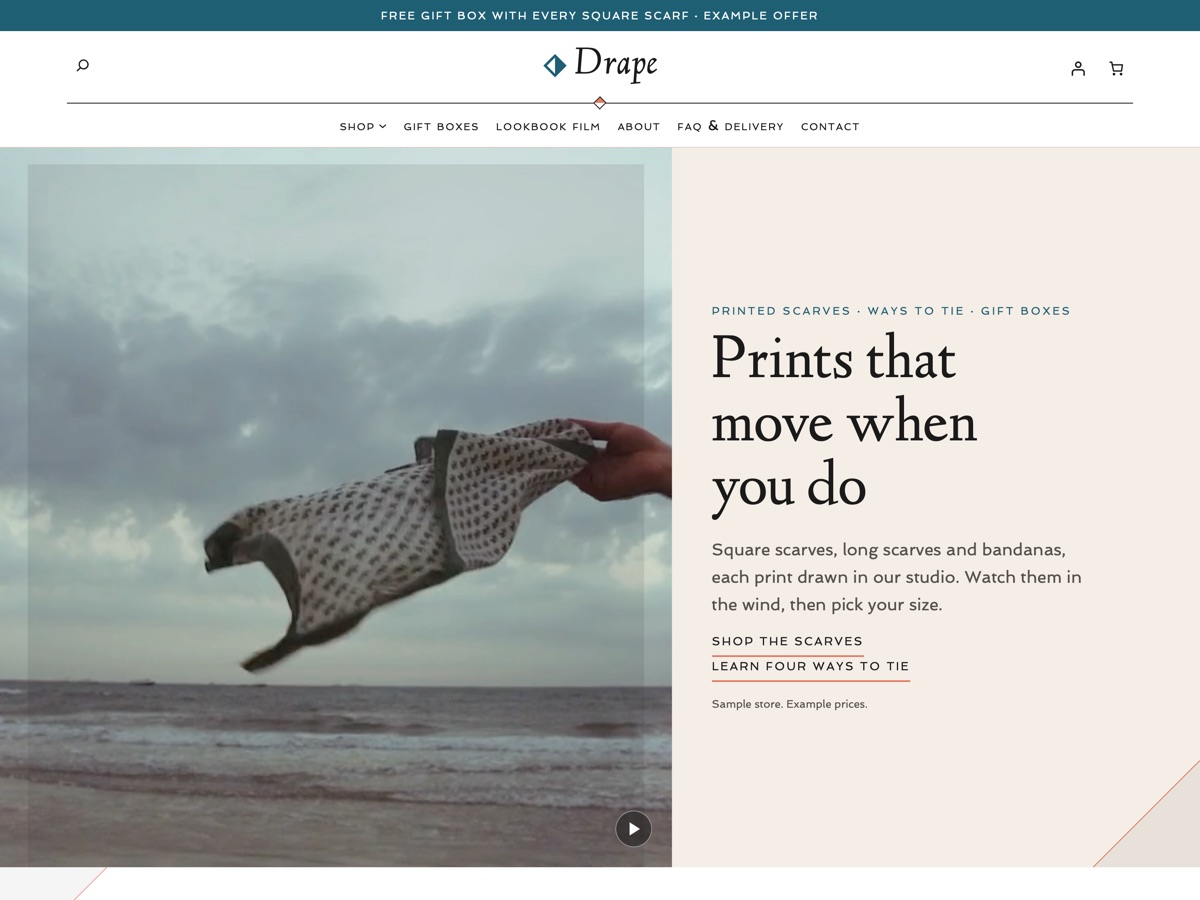
A white, lagoon teal and coral WooCommerce theme for scarf and accessory shops, with prints in motion, how-to-tie videos and gift boxes.
-
Made-to-measure shirts New
LT Collar
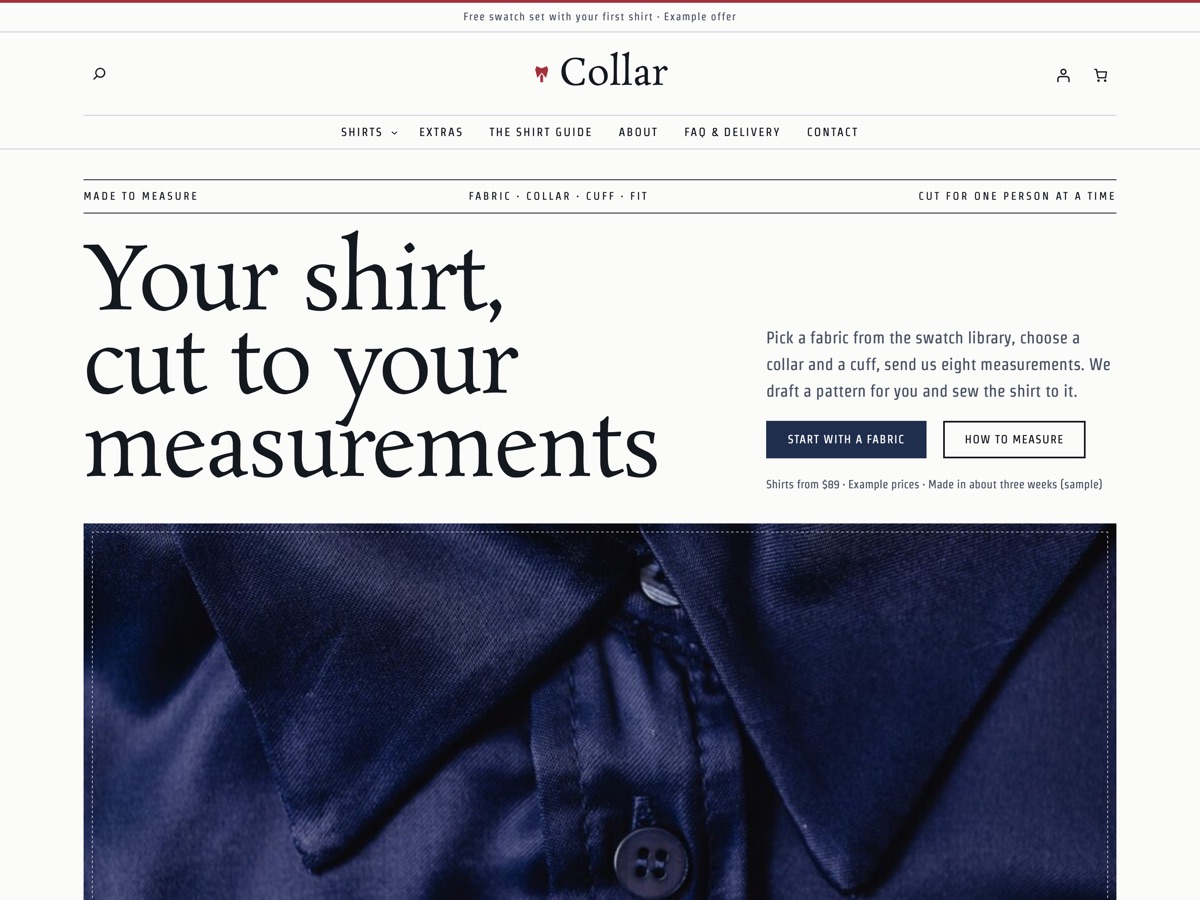
A WooCommerce theme for made-to-measure shirt studios: fabric swatches, collar and cuff pickers, a measurement guide and a fit finder.