Catering equipment WooCommerce theme
LT Galley – AI-Ready Catering Equipment Wholesaler WooCommerce Theme
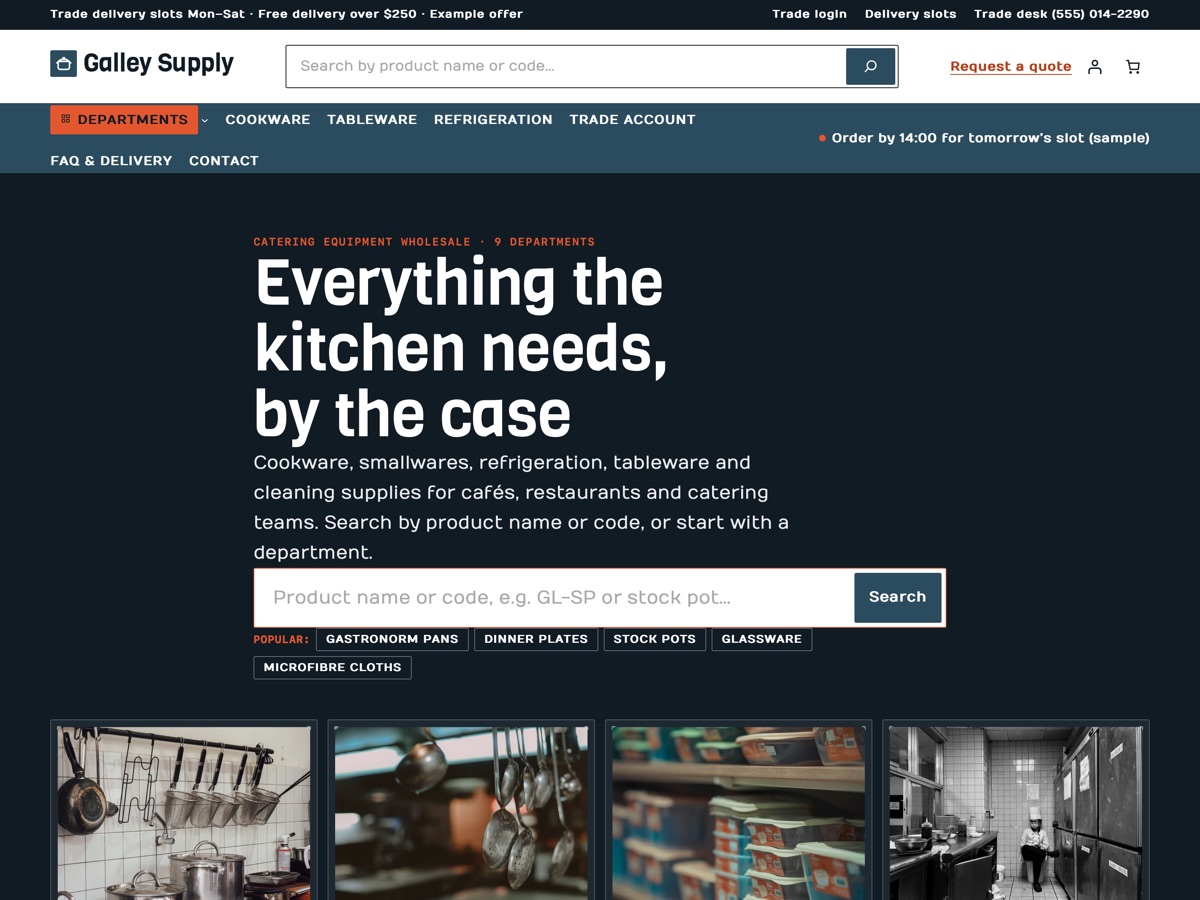
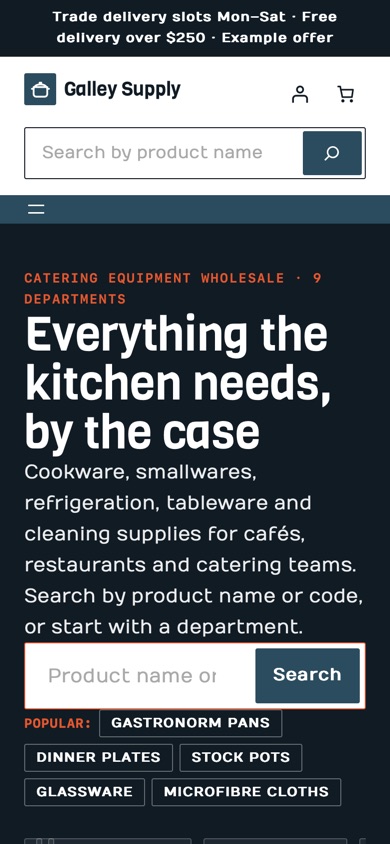
LT Galley is a WooCommerce block theme for catering and restaurant equipment wholesalers with a large catalogue, shown as a trade supplier of cookware, smallwares, refrigeration, tableware and cleaning supplies in nine departments. It has a department tiles hero under a big product search, a mega menu, product list rows with the product code, case size and unit price, a quick order list, case prices, café / restaurant / group trade tiers, a quote request block, a kitchen fit-out checklist, trade delivery slots and click & collect, all on WooCommerce's own blocks. Pro Unlimited adds the AI kit, so an assistant can rebrand and extend the store safely.
- 22 section patterns
- 6 page layouts
- 3 colour styles
- 28 demo products
Colour styles
3 colour styles, one click apart
Pick a style in Appearance, Editor, Styles, or set your own brand colour once. Buttons, icons and shadows follow automatically.
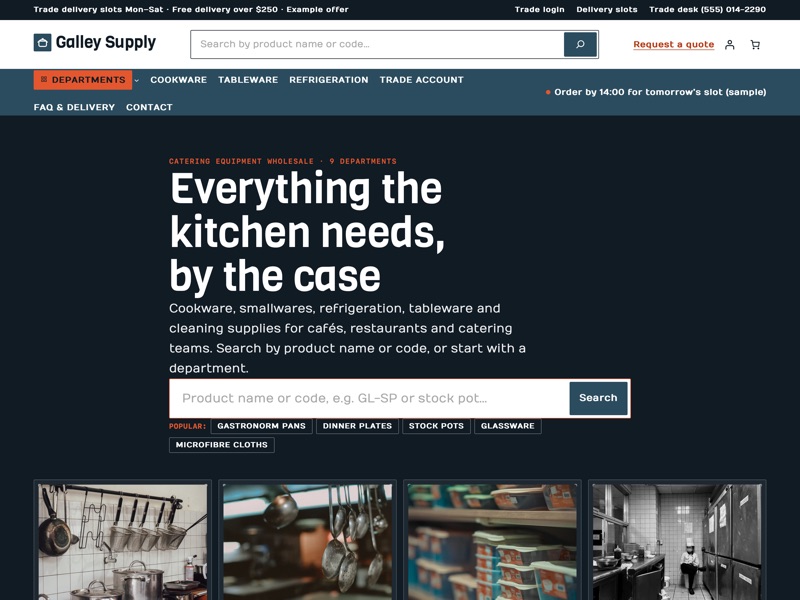 Galley Steel
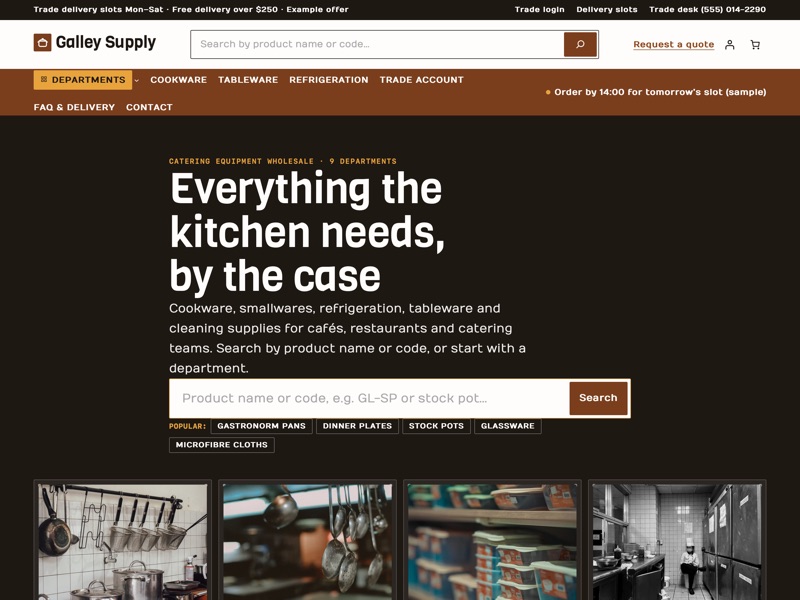 Copper Pan
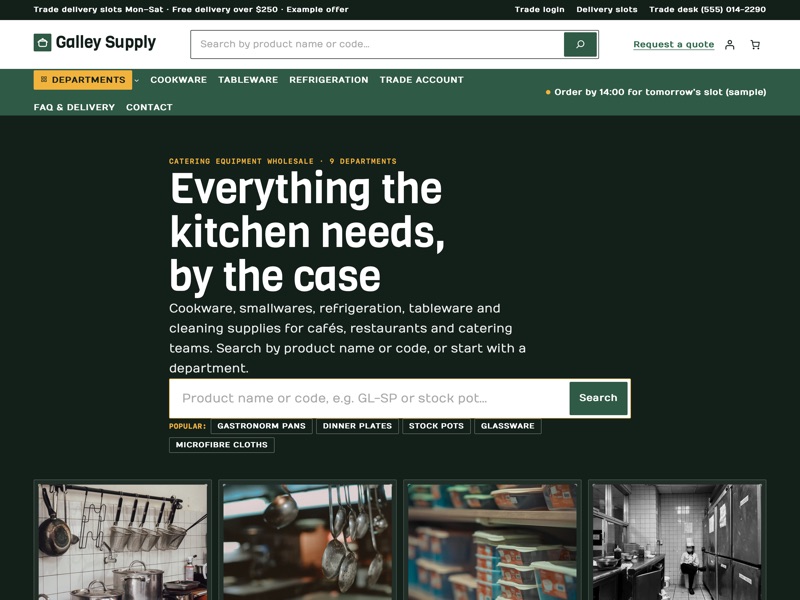 Herb Garden
Ready-made sections
Everything a catering equipment wholesaler needs
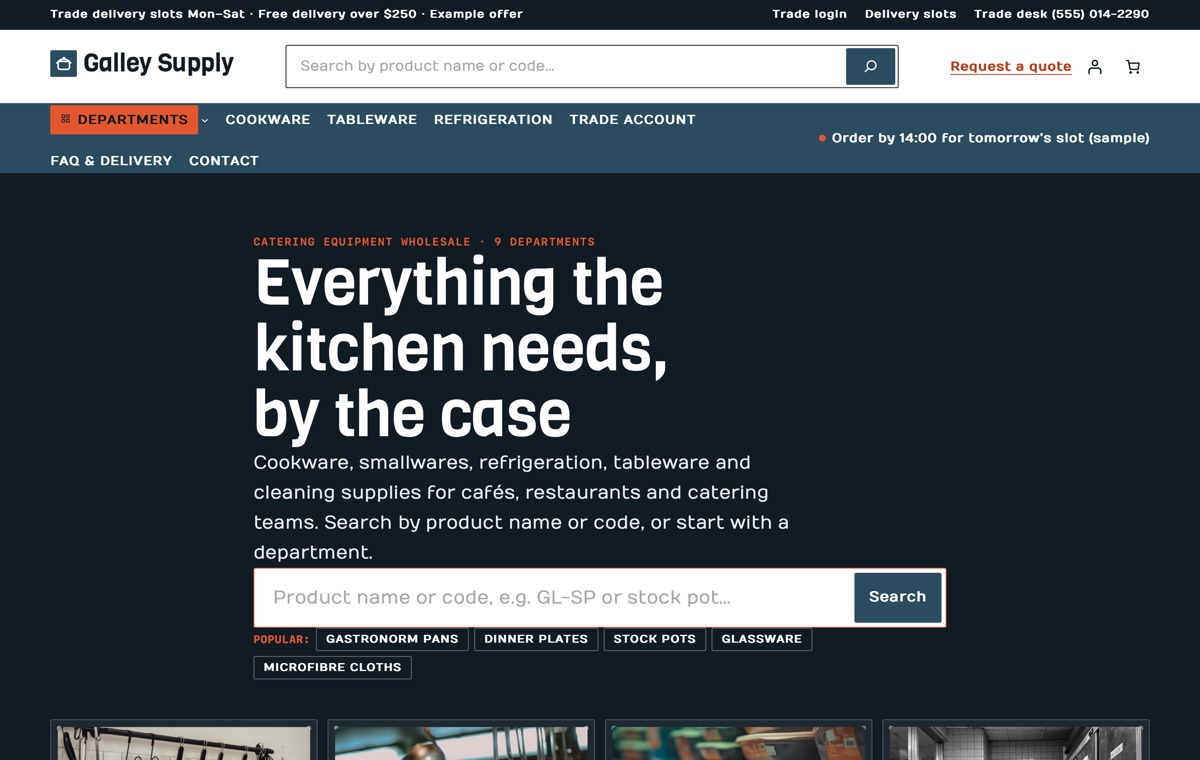
Homepage
Department tiles under a big product search on a dark band, nine department cards, product list rows with case sizes, quick order list, case prices, trade tiers, case offers, kitchen fit-out checklist, delivery slots, quote request, click & collect, reviews and FAQ.
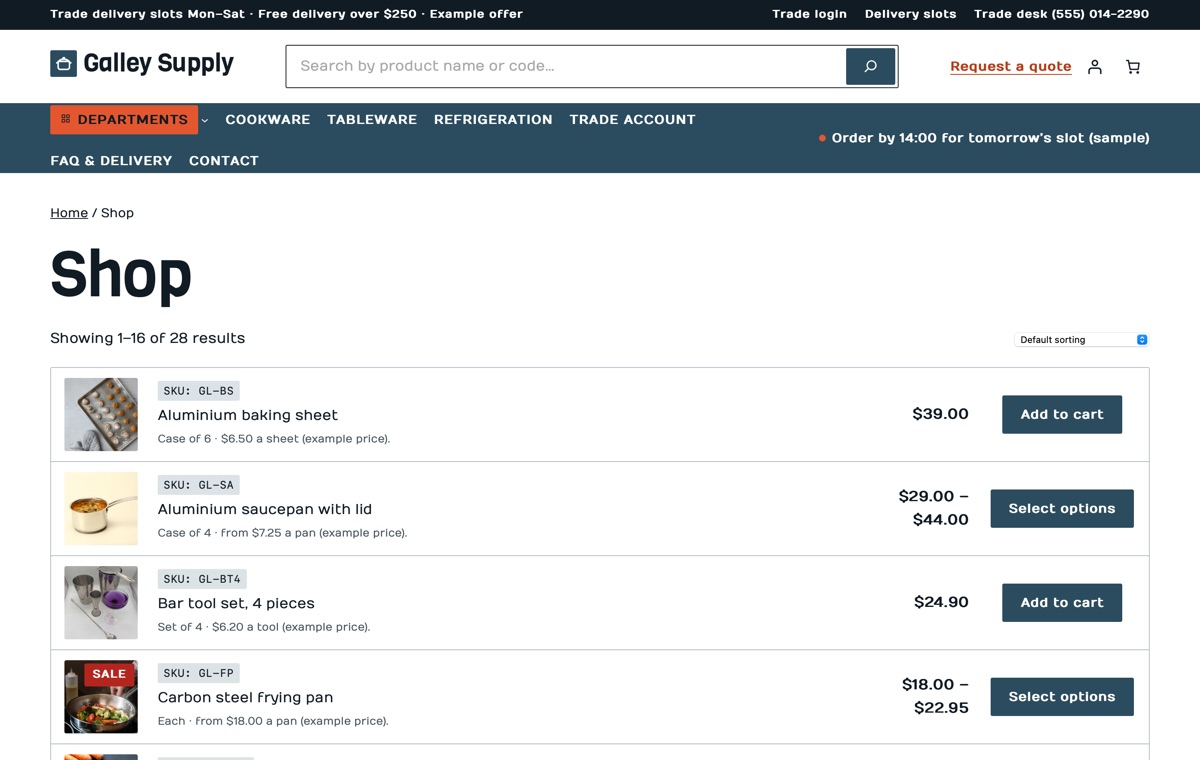
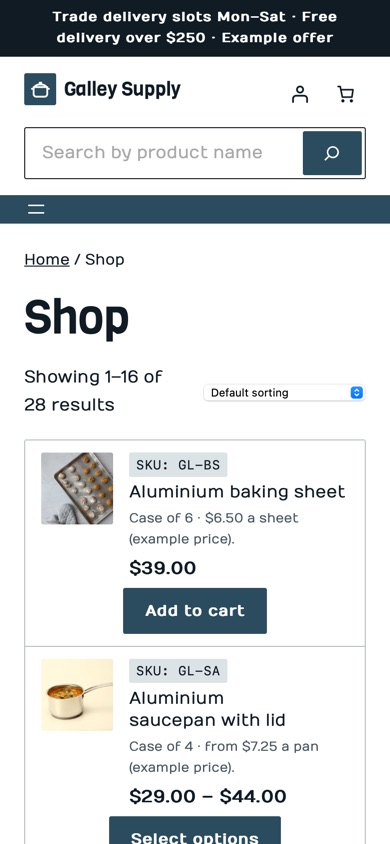
Shop
WooCommerce product collection shown as list rows: 28 sample lines in 9 departments and 7 sub-categories, each with its product code, case size and unit price.
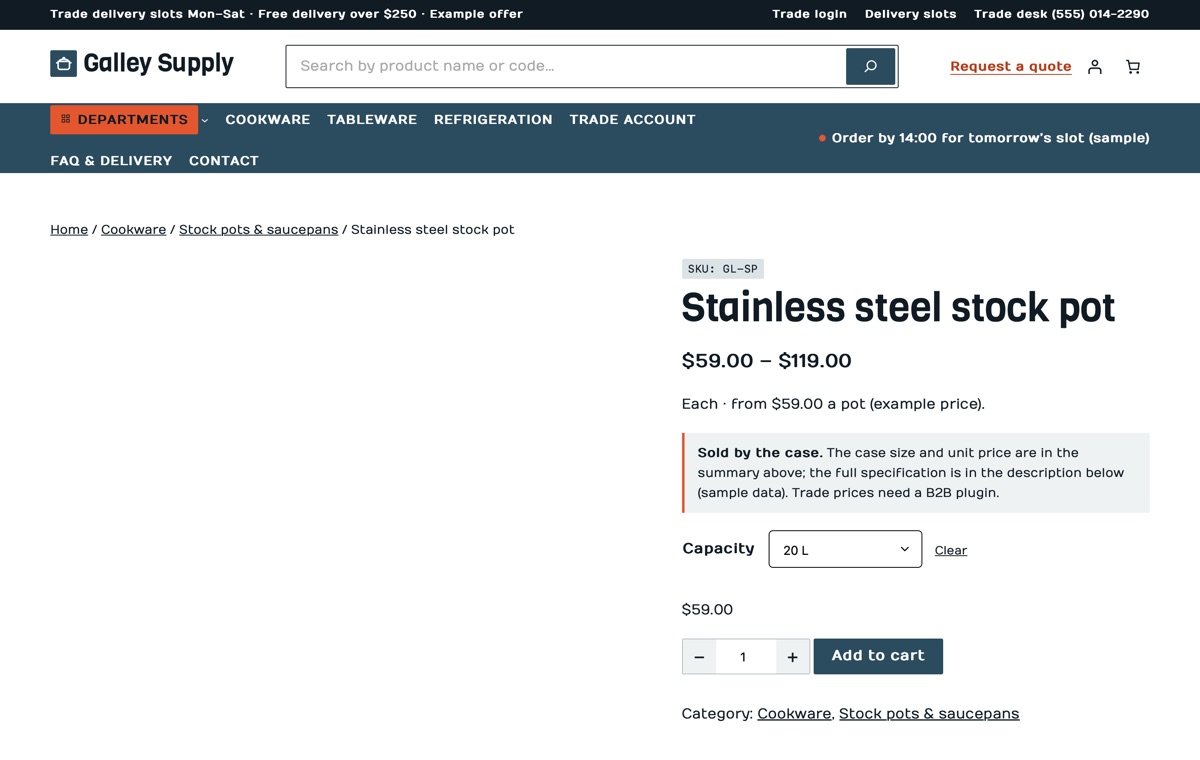
Product page
A variable product with Capacity options, the product code on top, a case note and a quantity stepper on the add-to-cart form, and a specification table in the description.
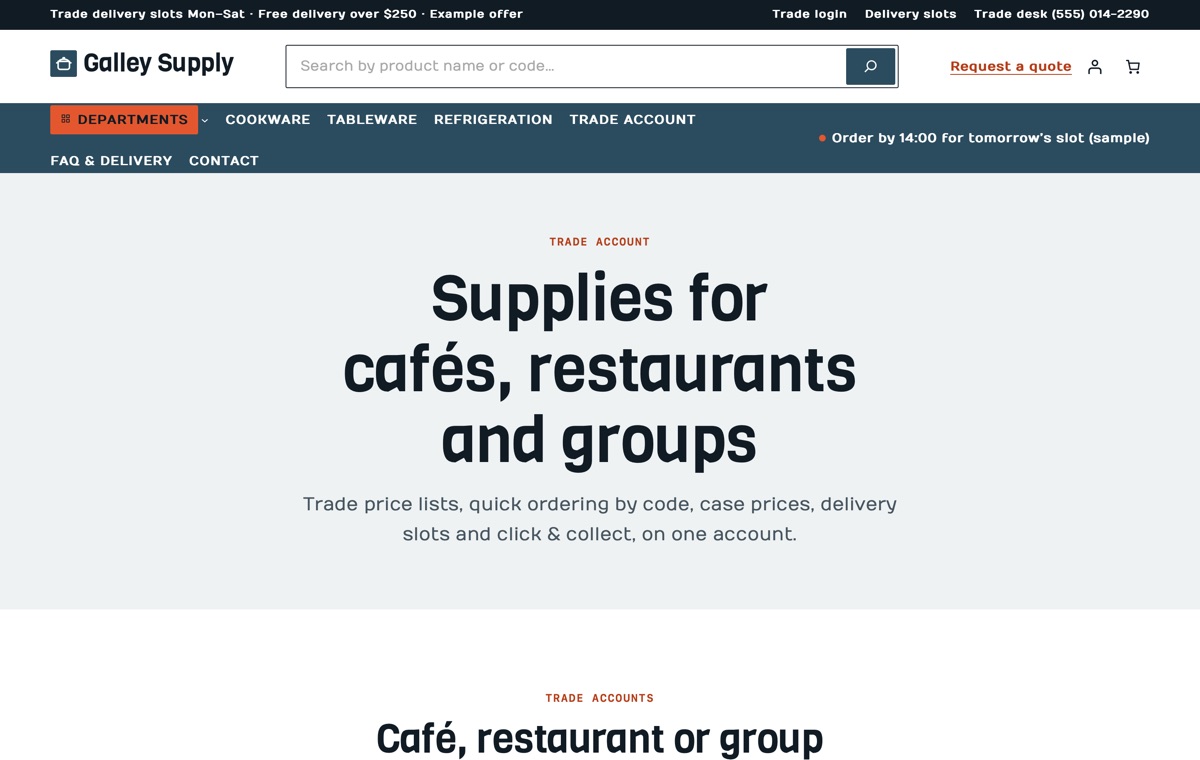
Trade account
Café, restaurant and group tiers, how to apply, the quick order list, case prices, delivery slots, click & collect, a quote request and trade FAQ on one page.
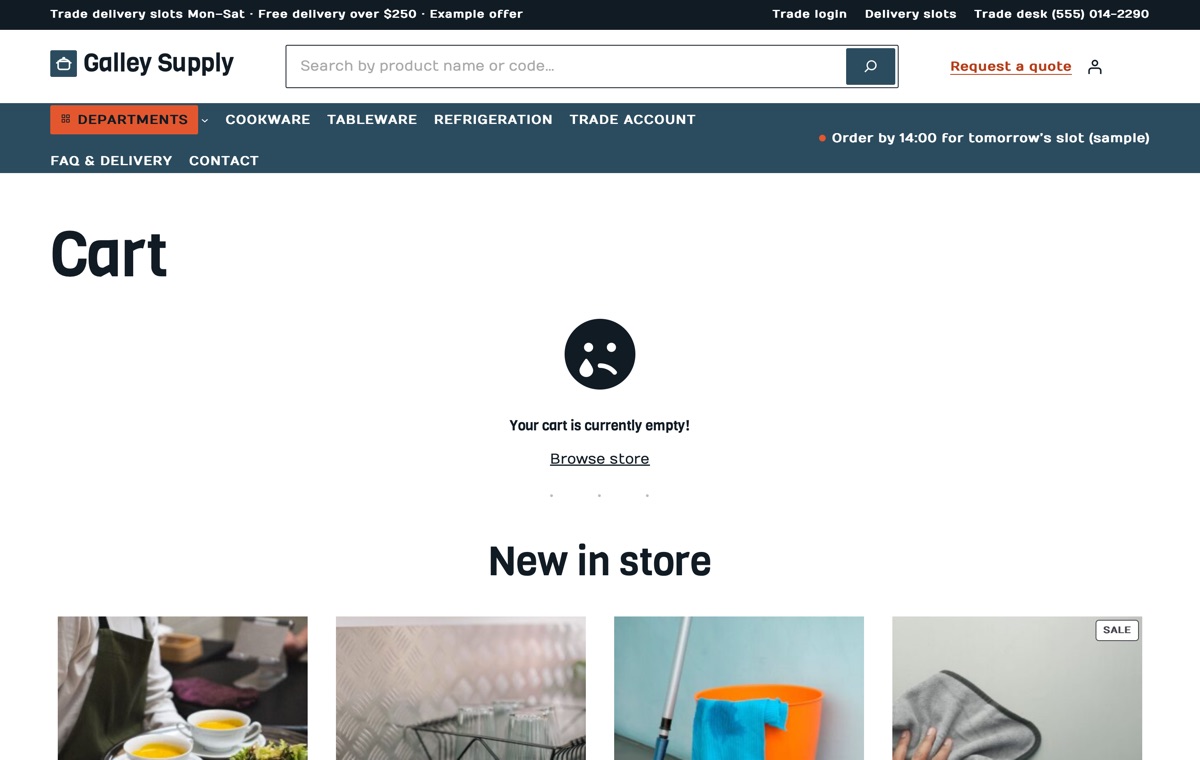
Cart
WooCommerce Cart block styled to the theme, with the mini-cart in the header.
AI kit, Pro Unlimited
Let your AI assistant set up your store
With the AI kit an assistant can set up your departments and mega menu, write product descriptions with product codes, case sizes and specifications, update the quick order list, case prices and delivery slots, and rebrand the store in theme.json without breaking the block markup. It follows rules that keep the B2B, quote and delivery-slot plugin notes and sample labels in place until you confirm the facts.
- AGENTS.md + CLAUDE.mdRules your AI follows: design tokens, valid block markup, WooCommerce blocks and which sample text to replace.
- Agent SkillA ready skill that walks Claude through setting the store up for your business.
- 13 ready promptsSet up the theme for my catering supply store, rebrand to my colours and fonts, rewrite the homepage in my voice and more, written for this kind of store.
- WordPress Abilitiescreate-landing-page, import-demo, list-demos, set-style: AI agents connected to your site can run them directly.
- Theme checkerOne command checks block markup, colour contrast and leftover sample content before launch.
prompts.md #1Set up this LT Galley store for my business "Northpoint Catering Supply" (sample): departments Cookware, Smallwares, Refrigeration, Tableware, Bar & coffee and Cleaning, one depot at 22 Wharf Street open Mon–Fri 6:00–16:00 and Sat 7:00–11:00, click & collect from 7:00 when ordered by 14:00, delivery slots Mon–Sat 06:00–09:00 and 10:00–13:00 with free delivery over $300, 30-day returns on sealed cases. Use the Copper Pan style with my brand colour #7A3E1D, update the department tiles, the mega menu and the delivery slots, and write the trade tiers for cafés, restaurants and hotel groups. Features
Built the modern WordPress way
Pricing
Get LT Galley
Free is the theme with its templates, section patterns and colour styles; Pro Standard adds the complete demo store with one-click import, a year of updates and ticket support; Pro Unlimited adds the AI kit and unlimited websites.
Free download
Free Download
- Theme, templates, 22 patterns & 3 colour styles✓
- Complete demo store & one-click import✕
- Mobile ready✓
- Downloads & updatesForever
- Ticket supportDocumentation
- Website license1
- AI kit (AGENTS.md, skill, prompts, checker)✕
- Credit removal✕
Keeps a small credit link in the footer.
Most popular
Pro Standard
$29 Yearly payment
- Theme, templates, 22 patterns & 3 colour styles✓
- Complete demo store & one-click import✓
- Mobile ready✓
- Downloads & updates1 year
- Ticket support1 year (renews yearly)
- Website license1
- AI kit (AGENTS.md, skill, prompts, checker)✕
- Credit removal✓
Pro Unlimited
$49 One-time payment
- Theme, templates, 22 patterns & 3 colour styles✓
- Complete demo store & one-click import✓
- Mobile ready✓
- Downloads & updatesLifetime
- Ticket supportLifetime
- Website licenseUnlimited
- AI kit (AGENTS.md, skill, prompts, checker)✓
- Credit removal✓
LT Galley FAQ
Can I show case sizes and unit prices?
Yes. Each product row shows the product code, the price per case and the short description, which in the demo starts with the case size and the unit price (for example “Case of 6 · $4.90 a plate”). Edit that line per product in WooCommerce.
Do the delivery slots work out of the box?
No. The delivery slots section shows how a trade delivery week looks. Letting customers choose a slot at checkout needs a delivery-date plugin for WooCommerce; the theme then gives it a matching look.
Can restaurants get their own trade prices?
The Trade account page and the tier, quick order and case price sections show how a trade counter works. Trade price lists, payment terms, several sites per account and ordering by product code need a WooCommerce B2B or quick-order plugin.
How do quote requests work?
The quote request block shows the steps and a sample form layout, and its buttons send the list by email or phone. An online quote form needs a request-a-quote or forms plugin.
How are the departments and the mega menu set up?
The demo has nine top-level product categories (departments) with sub-categories under three of them. The first item of the header menu is the Departments button; on desktop it opens a three-column panel.
Does the theme make food-safety or hygiene claims?
No. The demo makes no certification, food-safety or hygiene claims and uses no real brands. Add such details only for products where you hold the documents.
Which versions of WordPress and WooCommerce do I need?
WordPress 7.0 or newer, WooCommerce 10 or newer and PHP 8.1 or newer (tested up to WordPress 7.1 and WooCommerce 11.2). LT Galley is a block theme: you edit the header, footer and store templates in Appearance → Editor, and WooCommerce runs products, payments, shipping and taxes.
What is the difference between Free, Pro Standard and Pro Unlimited?
Free is the theme package: all templates, the 22 section patterns and 6 page layouts and all 3 colour styles, with a small credit link in the footer; it has no demo content and no demo import. Pro Standard adds the complete demo store (categories, products, pages and menu) with one-click import, credit removal, and a year of updates and ticket support, for one website. Pro Unlimited adds the AI kit, unlimited websites and lifetime updates and support. The demo import works without a licence key; the key gives you updates.
Can I use it on my existing WooCommerce store?
Yes. Activating the theme never changes your products, orders, customers or WooCommerce settings; preview it first in Appearance → Themes. The Pro demo import adds its sample categories, products, pages and menu without changing your existing products or pages, but it can set the demo homepage as your front page and change the site title, so run it on a new or staging site if you only want to copy the layouts.
How do I get the Pro version after buying?
Right after payment you receive a licence key by email. Sign in at ltheme.com/account to download your theme and every update included in your plan, and enter the key in Appearance → Licence to get updates in WordPress.
How do I get support?
Pro Standard and Pro Unlimited include ticket support at ltheme.com/ticket-support. Free users can follow the documentation.
More home & living WooCommerce themes
No theme matches yet. Try another word, or ask us which theme fits your business.
-
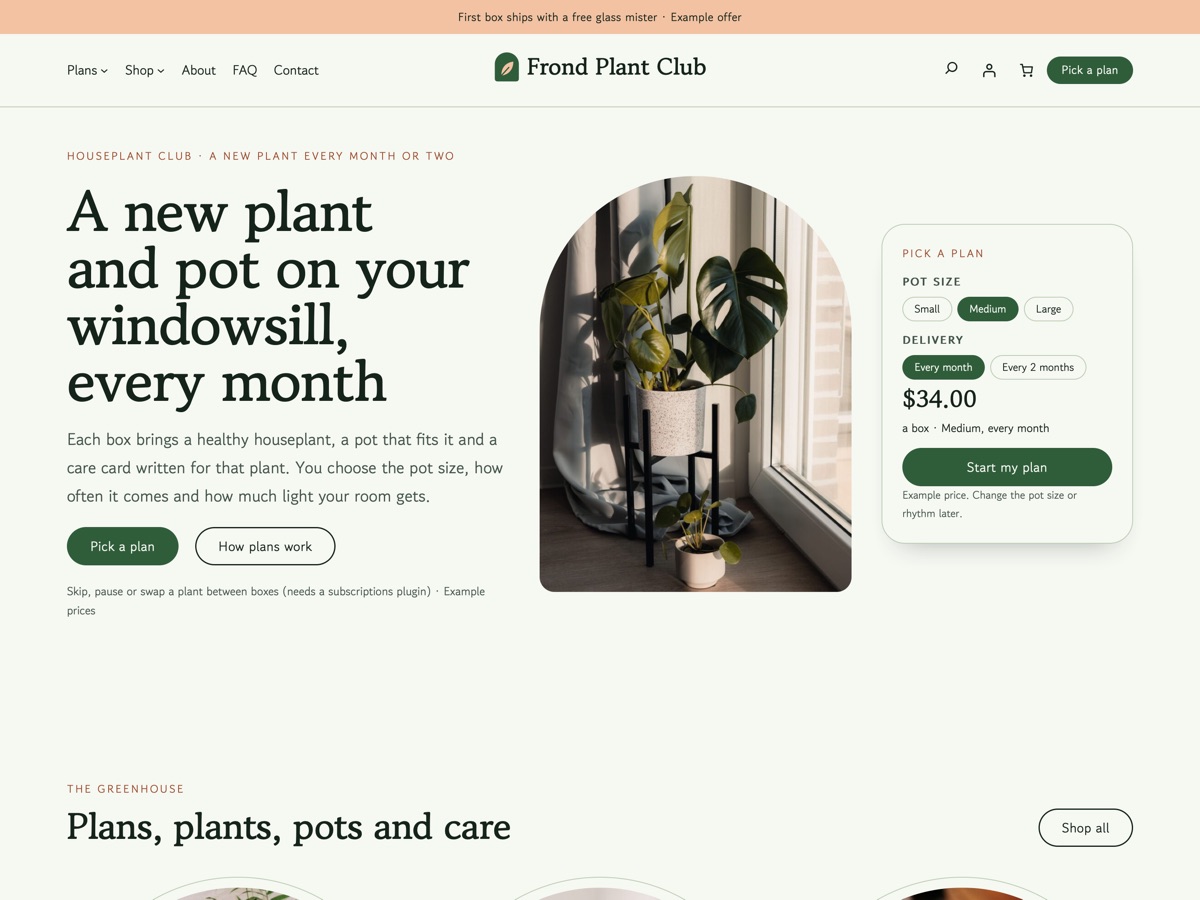
Houseplant club New
LT Frond
A subscription box theme for houseplant clubs: a new plant and pot every month, care cards, plant swaps and gift plans.
-
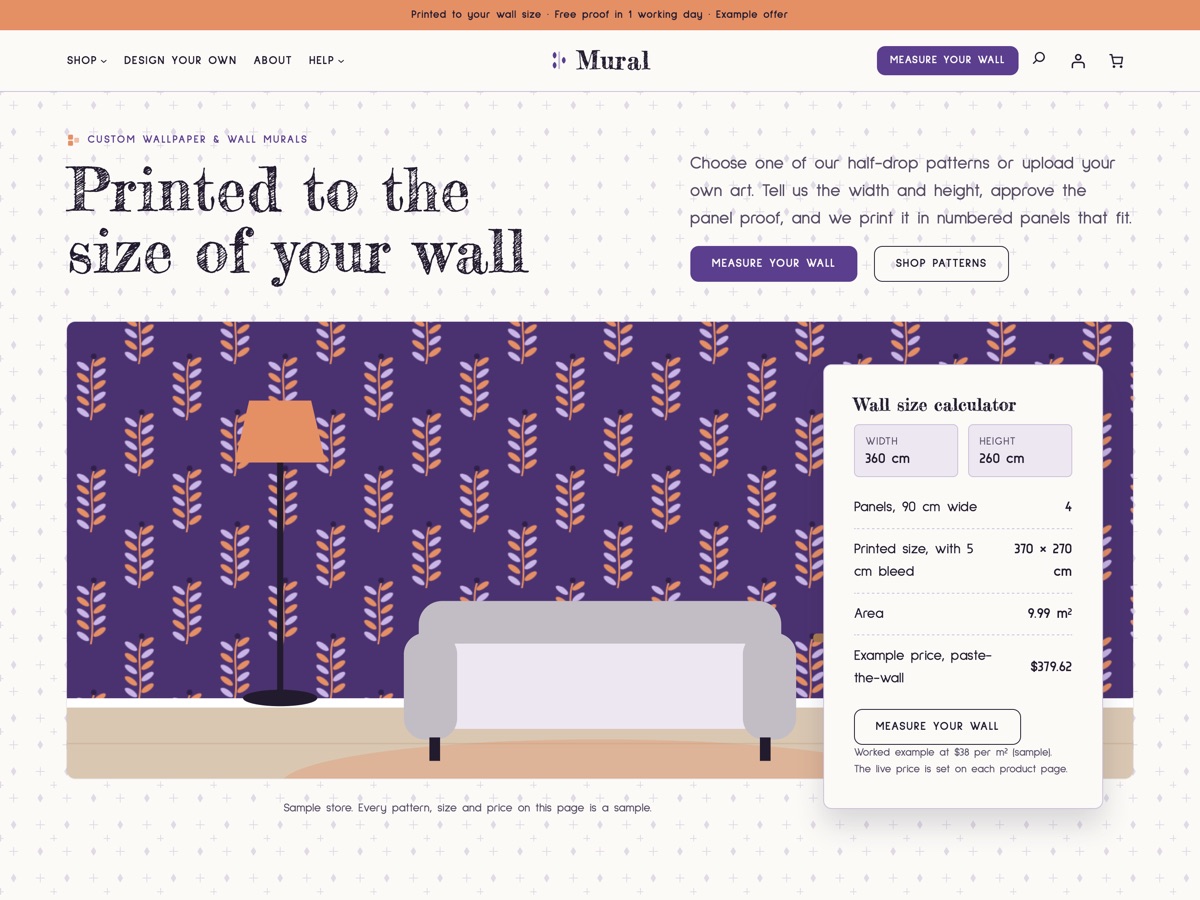
Custom wallpaper and murals New
LT Mural
A soft lilac, plum and apricot WooCommerce theme for custom wallpaper and wall murals: pick a pattern or upload your art, printed to your wall size.
-
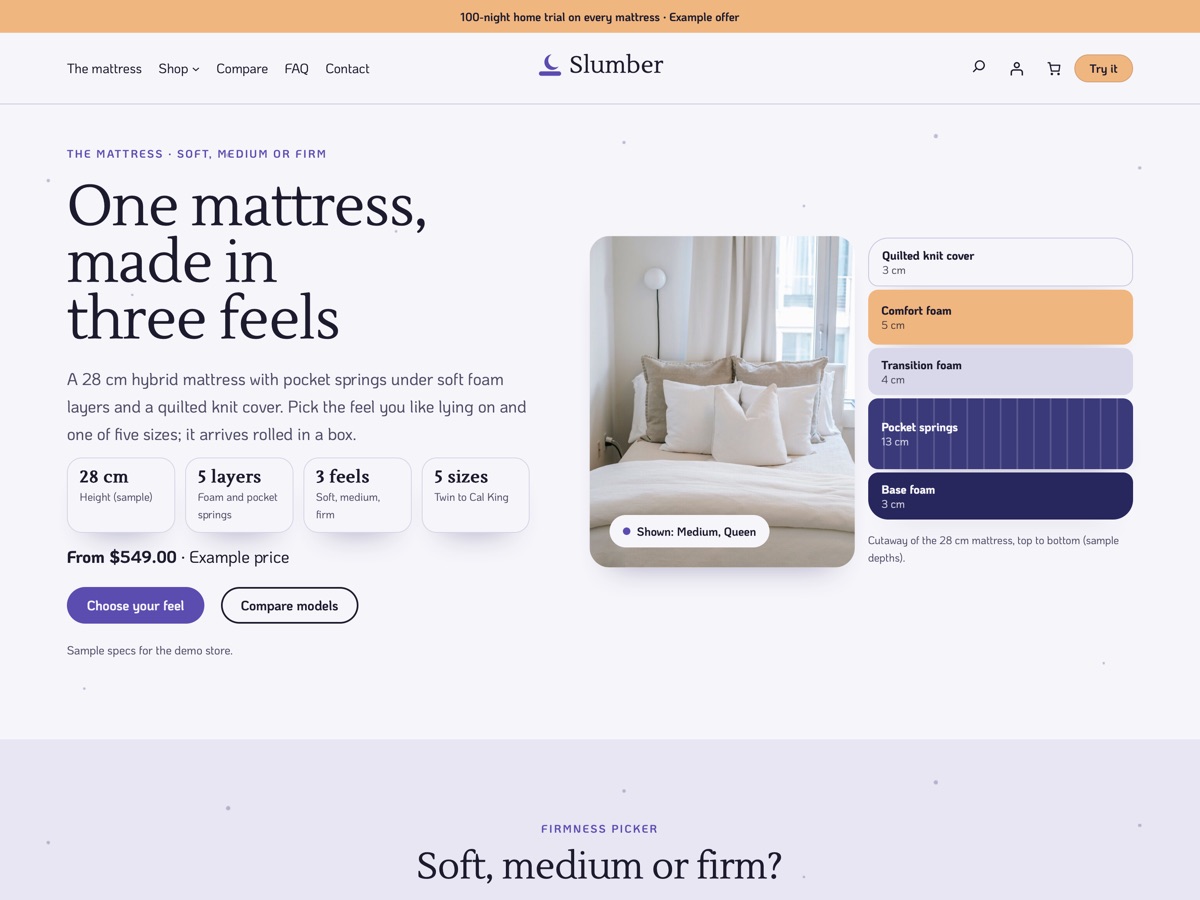
One-mattress store New
LT Slumber
A calm, night-sky WooCommerce theme for selling one mattress in three feels and five sizes, with the layers drawn right next to the photo.