3D printing files WooCommerce theme
LT Slicer – AI-Ready 3D Model Files WooCommerce Theme
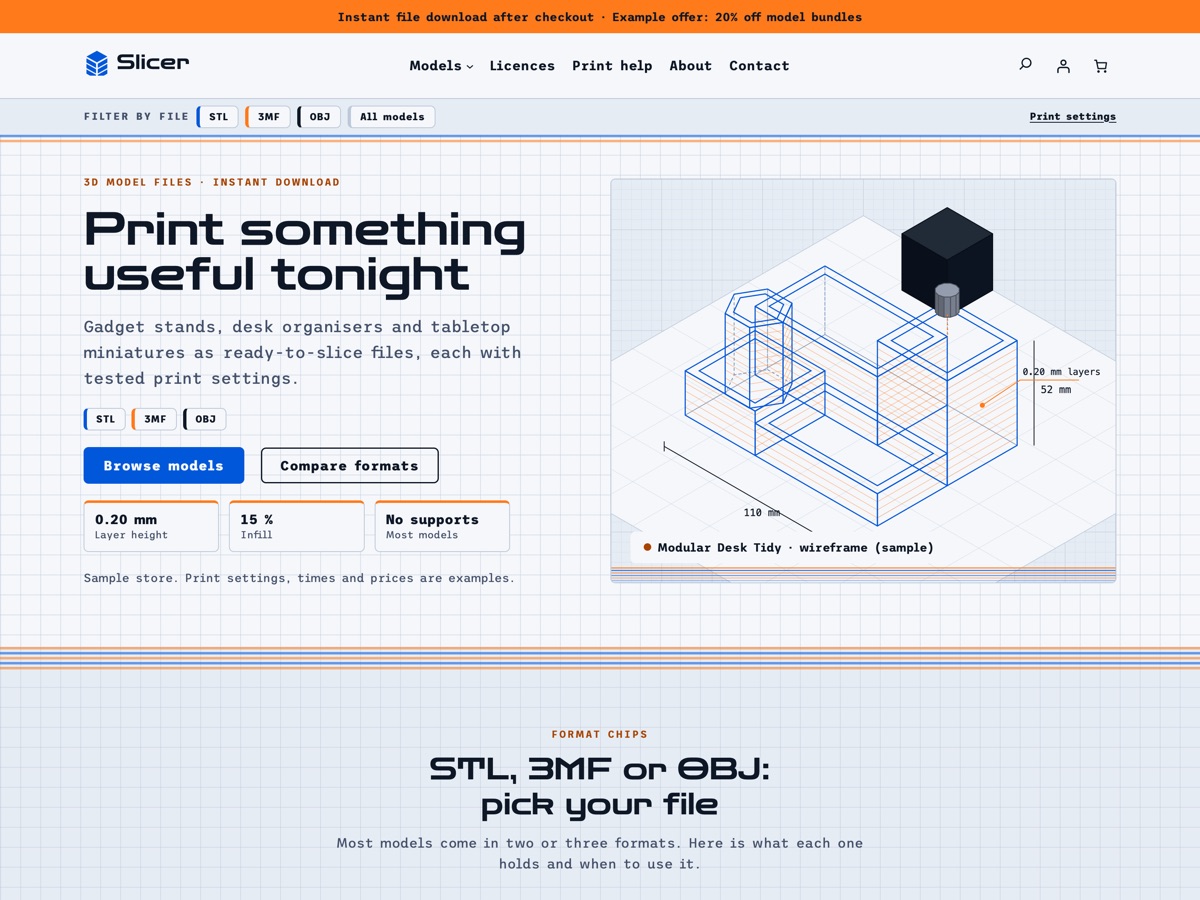
LT Slicer is a WooCommerce block theme for shops that sell 3D-printable model files as instant downloads: gadget stands, desk organisers, planters and tabletop miniatures. It comes with an isometric wireframe hero, a file-format filter in the header, STL / 3MF / OBJ format chips, a bento grid of models, a print settings table, preview renders, a personal / commercial prints licence table, a maker showcase and remix rules, all built on WooCommerce's own blocks for the shop, product, cart and checkout pages. Pro Unlimited adds an AI kit so an assistant can rebrand the store and write your model pages without breaking the design.
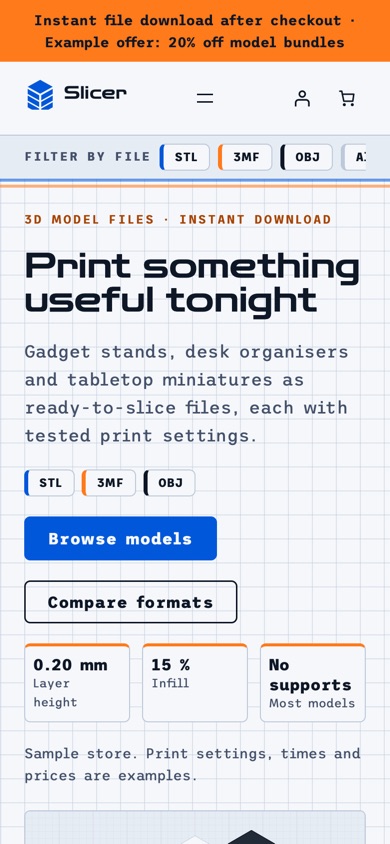
- 23 section patterns
- 6 page layouts
- 3 colour styles
- 15 demo products
Colour styles
3 colour styles, one click apart
Pick a style in Appearance, Editor, Styles, or set your own brand colour once. Buttons, icons and shadows follow automatically.
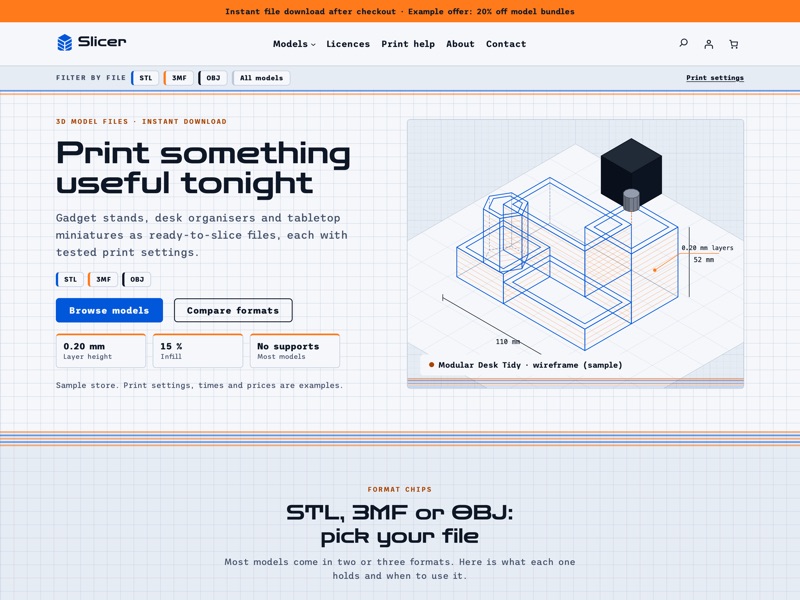 Blueprint
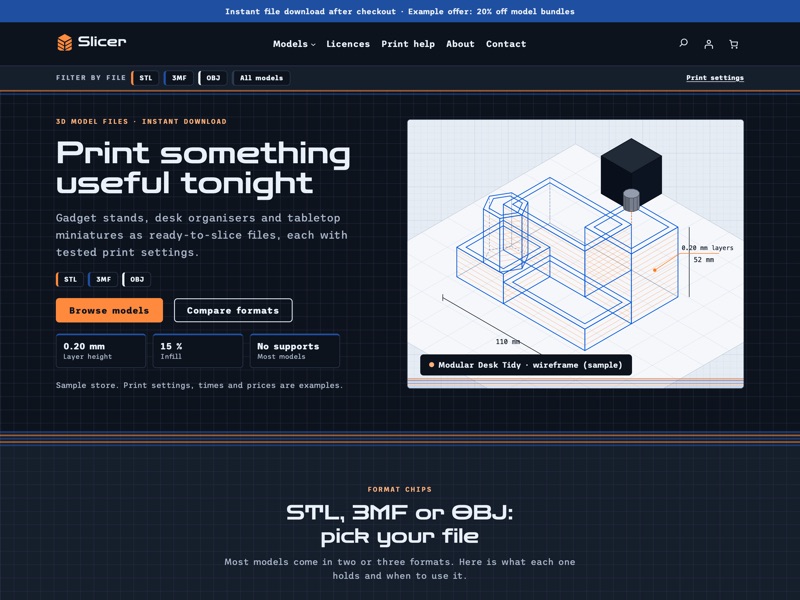 Night Shift
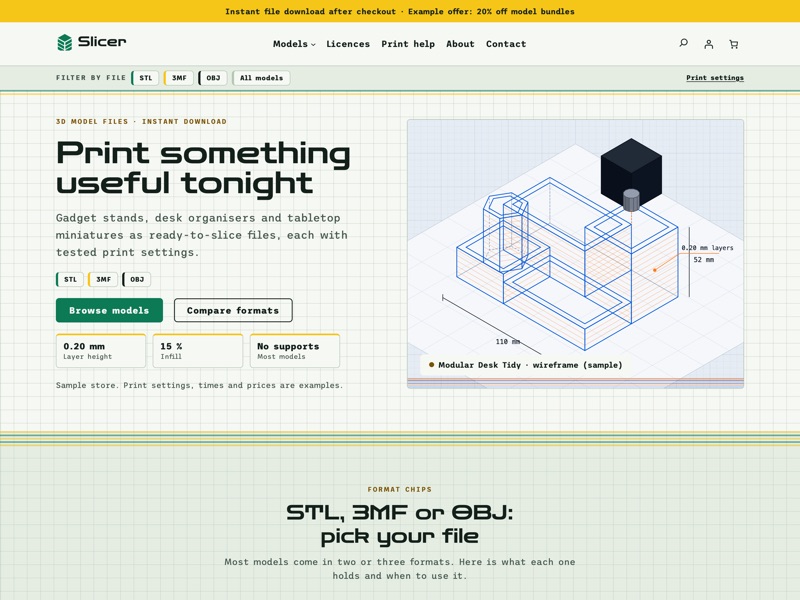 Filament
Ready-made sections
Everything a 3D model file shop needs
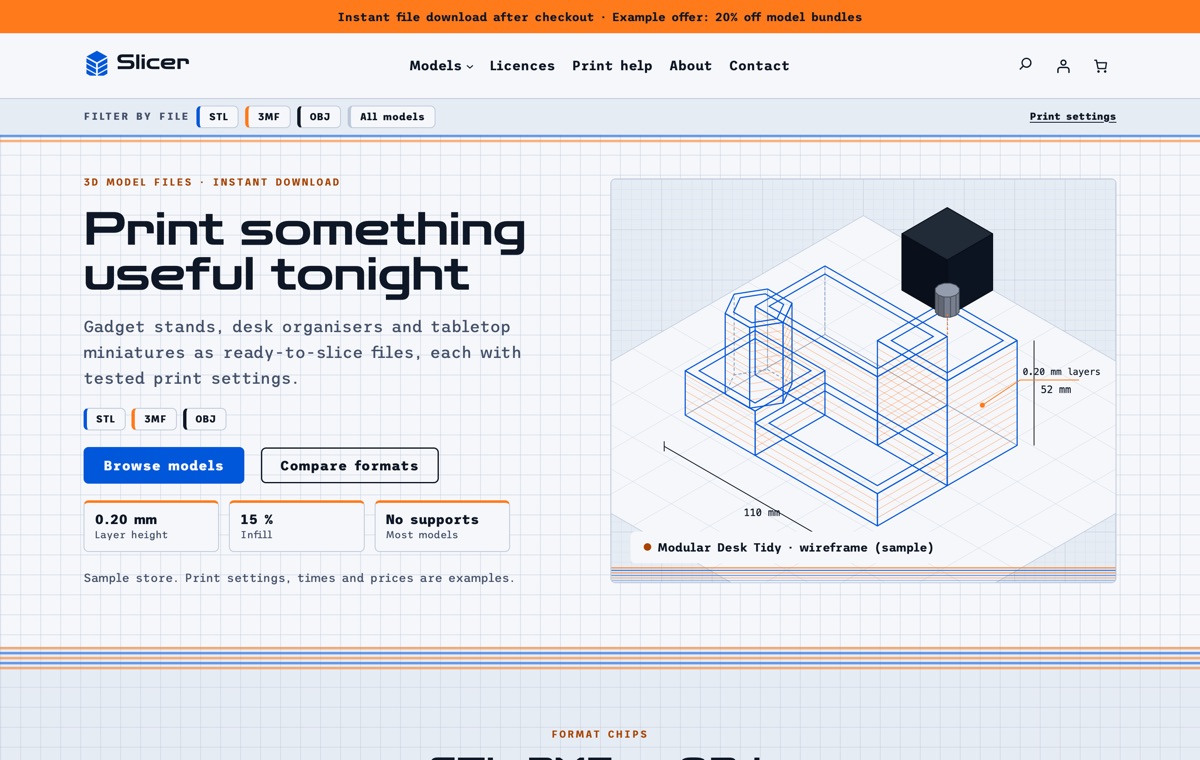
Home
An isometric wireframe hero, format chips, a bento grid of models, tested print settings, preview renders, what you get, shop by category, licences, the instant download explainer, a maker showcase, remix rules and an FAQ.
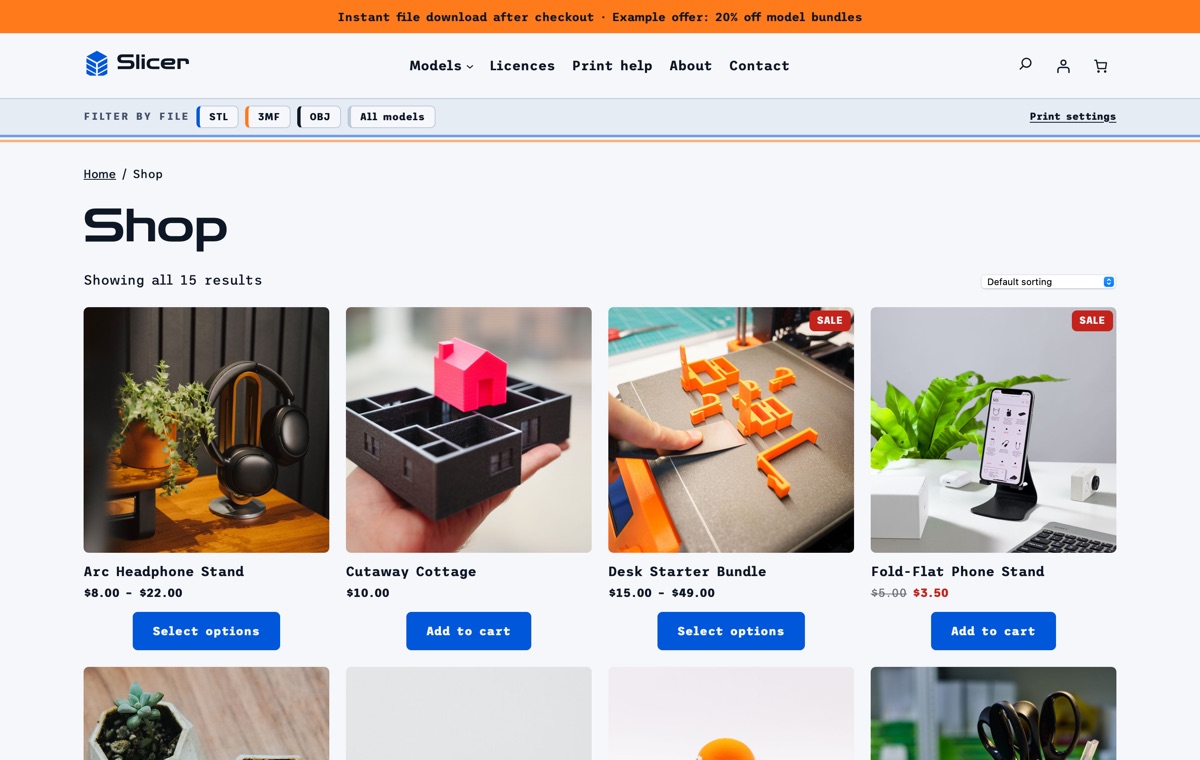
Shop
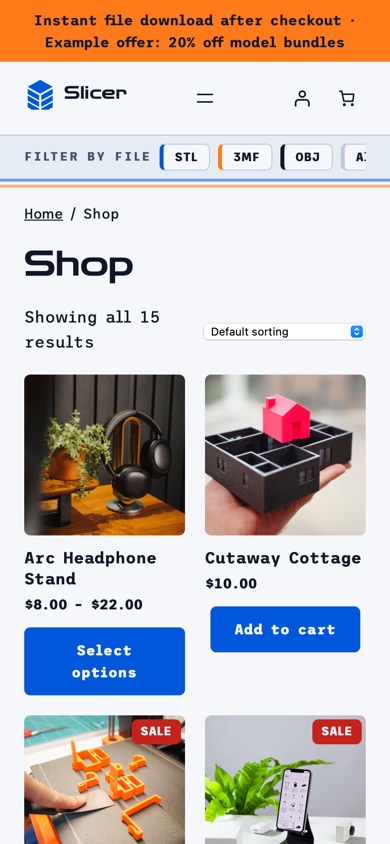
The WooCommerce product catalogue with desk organisers, gadget stands, vases and planters, miniatures and bundles, shown with square images.
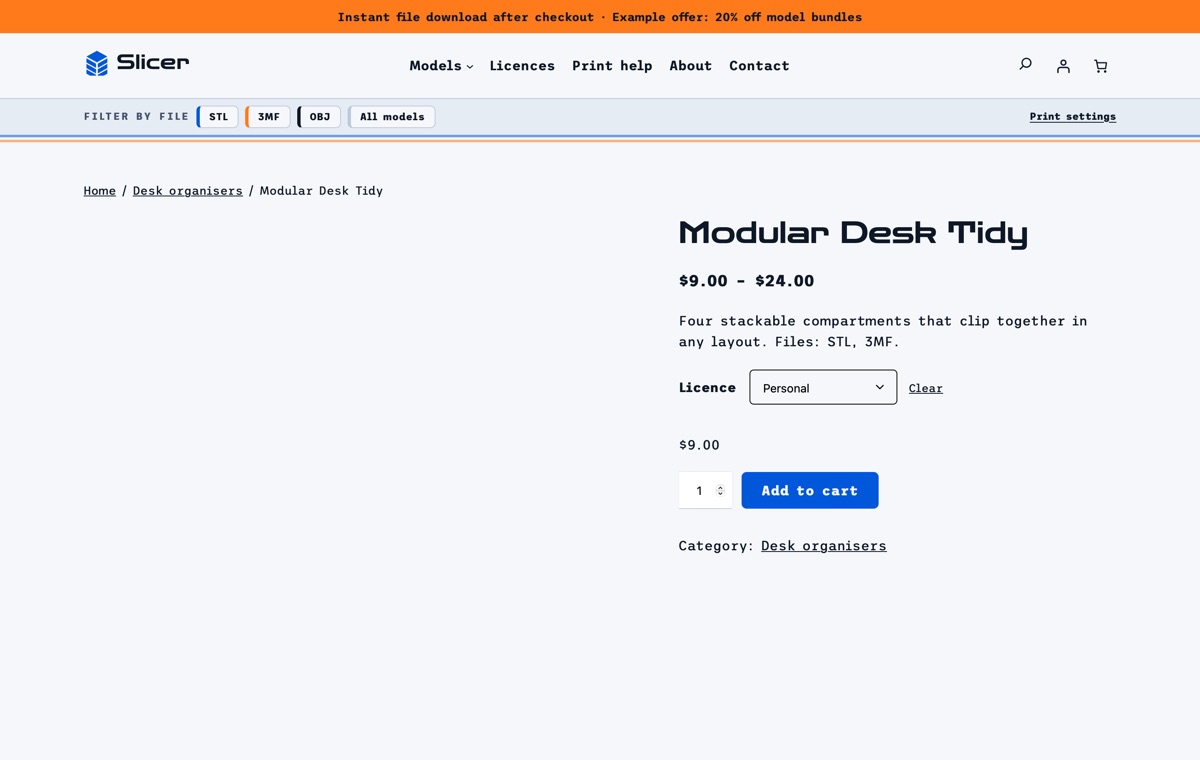
Product page
A variable, virtual and downloadable model with Personal and Commercial prints licence options, the files, parts, sample print settings and size.
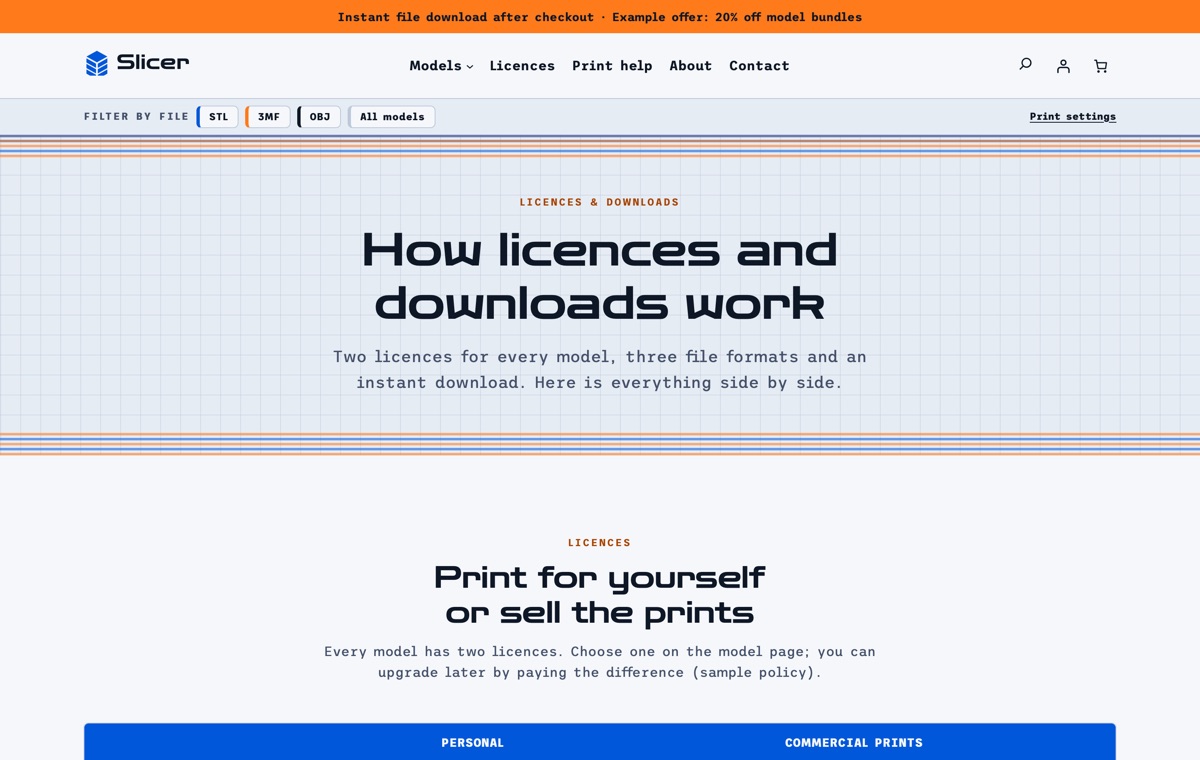
Licences & downloads
The personal and commercial prints licences side by side, the STL, 3MF and OBJ formats, every file in the download, the remix rules and how the instant download works.
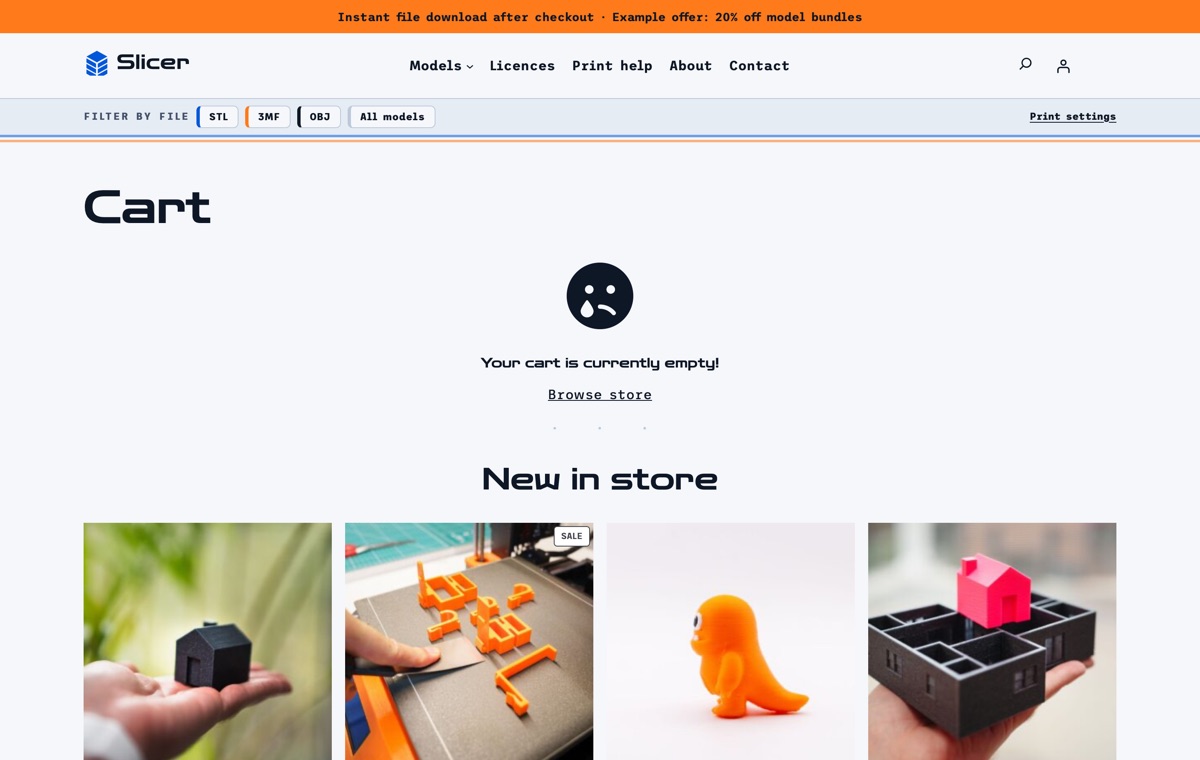
Cart
WooCommerce's Cart block with the chosen licence or option on each line and no shipping step for downloads.
AI kit, Pro Unlimited
Let your AI assistant set up your store
With Pro Unlimited, an AI assistant can read the theme's rules and rebrand Slicer, write model descriptions with formats, parts, print settings and licences, and update the print settings and licence tables without breaking the blocks. On a live site it can also import the demo, switch styles and draft landing pages through WordPress Abilities.
- AGENTS.md + CLAUDE.mdRules your AI follows: design tokens, valid block markup, WooCommerce blocks and which sample text to replace.
- Agent SkillA ready skill that walks Claude through setting the store up for your business.
- 12 ready promptsSet up the theme for my model shop, rebrand to my colours and fonts, rewrite the homepage in my voice and more, written for this kind of store.
- WordPress Abilitiescreate-landing-page, import-demo, list-demos, set-style: AI agents connected to your site can run them directly.
- Theme checkerOne command checks block markup, colour contrast and leftover sample content before launch.
prompts.md #1Set up this LT Slicer store for my model shop "Layerline Workshop" (sample). Models: Cable Comb Organiser (STL, 3MF, 0.20 mm, no supports), Monitor Hook (STL, 3MF, 0.24 mm, supports under the hook) and Tavern Ruins scenery (STL, OBJ, 0.12 mm). Licences: Personal $8, Commercial prints $20. Email: [email protected]. Use the Night Shift style with my brand colour #FF8A3D, rewrite the homepage, the print settings table and the licence table, and mark anything I have not confirmed as sample.
Features
Built the modern WordPress way
Pricing
Get LT Slicer
Free is the theme with its templates, section patterns and colour styles; Pro Standard adds the complete demo store with one-click import, a year of updates and ticket support; Pro Unlimited adds the AI kit and unlimited websites.
Free download
Free Download
- Theme, templates, 23 patterns & 3 colour styles✓
- Complete demo store & one-click import✕
- Mobile ready✓
- Downloads & updatesForever
- Ticket supportDocumentation
- Website license1
- AI kit (AGENTS.md, skill, prompts, checker)✕
- Credit removal✕
Keeps a small credit link in the footer.
Most popular
Pro Standard
$29 Yearly payment
- Theme, templates, 23 patterns & 3 colour styles✓
- Complete demo store & one-click import✓
- Mobile ready✓
- Downloads & updates1 year
- Ticket support1 year (renews yearly)
- Website license1
- AI kit (AGENTS.md, skill, prompts, checker)✕
- Credit removal✓
Pro Unlimited
$49 One-time payment
- Theme, templates, 23 patterns & 3 colour styles✓
- Complete demo store & one-click import✓
- Mobile ready✓
- Downloads & updatesLifetime
- Ticket supportLifetime
- Website licenseUnlimited
- AI kit (AGENTS.md, skill, prompts, checker)✓
- Credit removal✓
LT Slicer FAQ
Does LT Slicer handle downloadable products?
Yes. The demo products are virtual and downloadable WooCommerce products. You attach your own model files in Product data → Downloadable files, and WooCommerce sends the download links after checkout.
How does the file-format filter in the header work?
Each chip (STL, 3MF, OBJ) runs a WooCommerce product search for that format. List the formats a model ships with in its description and the filter finds it.
Can I sell a personal and a commercial licence at different prices?
Yes. Make a model a variable product with a Licence attribute (for example Personal and Commercial prints) and give each variation its own price. The demo also shows a Scale and a Part pack attribute.
Where do I put my print settings?
The print settings section is a core Table block with sample figures for layer height, infill, walls, supports and print time. Edit the rows in the block editor; each product description also has a Print settings heading.
Can I show my own renders?
Yes. The preview renders are image blocks. Upload your own wireframe, solid and sliced views and the cards keep the layout.
Is the bento grid made of WooCommerce blocks?
The bento grid is a set of core Group and Image blocks linked to your products, so you choose which models get a wide tile. The product grid, best sellers and deals sections use WooCommerce’s Product Collection block.
Which versions of WordPress and WooCommerce do I need?
WordPress 7.0 or newer, WooCommerce 10 or newer and PHP 8.1 or newer (tested up to WordPress 7.1 and WooCommerce 11.2). LT Slicer is a block theme: you edit the header, footer and store templates in Appearance → Editor, and WooCommerce runs products, payments, shipping and taxes.
What is the difference between Free, Pro Standard and Pro Unlimited?
Free is the theme package: all templates, the 23 section patterns and 6 page layouts and all 3 colour styles, with a small credit link in the footer; it has no demo content and no demo import. Pro Standard adds the complete demo store (categories, products, pages and menu) with one-click import, credit removal, and a year of updates and ticket support, for one website. Pro Unlimited adds the AI kit, unlimited websites and lifetime updates and support. The demo import works without a licence key; the key gives you updates.
Can I use it on my existing WooCommerce store?
Yes. Activating the theme never changes your products, orders, customers or WooCommerce settings; preview it first in Appearance → Themes. The Pro demo import adds its sample categories, products, pages and menu without changing your existing products or pages, but it can set the demo homepage as your front page and change the site title, so run it on a new or staging site if you only want to copy the layouts.
How do I get the Pro version after buying?
Right after payment you receive a licence key by email. Sign in at ltheme.com/account to download your theme and every update included in your plan, and enter the key in Appearance → Licence to get updates in WordPress.
How do I get support?
Pro Standard and Pro Unlimited include ticket support at ltheme.com/ticket-support. Free users can follow the documentation.
More electronics & tech WooCommerce themes
No theme matches yet. Try another word, or ask us which theme fits your business.
-
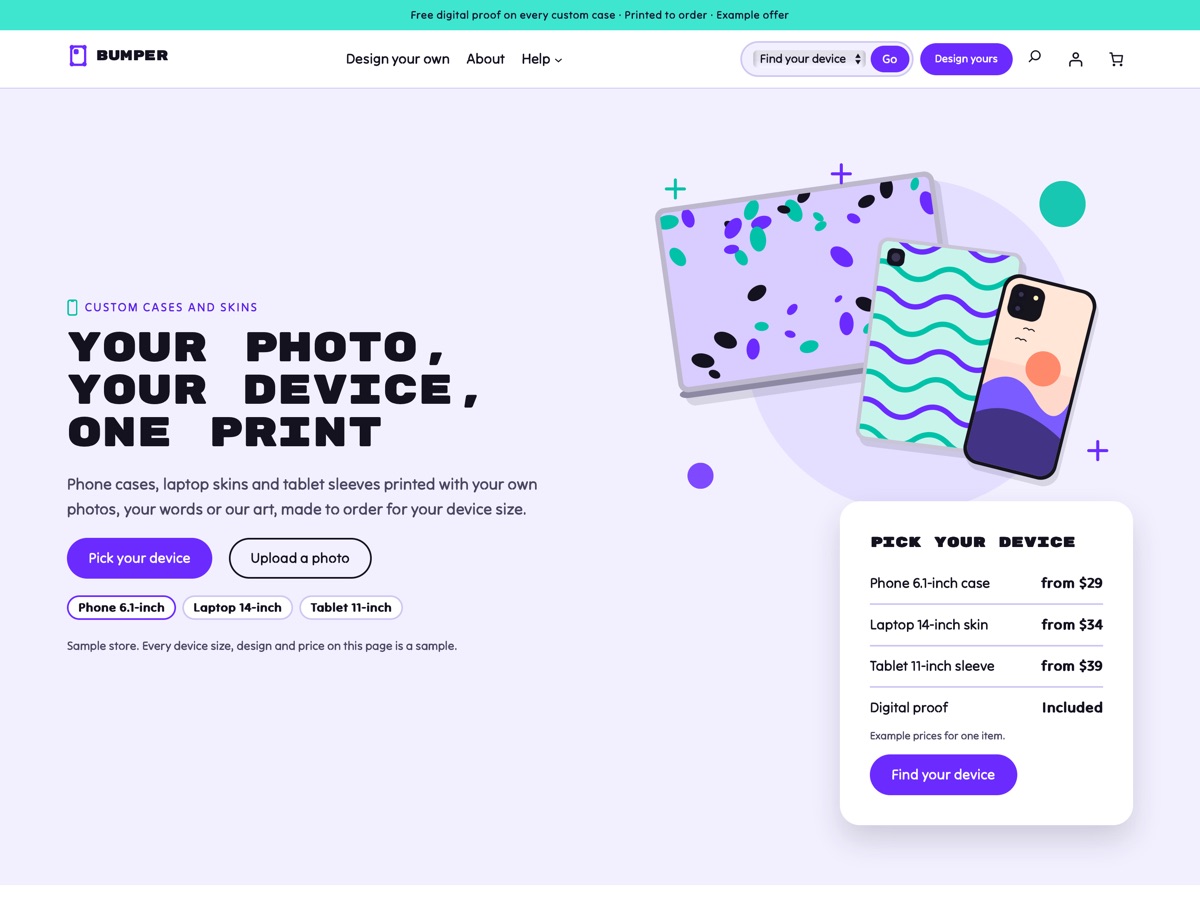
Custom phone cases and skins New
LT Bumper
A violet and mint WooCommerce theme for custom phone cases, laptop skins and tablet sleeves: pick a device and a design, upload a photo, approve the proof.
-
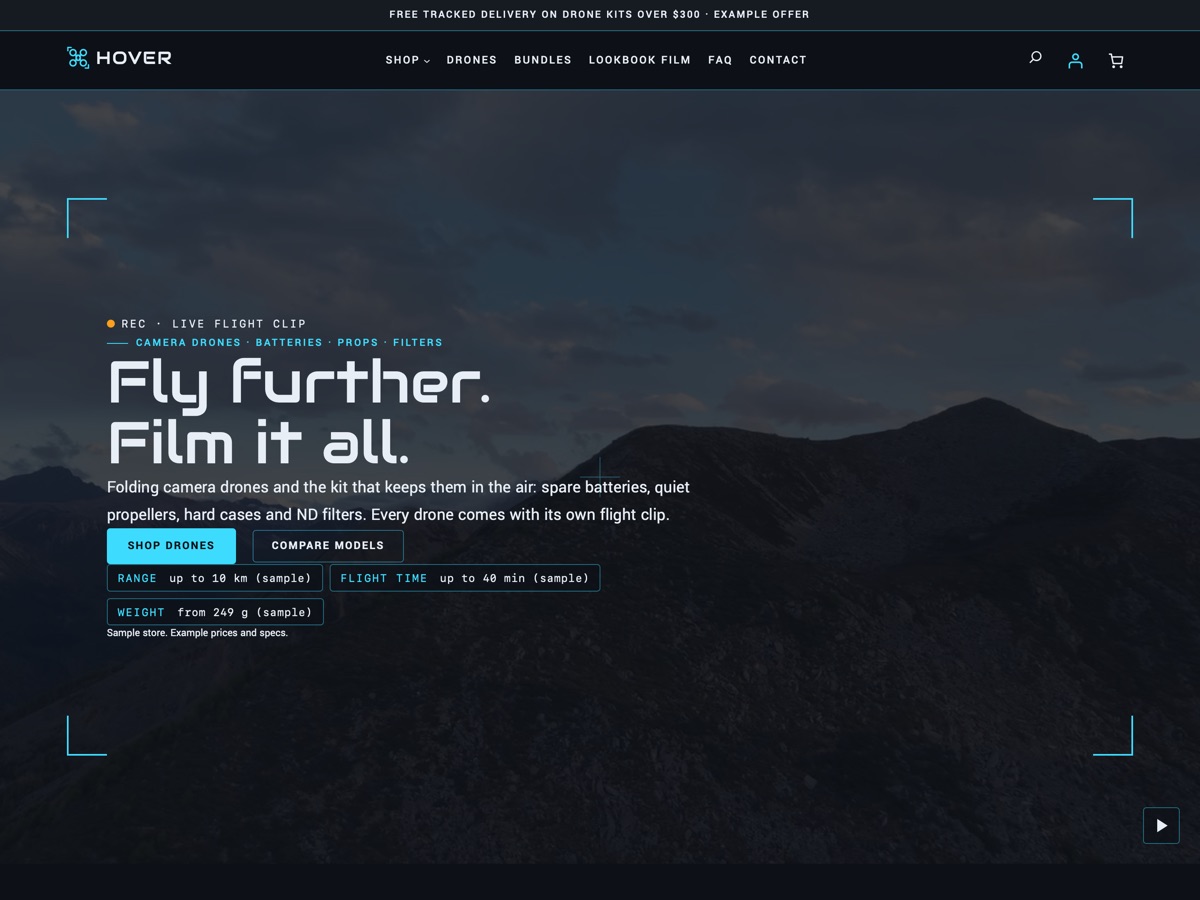
Drone and camera kit shop New
LT Hover
A night-blue, cyan and amber WooCommerce theme for drone shops, with aerial video, HUD-framed product cards and a model compare table.
-
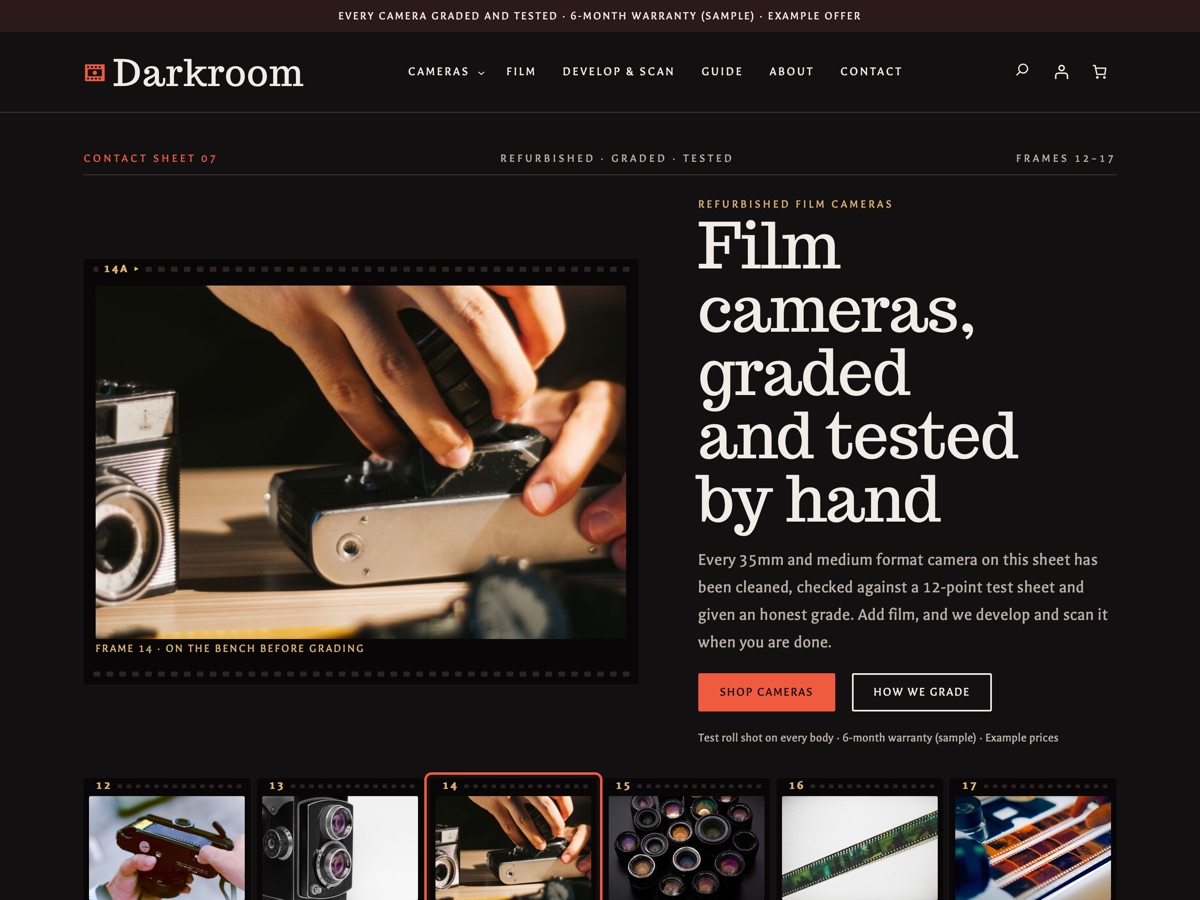
Refurbished film cameras New
LT Darkroom
A WooCommerce theme for refurbished film camera shops: condition grading, a tested checklist, film stock and a develop and scan service.