Phone case WooCommerce theme
LT Bumper – AI-Ready Custom Phone Case WooCommerce Theme
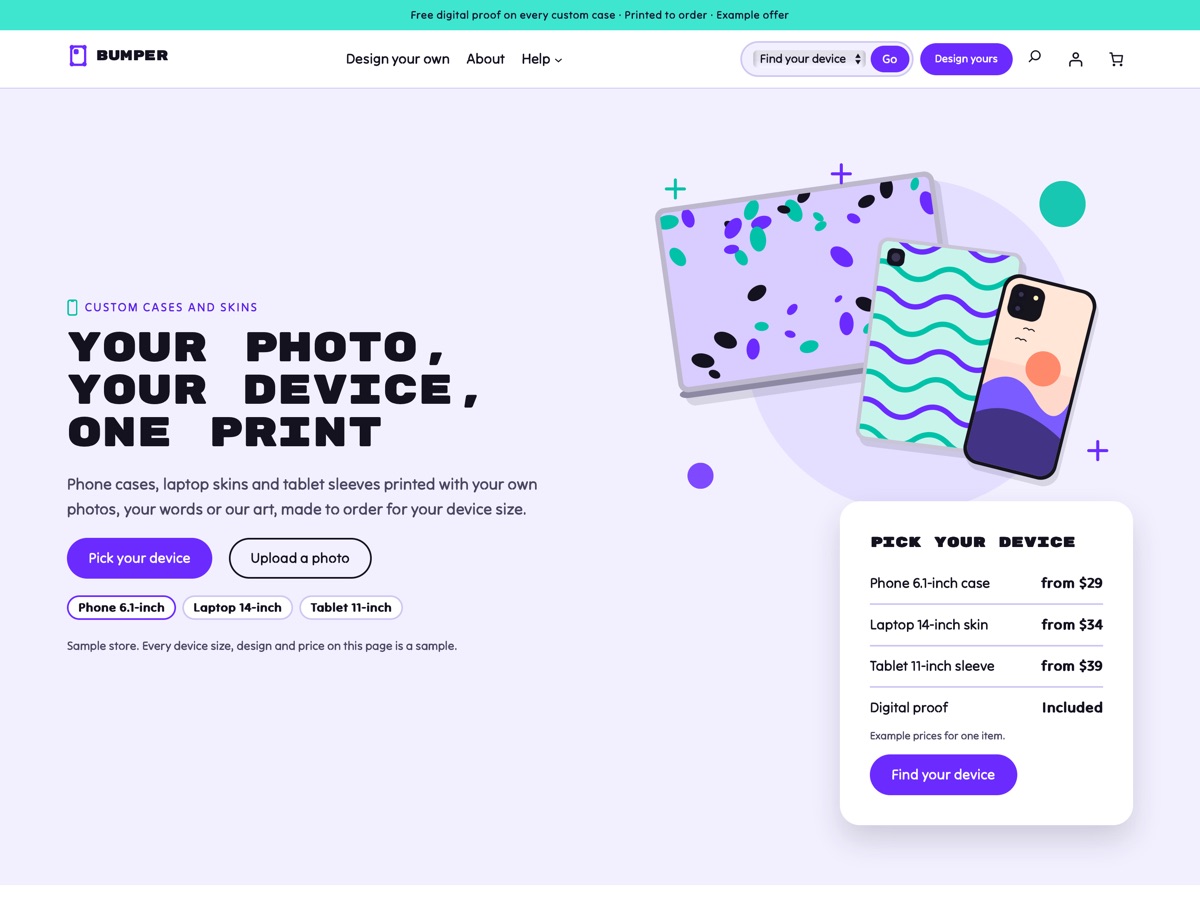
LT Bumper is a WooCommerce block theme for print-on-demand shops that print phone cases, laptop skins, tablet sleeves and desk mats with the customer's own photo, their own words or the shop's art. It comes with a device stack hero, a pick a device then a design flow, a device model picker with generic sizes, a personalisation explainer, upload and proof steps, a case type picker, turnaround times and sizes and colours, all built on WooCommerce's own blocks for the shop, product, cart and checkout pages. Pro Unlimited adds an AI kit so an assistant can rebrand the store and write your product pages without breaking the design.
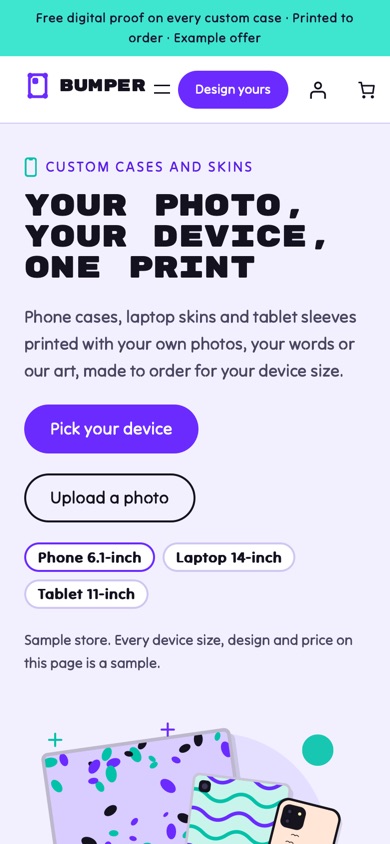
- 23 section patterns
- 6 page layouts
- 3 colour styles
- 15 demo products
Colour styles
3 colour styles, one click apart
Pick a style in Appearance, Editor, Styles, or set your own brand colour once. Buttons, icons and shadows follow automatically.
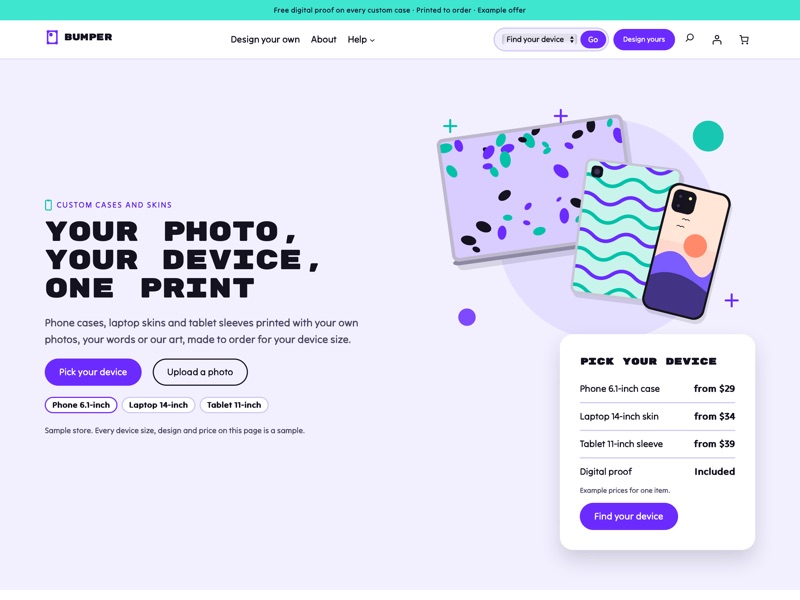 Bumper
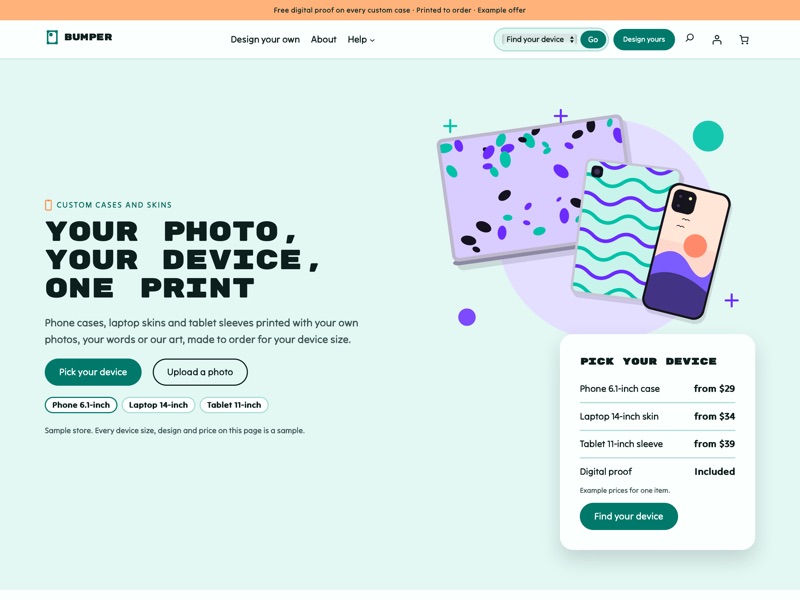 Mint case
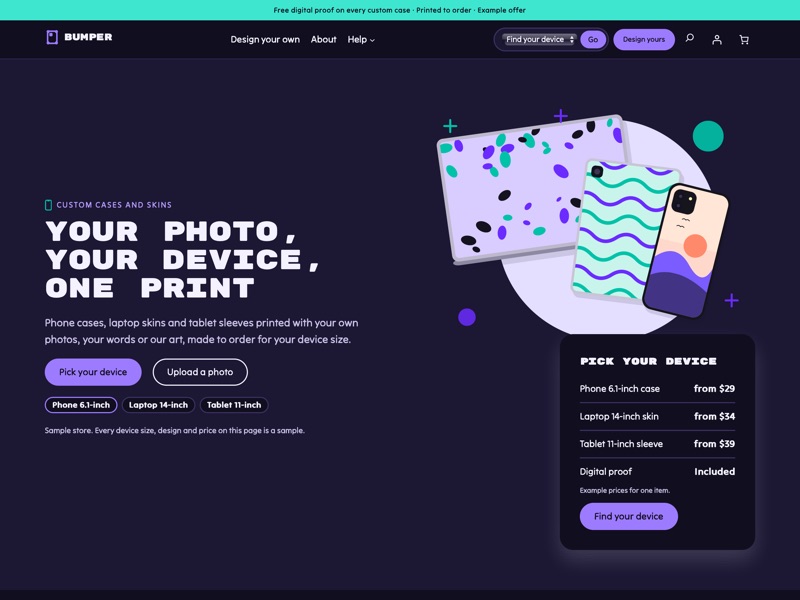 Night shift
Ready-made sections
Everything a custom phone case shop needs
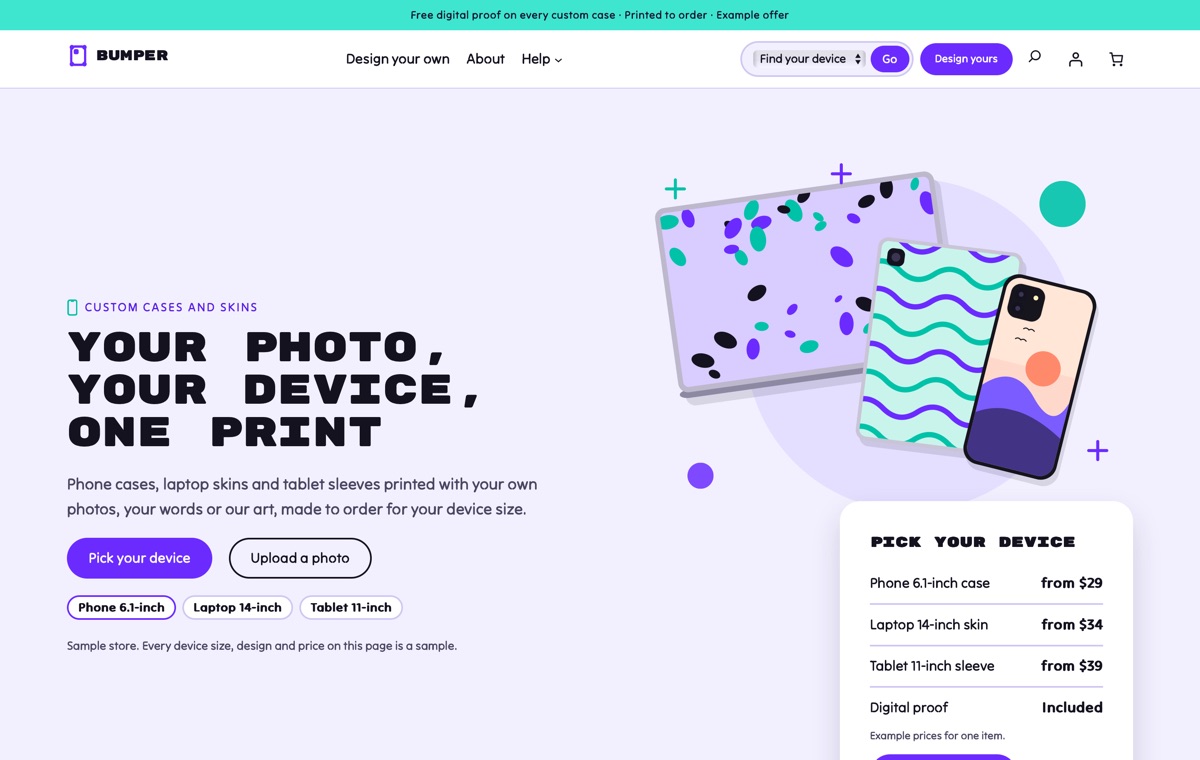
Home
A device stack hero with a pick your device card, pick a device then a design, product cards with device-model chips, the device model picker, the personalisation explainer, upload and proof steps, case types, turnaround times, sizes and colours, shop by device, a matching set banner, offers, desk photos, sample reviews and a FAQ.
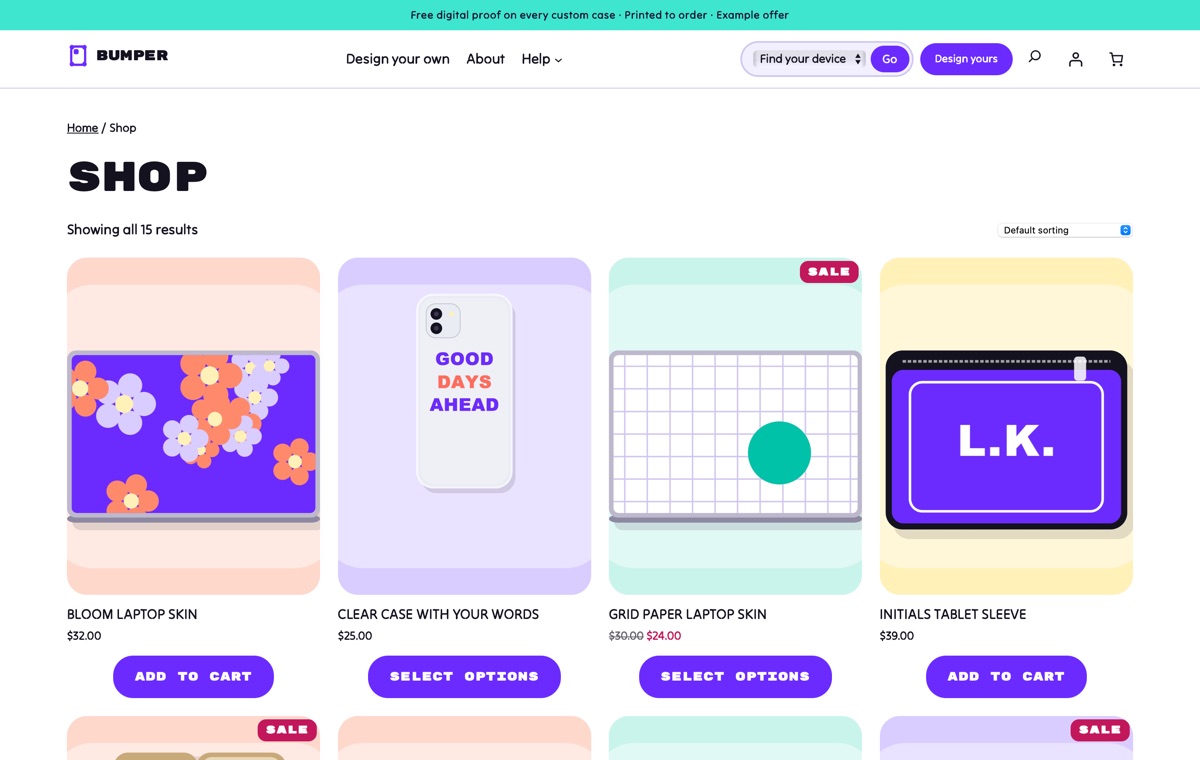
Shop
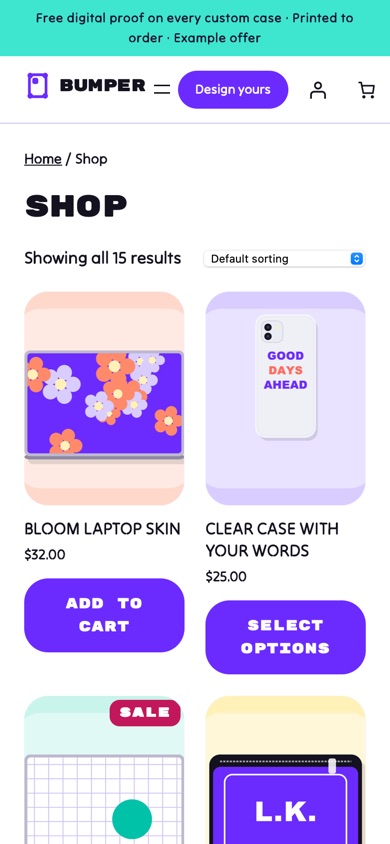
Every phone case, laptop skin, tablet sleeve, desk mat, grip and strap in a four-column grid of rounded cards with device-model chips, sale badges and example prices.
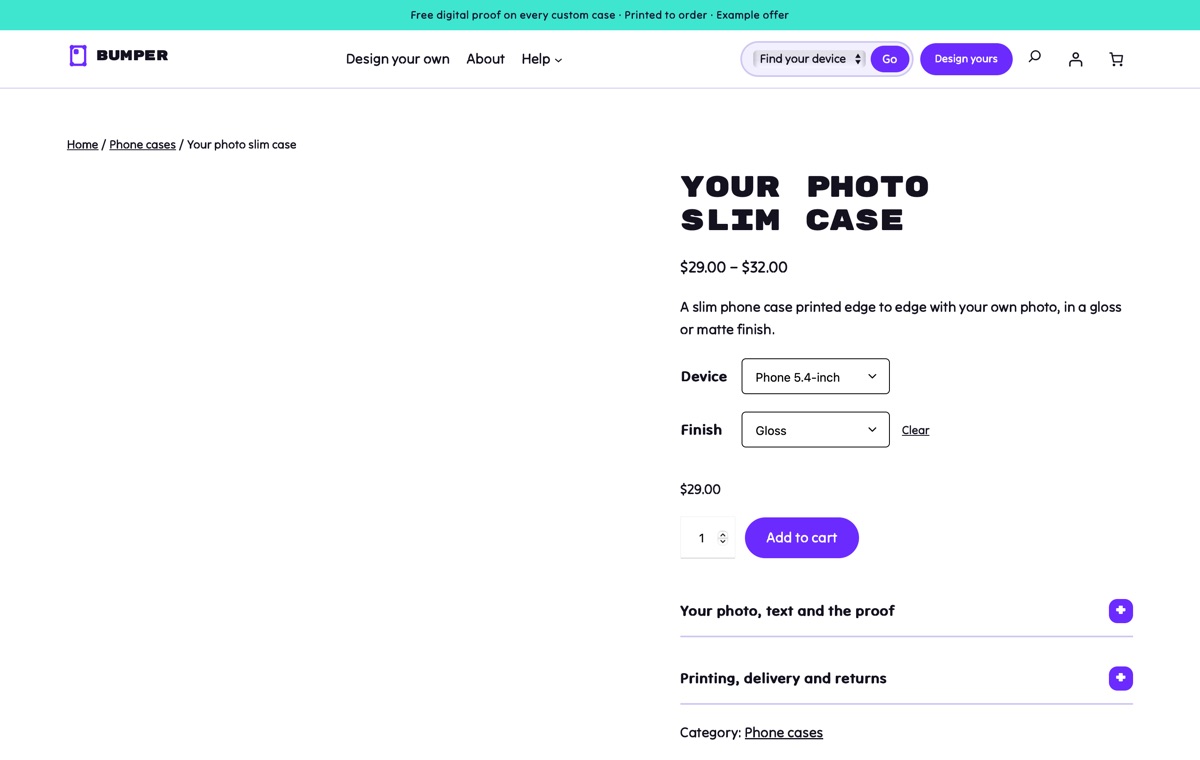
Product page
A variable photo slim case with Device and Finish options, plus notes on your photo, words and the proof, printing, delivery and returns.

Design your own
The device model picker, case types, pick a device then a design, the personalisation explainer, upload and proof steps, sizes and colours, turnaround times and design questions on one page.
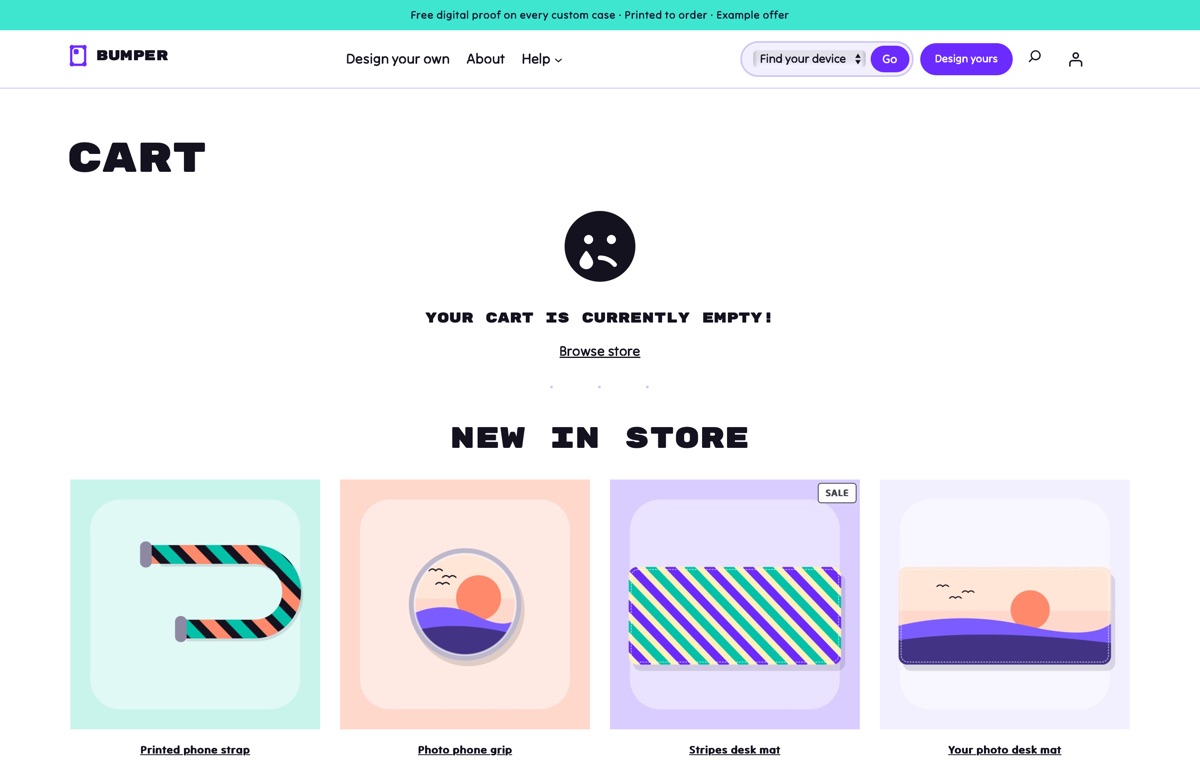
Cart
WooCommerce's Cart block in the theme's rounded, playful style, with the order summary and a clear path to checkout.
AI kit, Pro Unlimited
Let your AI assistant set up your store
The Pro Unlimited AI kit lets an assistant rebrand Bumper to your colours, rewrite the device sizes, case types, personalisation rules, proof steps and turnaround times with your own figures, and build gift-season landing pages from the theme's sections. It follows AGENTS.md and checks every change with the theme's validator.
- AGENTS.md + CLAUDE.mdRules your AI follows: design tokens, valid block markup, WooCommerce blocks and which sample text to replace.
- Agent SkillA ready skill that walks Claude through setting the store up for your business.
- 12 ready promptsSet up the theme for my shop, rebrand to my shop's colours and fonts, rewrite the homepage in my voice and more, written for this kind of store.
- WordPress Abilitiescreate-landing-page, import-demo, list-demos, set-style: AI agents connected to your site can run them directly.
- Theme checkerOne command checks block markup, colour contrast and leftover sample content before launch.
prompts.md #1Set up this LT Bumper store for my custom case shop "Pocket Prints": slim cases $26, tough cases $33, wallet cases $37, laptop skins from $30, device sizes Phone 6.1-inch, Phone 6.7-inch and Laptop 14-inch only, photo uploads as JPG or PNG, proof within one working day, printing in 2 working days, free delivery over $50. Use the Mint case style and replace every sample text, price and policy. Features
Built the modern WordPress way
Pricing
Get LT Bumper
Free is the theme with its templates, section patterns and colour styles; Pro Standard adds the complete demo store with one-click import, a year of updates and ticket support; Pro Unlimited adds the AI kit and unlimited websites.
Free download
Free Download
- Theme, templates, 23 patterns & 3 colour styles✓
- Complete demo store & one-click import✕
- Mobile ready✓
- Downloads & updatesForever
- Ticket supportDocumentation
- Website license1
- AI kit (AGENTS.md, skill, prompts, checker)✕
- Credit removal✕
Keeps a small credit link in the footer.
Most popular
Pro Standard
$29 Yearly payment
- Theme, templates, 23 patterns & 3 colour styles✓
- Complete demo store & one-click import✓
- Mobile ready✓
- Downloads & updates1 year
- Ticket support1 year (renews yearly)
- Website license1
- AI kit (AGENTS.md, skill, prompts, checker)✕
- Credit removal✓
Pro Unlimited
$49 One-time payment
- Theme, templates, 23 patterns & 3 colour styles✓
- Complete demo store & one-click import✓
- Mobile ready✓
- Downloads & updatesLifetime
- Ticket supportLifetime
- Website licenseUnlimited
- AI kit (AGENTS.md, skill, prompts, checker)✓
- Credit removal✓
LT Bumper FAQ
Can customers upload their own photo?
The theme explains the photo upload, the custom words and the proof steps and lays out the sections, but accepting files needs a WooCommerce file upload or product add-ons plugin. The demo describes the steps; it does not collect files.
Where do the device chips and the Find your device list come from?
From the product tags. Give each product the device sizes it fits as tags, such as Phone 6.1-inch or Laptop 14-inch; they appear as chips on the product cards and in the header select. The demo import tags every sample product.
Does the theme name phone or laptop brands?
No. Device models are generic sizes such as Phone 6.1-inch, and the device artwork is generic flat outlines with no logos. Add your own size list in the device model picker.
Can I sell slim, tough and wallet cases?
Yes. The case type picker shows three case types with example prices and features, and the demo products use Device, Finish, Edge colour and Colour variations. Edit the cards and products to match your range.
Can I change the turnaround times and prices?
Yes. Turnaround times, the pick your device price card, delivery rates and the proof steps are sample text in their own sections; edit them to match your prices and print times.
Does it work with a dark look?
Yes. Switch to the Night shift style in the Site Editor; the print bands and footer keep their own dark colours in every style.
Which versions of WordPress and WooCommerce do I need?
WordPress 7.0 or newer, WooCommerce 10 or newer and PHP 8.1 or newer (tested up to WordPress 7.1 and WooCommerce 11.2). LT Bumper is a block theme: you edit the header, footer and store templates in Appearance → Editor, and WooCommerce runs products, payments, shipping and taxes.
What is the difference between Free, Pro Standard and Pro Unlimited?
Free is the theme package: all templates, the 23 section patterns and 6 page layouts and all 3 colour styles, with a small credit link in the footer; it has no demo content and no demo import. Pro Standard adds the complete demo store (categories, products, pages and menu) with one-click import, credit removal, and a year of updates and ticket support, for one website. Pro Unlimited adds the AI kit, unlimited websites and lifetime updates and support. The demo import works without a licence key; the key gives you updates.
Can I use it on my existing WooCommerce store?
Yes. Activating the theme never changes your products, orders, customers or WooCommerce settings; preview it first in Appearance → Themes. The Pro demo import adds its sample categories, products, pages and menu without changing your existing products or pages, but it can set the demo homepage as your front page and change the site title, so run it on a new or staging site if you only want to copy the layouts.
How do I get the Pro version after buying?
Right after payment you receive a licence key by email. Sign in at ltheme.com/account to download your theme and every update included in your plan, and enter the key in Appearance → Licence to get updates in WordPress.
How do I get support?
Pro Standard and Pro Unlimited include ticket support at ltheme.com/ticket-support. Free users can follow the documentation.
More electronics & tech WooCommerce themes
No theme matches yet. Try another word, or ask us which theme fits your business.
-
Drone and camera kit shop New
LT Hover
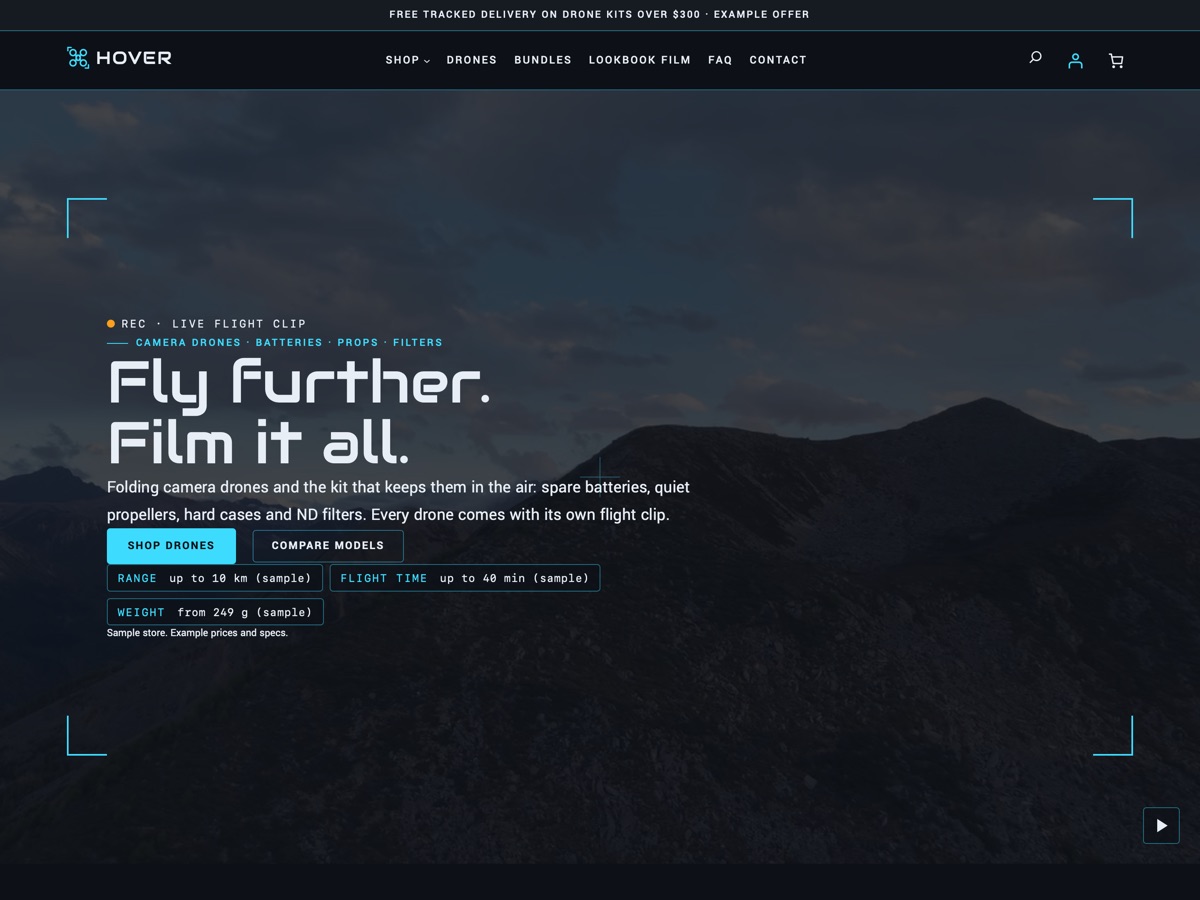
A night-blue, cyan and amber WooCommerce theme for drone shops, with aerial video, HUD-framed product cards and a model compare table.
-
Refurbished film cameras New
LT Darkroom
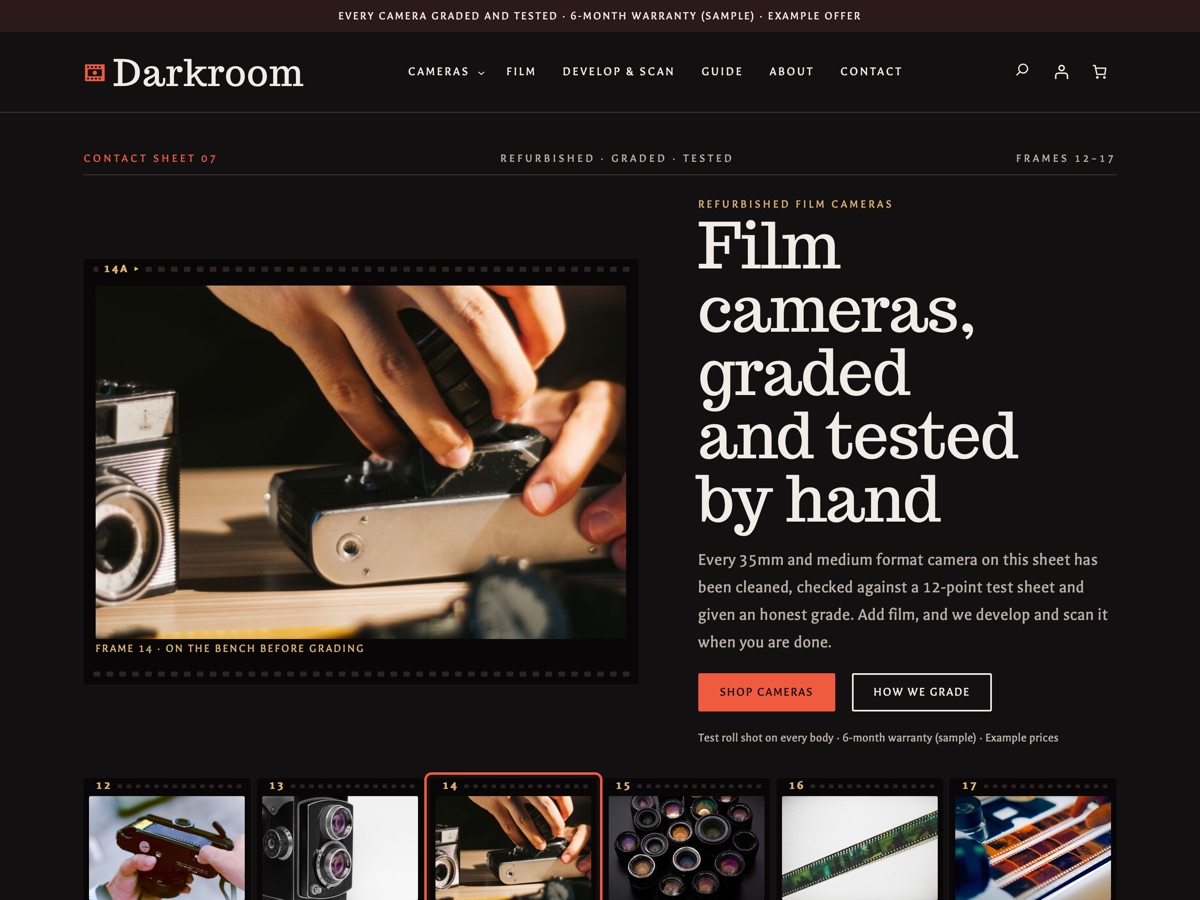
A WooCommerce theme for refurbished film camera shops: condition grading, a tested checklist, film stock and a develop and scan service.
-
3D printing model files New
LT Slicer
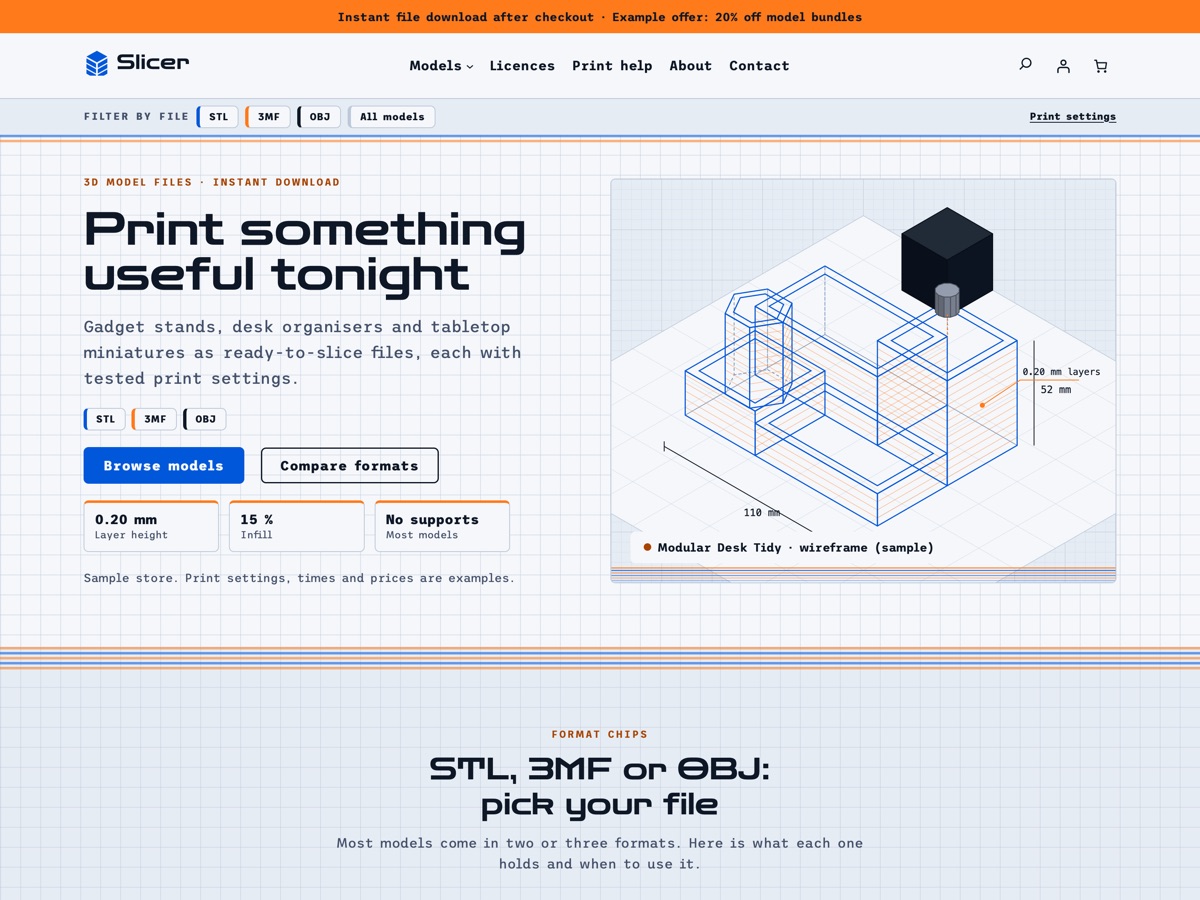
A blueprint-style WooCommerce theme for selling 3D-printable model files in STL, 3MF and OBJ, with tested print settings, preview renders and a file-format filter.