LT Driving
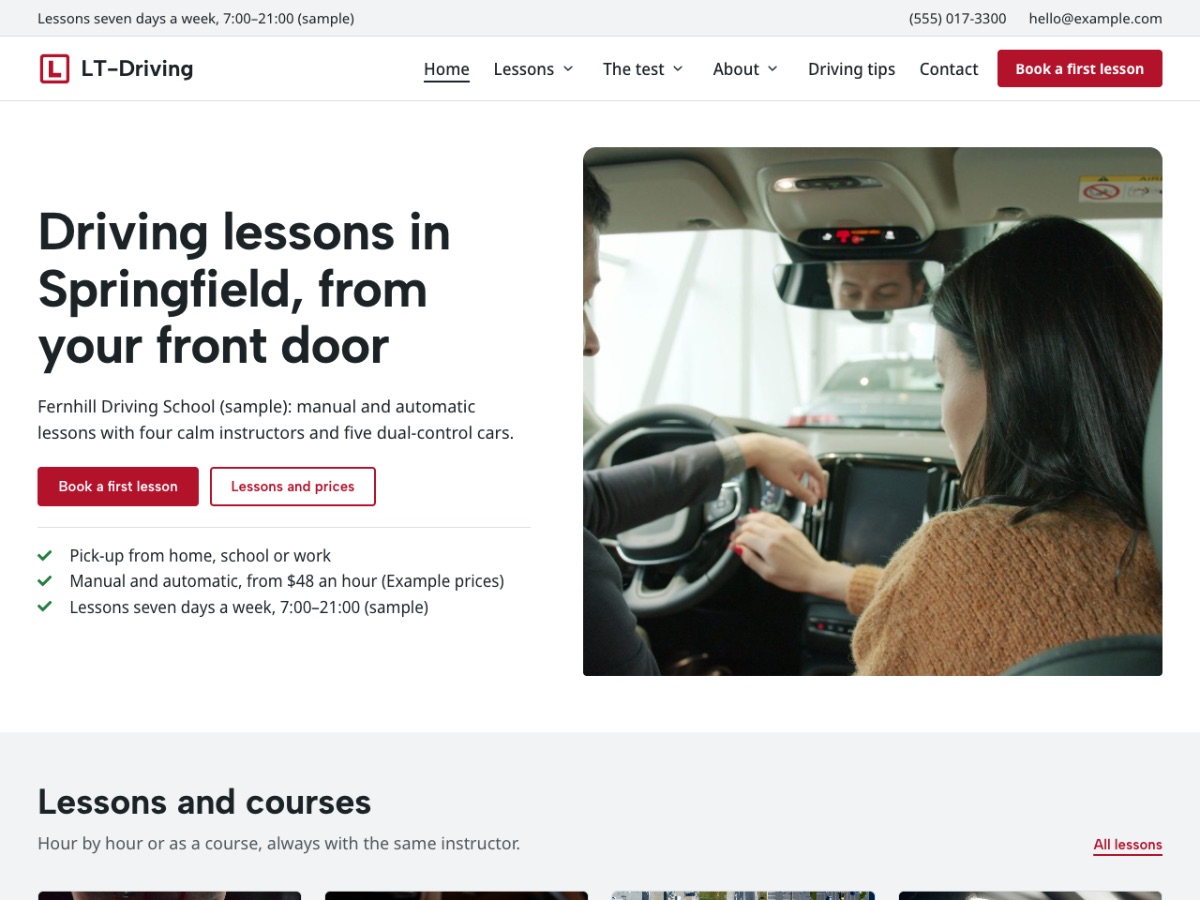
Light, photo-led driving school theme for Elementor: a photo hero of a lesson in the car, lessons as photo cards, prices, instructors with portraits, test help and a booking band.
Key features
- A photo hero from the passenger seatThe home page opens with a large photo of an instructor and a learner in the car beside the headline, two booking buttons and the three things learners ask first: pick-up, gearbox and hours.
- Lessons and courses as photo cardsManual, automatic, intensive week and refresher, each with a photo, one line, the length and an example price, linking to its own page.
- Prices, instructors and the testA compact lesson price list beside a photo, the instructors with square portraits, and a test section with what happens on the day.
- Full inner pagesLessons, manual and automatic lessons, courses (starter block, intensive week, refresher), the theory and practical test, about, instructors, the cars and contact, each with photos.
- One-page modeSwitch the menu to scroll links for the home page sections, with smooth scrolling and the current section highlighted. In every edition: Free imports the one-page website.
- Free Elementor and a ready booking formEvery page is built with free Elementor widgets on Hello Elementor, with a 'Book a first lesson' form made with the free WPForms Lite plugin. Fonts are bundled: no Google Fonts requests.
Let an AI assistant do the routine work
You can ask an AI assistant such as Claude, ChatGPT or Cursor to change texts, add pages or check your set-up. Here is what each edition gives you for that.
- AI assistant Free and Pro Ask the AI assistant on ltheme.com (the chat bubble) or Ask AI on doc.ltheme.com about installing and editing the theme. Free help also comes through the contact form. Contact form
- AI kit Included with Pro Unlimited A file that explains the theme to your AI assistant, ready prompts for common edits, and a checker that reports mistakes before you publish.
- Ticket support with AI-drafted answers Pro only Open a ticket and you get an instant AI-drafted answer; a person from our team follows up. Ticket support
Compatibility and requirements
| Platform | WordPress 6.6 or newer (tested with 7.1) |
|---|---|
| Page builder | Elementor, free version (tested with 4.3); Elementor Pro not needed |
| Parent theme | Hello Elementor (free, from WordPress.org) |
| PHP | 7.4 or newer (tested with 8.3 and 8.4) |
| Contact form | WPForms Lite (free) |
| Fonts | Albert Sans, Noto Sans, bundled (no Google Fonts requests) |
| Licence | Free: any site, credit stays. Pro Standard: one website. Pro Unlimited: unlimited websites. |
| Editions | Free: theme + one-page website import. Pro: full multi-page website like the demo. |
| Support | Free: the AI assistant and the contact form. Pro: ticket support (with an instant AI-drafted answer). |
| Help | Documentation, ticket support, install service |
Questions
Do I need Elementor Pro?
No. LT Driving uses only the free Elementor plugin and the free Hello Elementor theme. The header and footer are part of the theme, so you do not need Theme Builder.
Does it work as a one-page site?
Yes, in every edition. Free imports the one-page website: the Home page sections on one scrolling page, with a menu that scrolls to them and highlights the current section. Pro imports the full multi-page website, and one-page mode is a switch in the Customizer (or the "One-page (scroll menu)" page template).
Can I change the lessons and prices?
Yes. Each lesson card is an Elementor column with a photo, a name, one line, the length and the price as plain text, and the price list is a set of rows you edit in place.
Does the theme show pass rates?
No, on purpose. It shows lessons, prices, people and hours. If you publish pass rates, follow the rules of your licensing body and keep them up to date.
Will my site look like the demo?
Yes, with Pro: Appearance > Demo import creates every page, the colours, fonts, menu, header and footer. The demo photos are replaced by placeholders you swap for your own.
What is the difference between Free and Pro?
Free: theme + one-page website import (the Home page sections on one scrolling page with a scroll menu, imported in one click); the footer credit stays, and help comes from the AI assistant and the contact form. Pro: full multi-page website like the demo: all 16 pages, sample posts and one-click demo import, one-page mode too, credit removal (put your own copyright there), updates and ticket support. Pro Unlimited adds the AI kit.
Elementor theme for WordPress
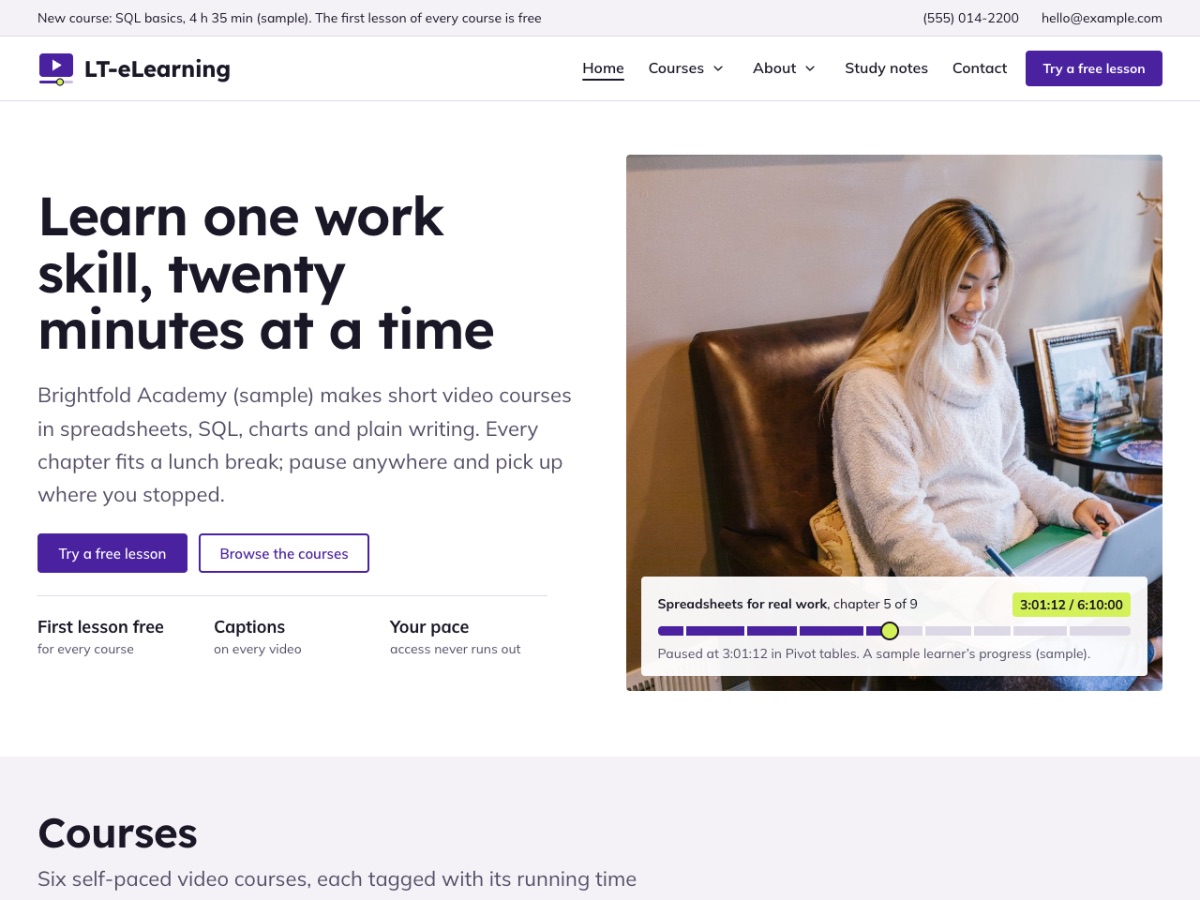
LT eLearning
Live demo LT eLearning (opens in a new tab)Details LT eLearning
Elementor theme for WordPress
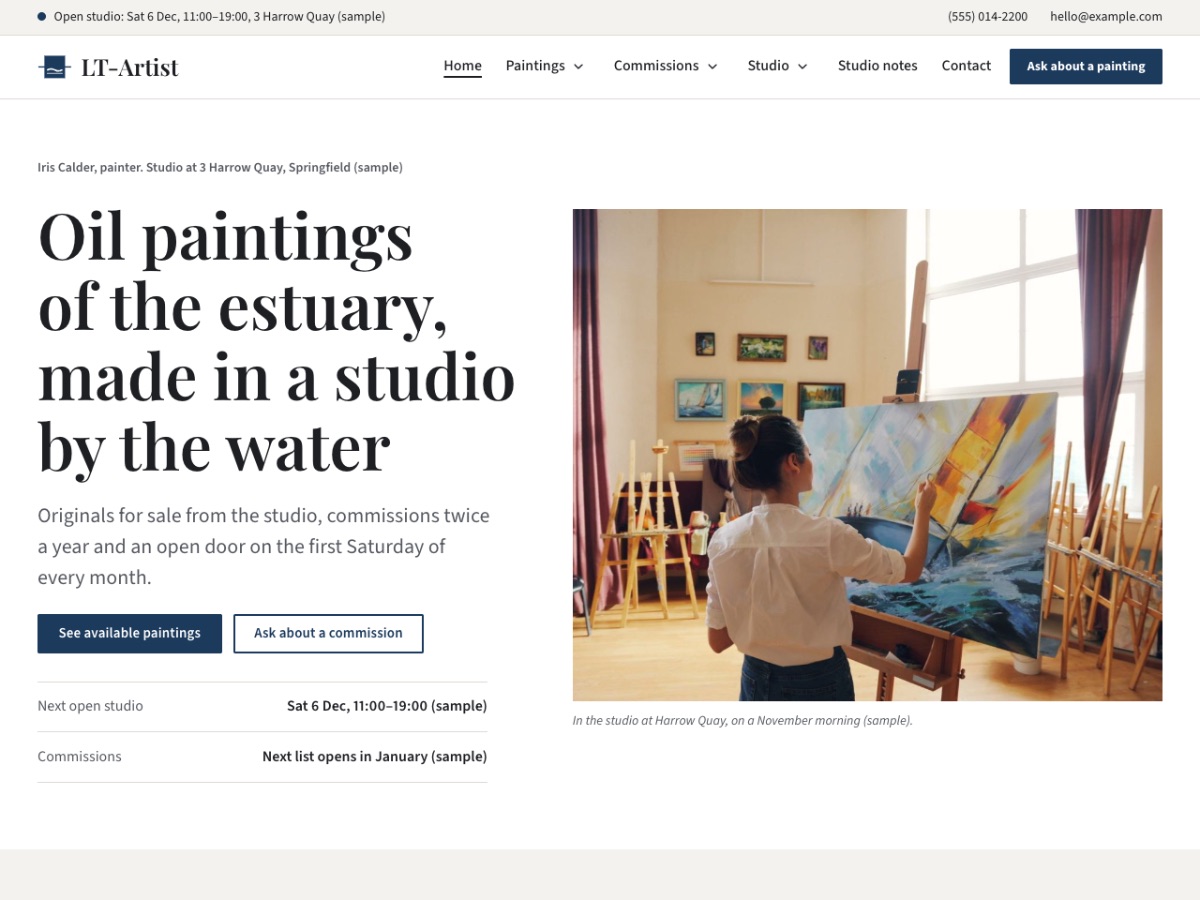
LT ArtClass
Live demo LT ArtClass (opens in a new tab)Details LT ArtClass