Car parts WooCommerce theme
LT Axle – AI-Ready Car Parts Superstore WooCommerce Theme
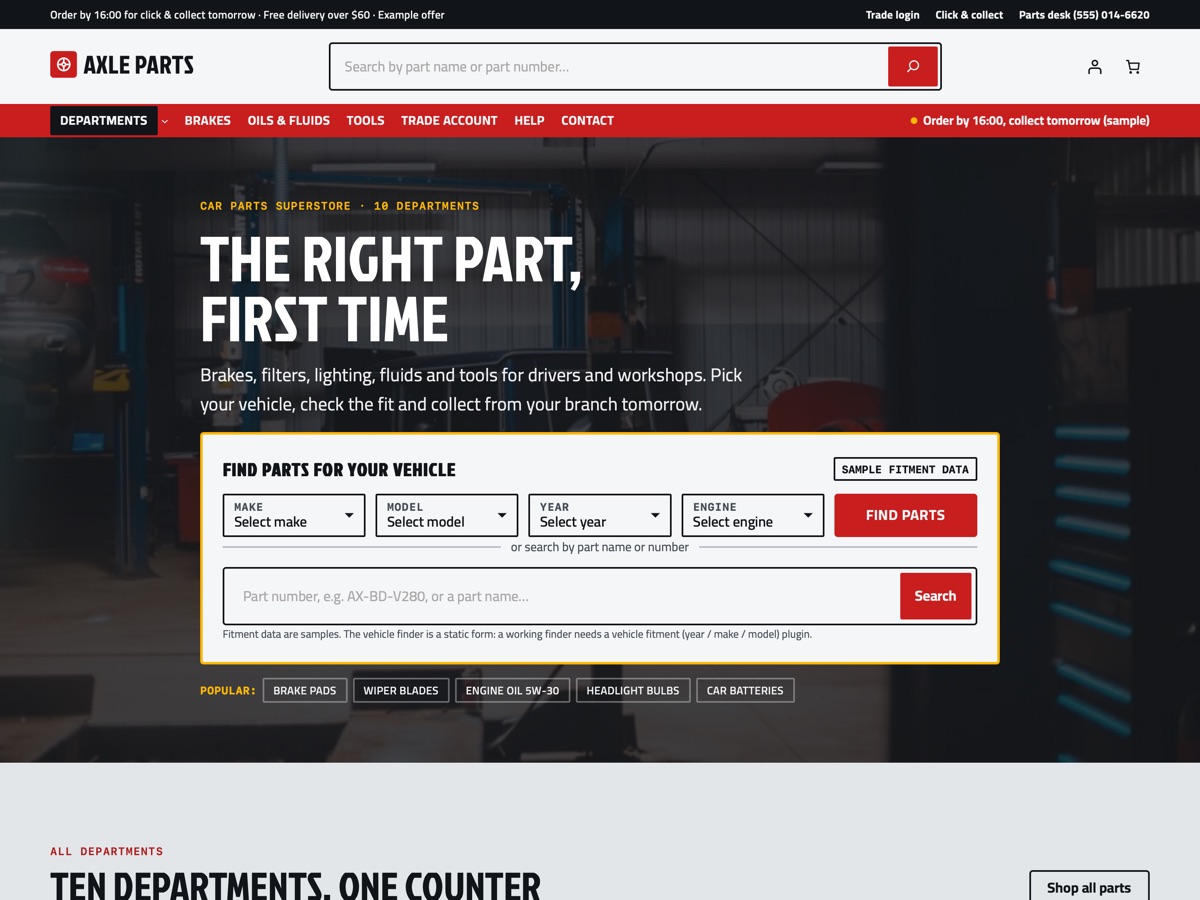
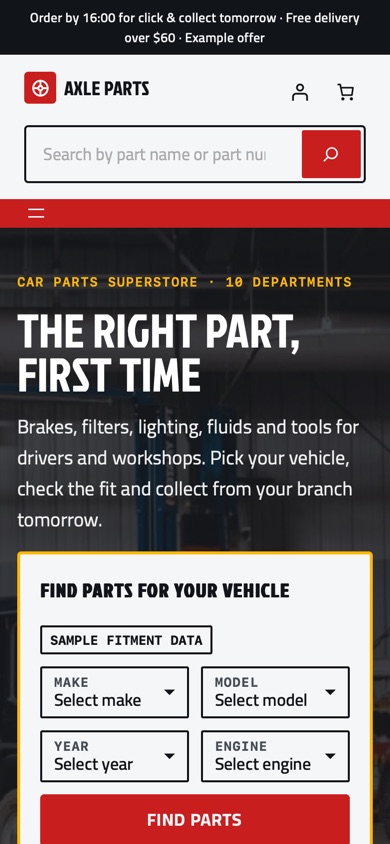
LT Axle is a WooCommerce block theme for car parts and accessories stores with a large catalogue, shown as a parts superstore with brakes, filters, lighting, fluids and tools in ten departments. It has a search-first vehicle finder hero, a mega menu, dense product grids with a part number and fitment tag on every card, a fitment check table, a quick order list, bulk prices, workshop / fleet / dealer trade tiers, click & collect and a core-charge explainer, all on WooCommerce's own blocks. Pro Unlimited adds the AI kit, so an assistant can rebrand and extend the store safely.
- 23 section patterns
- 6 page layouts
- 3 colour styles
- 30 demo products
Colour styles
3 colour styles, one click apart
Pick a style in Appearance, Editor, Styles, or set your own brand colour once. Buttons, icons and shadows follow automatically.
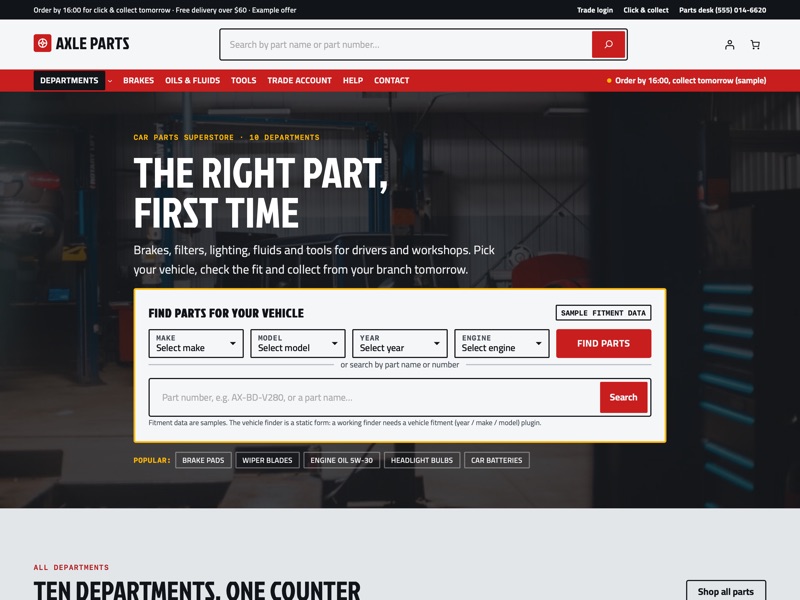 Workshop Red
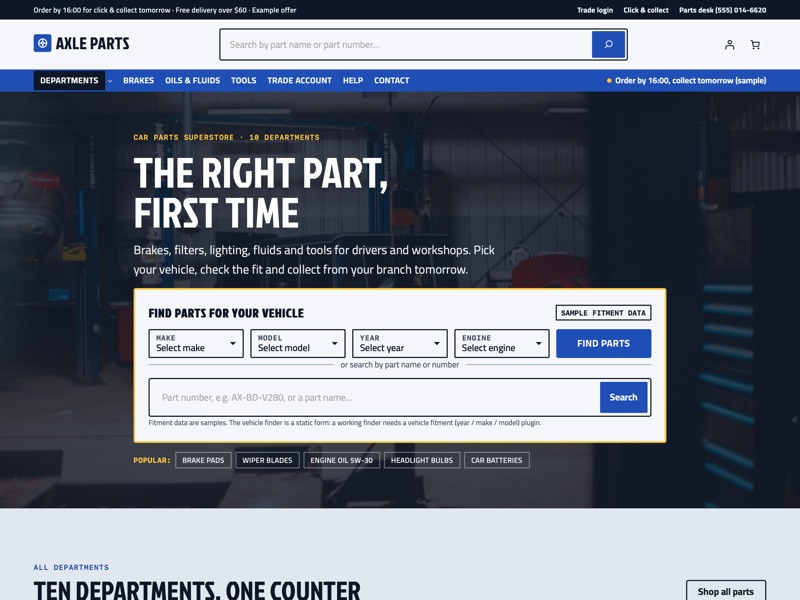 Fleet Blue
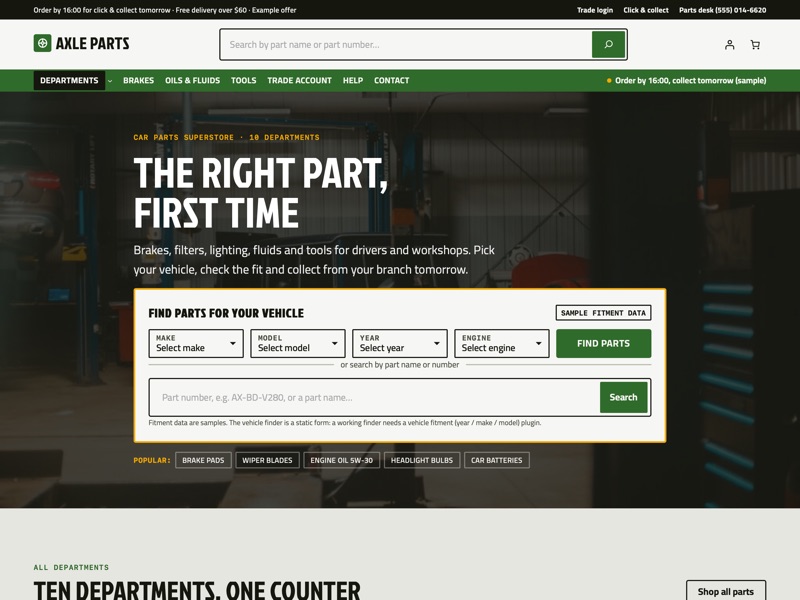 Torque Green
Ready-made sections
Everything a car parts superstore needs
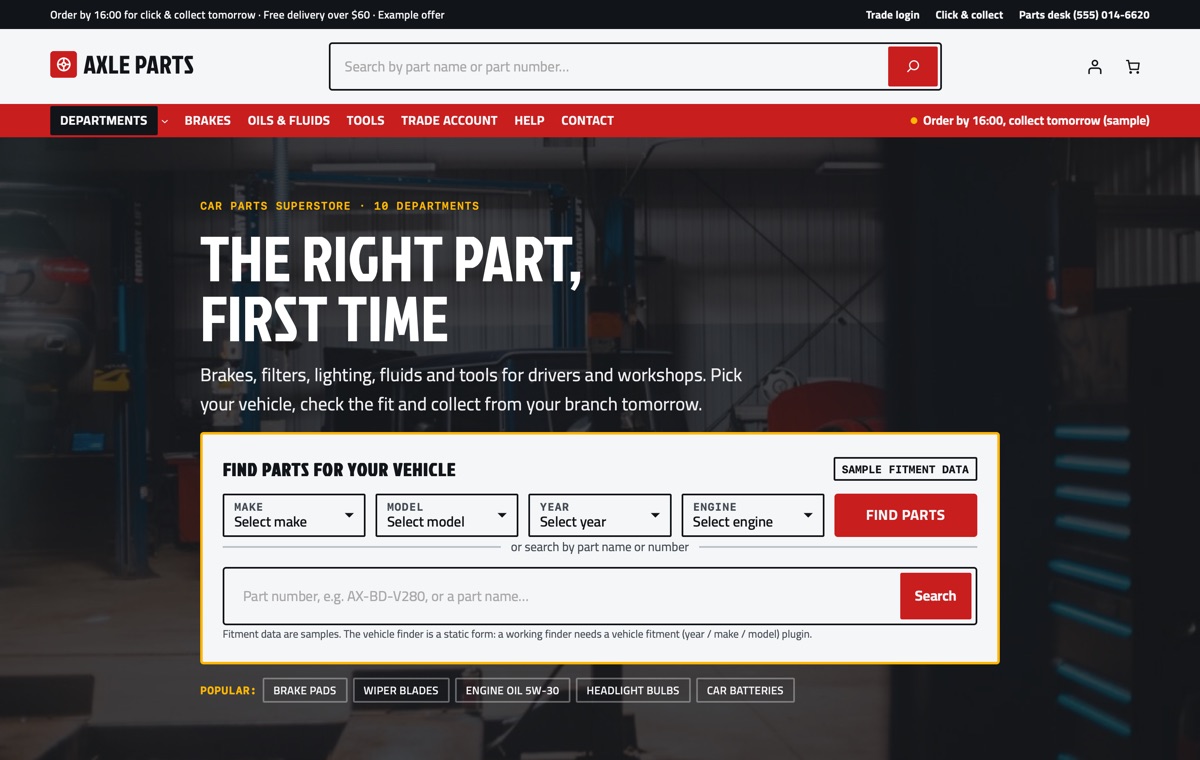
Homepage
Vehicle finder over a dark workshop band, ten department cards, sample brand marks, a 5-column part-number grid, fitment check, quick order list, bulk prices, trade tiers, offers, click & collect, returns and core charges, reviews and FAQ.
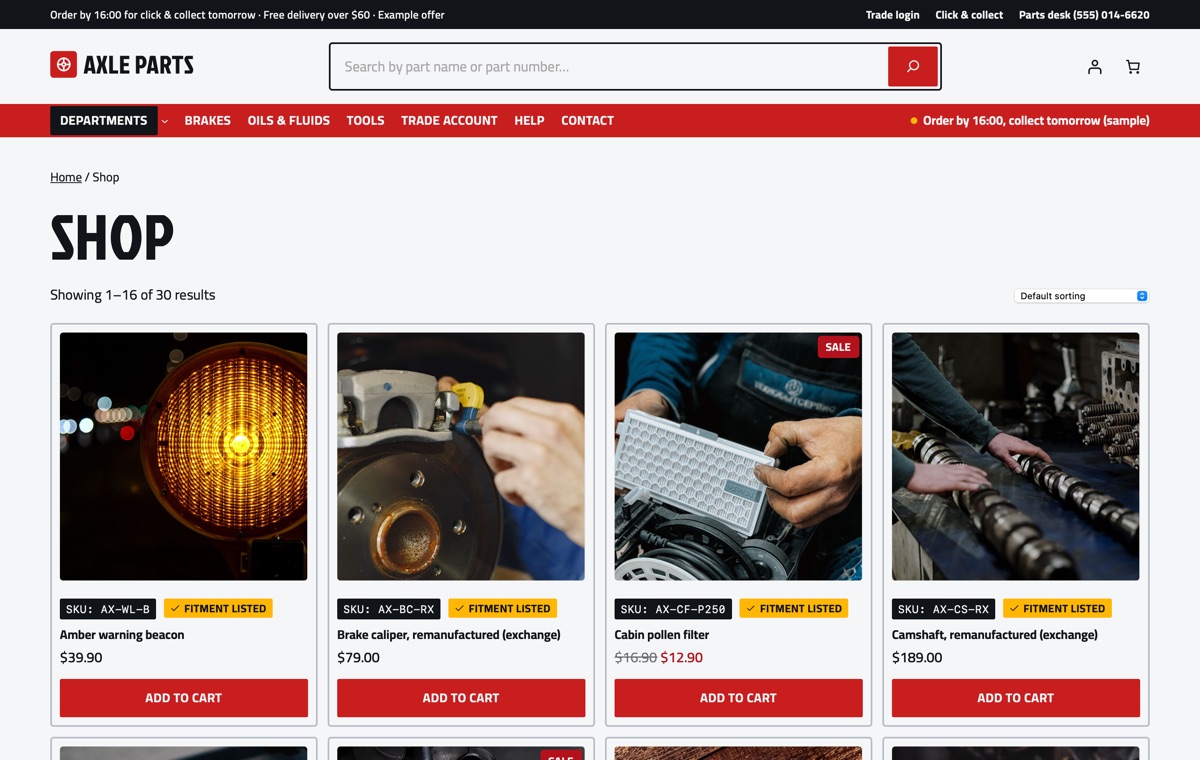
Shop
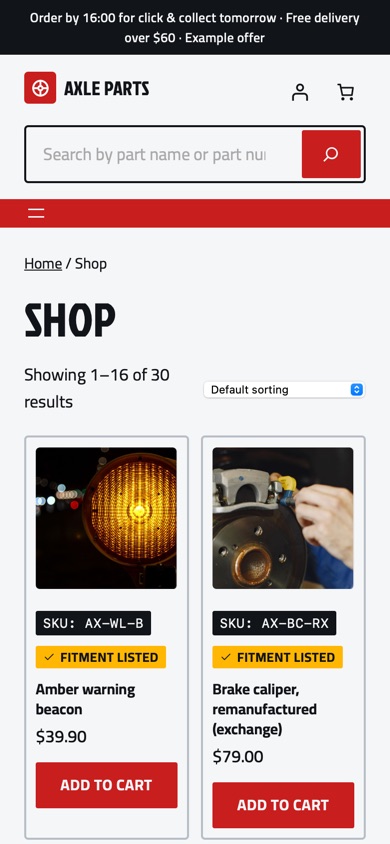
WooCommerce product collection with 30 sample parts in 10 departments and 12 sub-categories; every card shows the part number and a fitment tag.
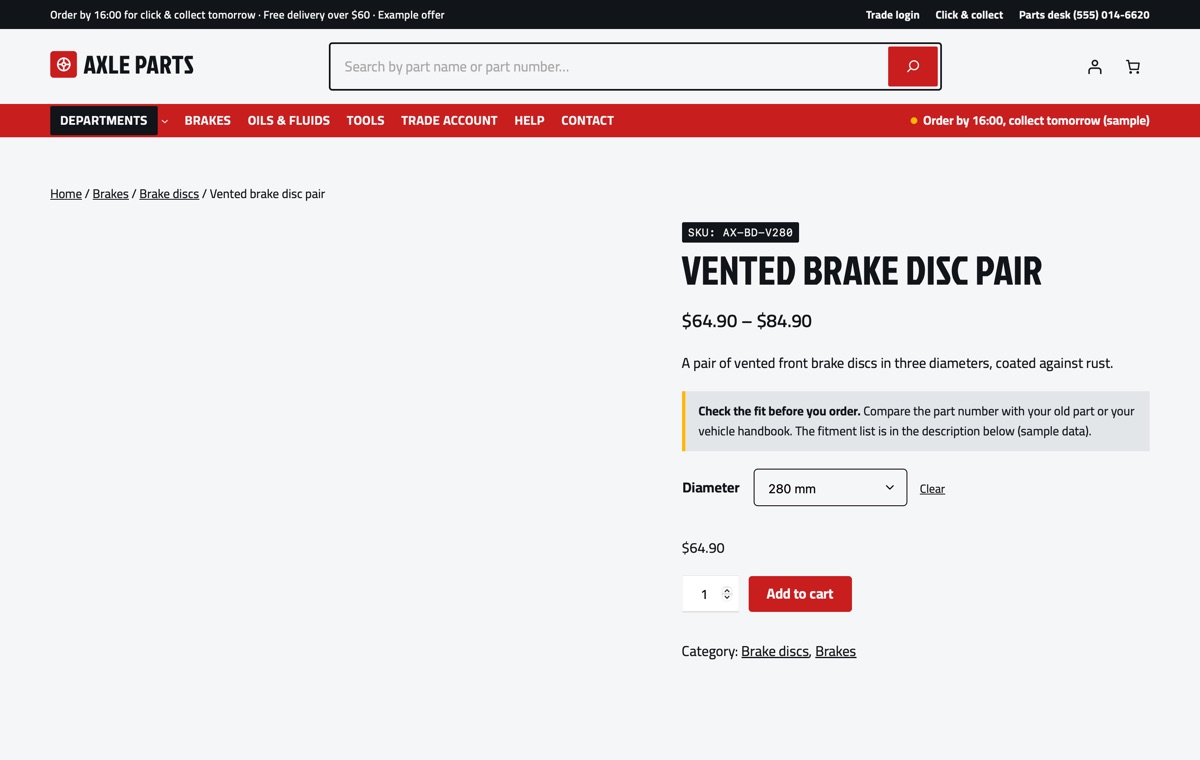
Part page
A variable part with Diameter options, the part number on top, a fitment note above the add-to-cart form and a specification and fitment table in the description.
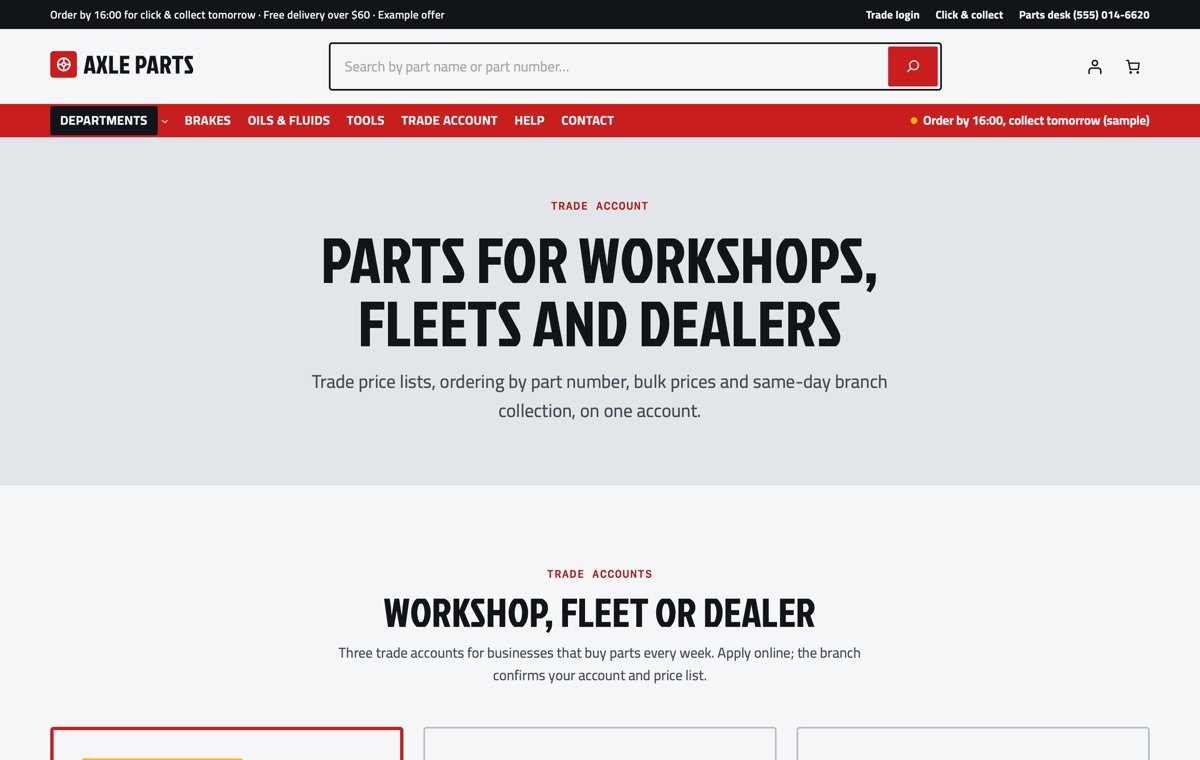
Trade account
Workshop, fleet and dealer tiers, how to apply, the quick order list, bulk prices, click & collect and trade FAQ on one page.
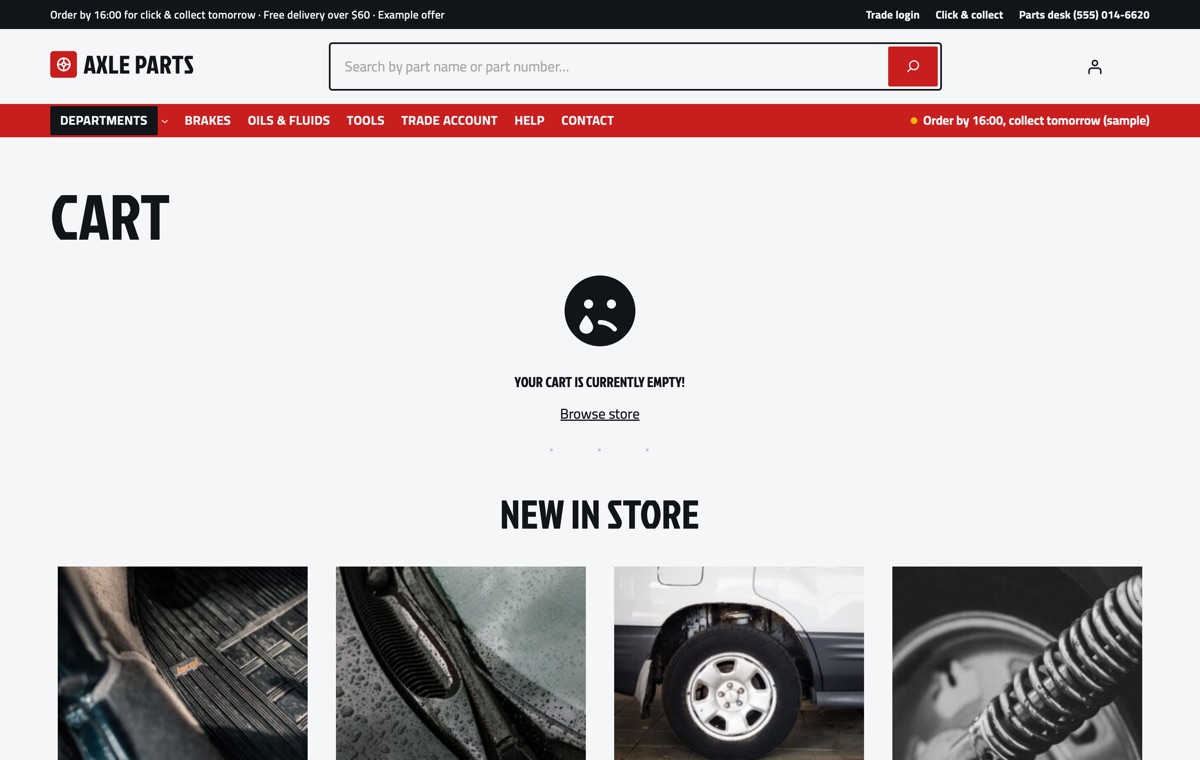
Cart
WooCommerce Cart block styled to the theme, with the mini-cart in the header.
AI kit, Pro Unlimited
Let your AI assistant set up your store
With the AI kit an assistant can set up your departments and mega menu, write part descriptions with part numbers, specifications and your fitment data, and rebrand the store in theme.json without breaking the block markup. It follows rules that keep fitment, B2B and core-charge plugin notes and sample labels in place until you confirm the facts.
- AGENTS.md + CLAUDE.mdRules your AI follows: design tokens, valid block markup, WooCommerce blocks and which sample text to replace.
- Agent SkillA ready skill that walks Claude through setting the store up for your business.
- 12 ready promptsSet up the theme for my parts store, rebrand to my colours and fonts, rewrite the homepage in my voice and more, written for this kind of store.
- WordPress Abilitiescreate-landing-page, import-demo, list-demos, set-style: AI agents connected to your site can run them directly.
- Theme checkerOne command checks block markup, colour contrast and leftover sample content before launch.
prompts.md #1Set up this LT Axle store for my parts business "Northgate Motor Factors" (sample): departments Brakes, Filters, Lighting, Oils & fluids, Tools and Batteries, one branch at 12 Station Road open Mon–Sat 8:00–17:30, click & collect from 8:00 when ordered by 16:00, free delivery over $50, 30-day returns. Use the Fleet Blue style with my brand colour #1C4E9C, update the department cards and mega menu, and write the trade tiers for workshops and fleets. Features
Built the modern WordPress way
Pricing
Get LT Axle
Free is the theme with its templates, section patterns and colour styles; Pro Standard adds the complete demo store with one-click import, a year of updates and ticket support; Pro Unlimited adds the AI kit and unlimited websites.
Free download
Free Download
- Theme, templates, 23 patterns & 3 colour styles✓
- Complete demo store & one-click import✕
- Mobile ready✓
- Downloads & updatesForever
- Ticket supportDocumentation
- Website license1
- AI kit (AGENTS.md, skill, prompts, checker)✕
- Credit removal✕
Keeps a small credit link in the footer.
Most popular
Pro Standard
$29 Yearly payment
- Theme, templates, 23 patterns & 3 colour styles✓
- Complete demo store & one-click import✓
- Mobile ready✓
- Downloads & updates1 year
- Ticket support1 year (renews yearly)
- Website license1
- AI kit (AGENTS.md, skill, prompts, checker)✕
- Credit removal✓
Pro Unlimited
$49 One-time payment
- Theme, templates, 23 patterns & 3 colour styles✓
- Complete demo store & one-click import✓
- Mobile ready✓
- Downloads & updatesLifetime
- Ticket supportLifetime
- Website licenseUnlimited
- AI kit (AGENTS.md, skill, prompts, checker)✓
- Credit removal✓
LT Axle FAQ
Does the vehicle finder work out of the box?
No. The finder in the hero is a static form that shows the design. To filter parts by year, make and model you need a vehicle fitment plugin for WooCommerce; the theme then gives it a matching look.
How do part numbers show on the cards?
The theme places WooCommerce’s Product SKU block on every product card and on the product page, styled as a part-number tag. Enter your part number in the SKU field of each product.
Can workshops get their own trade prices?
The Trade account page and the tier, quick order and bulk price sections show how a trade counter works. Trade price lists, payment terms and ordering by part number need a WooCommerce B2B or quick-order plugin.
How are the departments and the mega menu set up?
The demo has ten top-level product categories (departments) with sub-categories under six of them. The first item of the header menu holds them and opens as a five-column panel on desktop.
Does the theme include real car makes or part brands?
No. The demo uses generic vehicles such as “Hatchback A” and generic sample brand marks. Add real makes and logos only where you have the right to use them.
Can I use it for tools, van or motorbike parts?
Yes. Rename the departments, fitment table and finder fields; the large-catalogue sections work for any parts or spares store.
Which versions of WordPress and WooCommerce do I need?
WordPress 7.0 or newer, WooCommerce 10 or newer and PHP 8.1 or newer (tested up to WordPress 7.1 and WooCommerce 11.2). LT Axle is a block theme: you edit the header, footer and store templates in Appearance → Editor, and WooCommerce runs products, payments, shipping and taxes.
What is the difference between Free, Pro Standard and Pro Unlimited?
Free is the theme package: all templates, the 23 section patterns and 6 page layouts and all 3 colour styles, with a small credit link in the footer; it has no demo content and no demo import. Pro Standard adds the complete demo store (categories, products, pages and menu) with one-click import, credit removal, and a year of updates and ticket support, for one website. Pro Unlimited adds the AI kit, unlimited websites and lifetime updates and support. The demo import works without a licence key; the key gives you updates.
Can I use it on my existing WooCommerce store?
Yes. Activating the theme never changes your products, orders, customers or WooCommerce settings; preview it first in Appearance → Themes. The Pro demo import adds its sample categories, products, pages and menu without changing your existing products or pages, but it can set the demo homepage as your front page and change the site title, so run it on a new or staging site if you only want to copy the layouts.
How do I get the Pro version after buying?
Right after payment you receive a licence key by email. Sign in at ltheme.com/account to download your theme and every update included in your plan, and enter the key in Appearance → Licence to get updates in WordPress.
How do I get support?
Pro Standard and Pro Unlimited include ticket support at ltheme.com/ticket-support. Free users can follow the documentation.
More auto, tools & diy WooCommerce themes
No theme matches yet. Try another word, or ask us which theme fits your business.
-
Car detailing products shop New
LT Buff
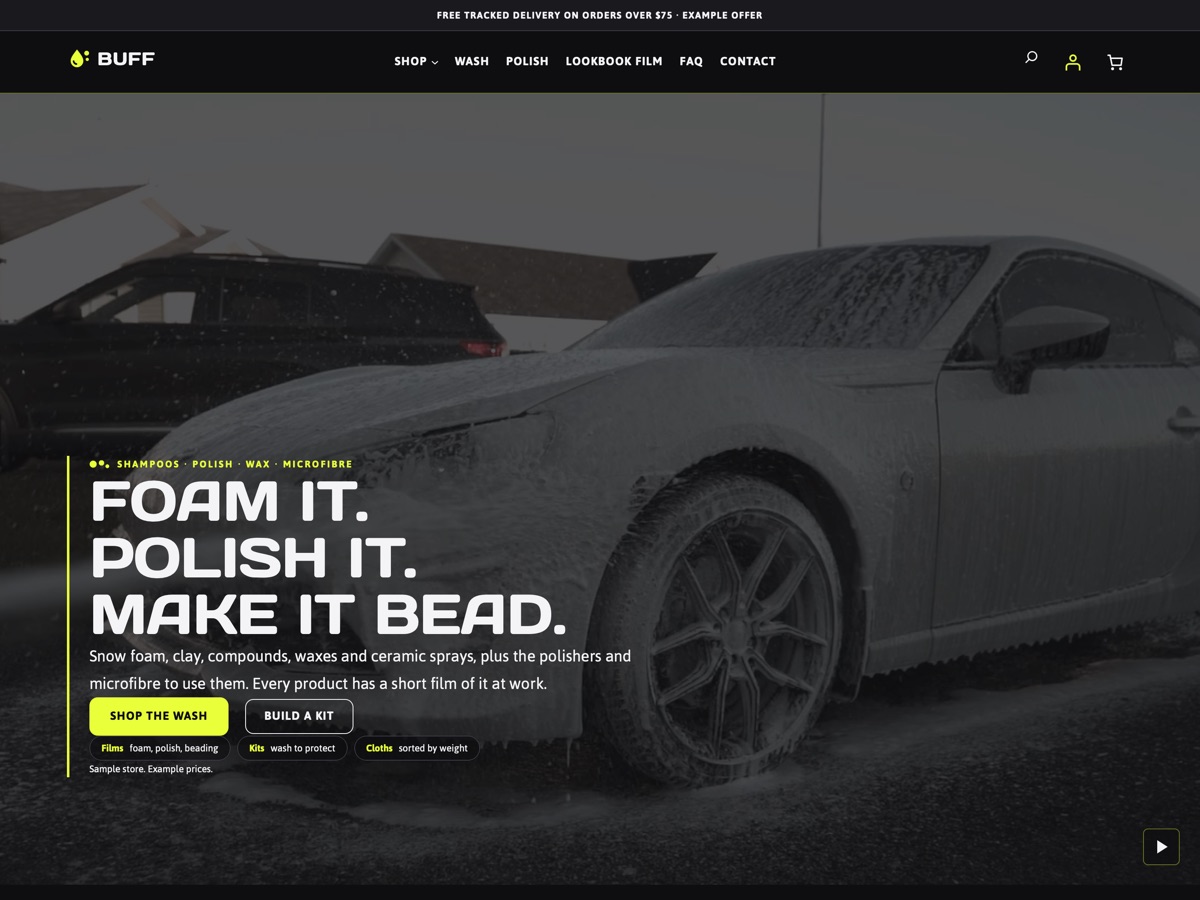
A graphite, lime and electric-blue WooCommerce theme for car detailing shops, with snow-foam and polishing films, gloss-rated product cards and a kit builder.
-
Woodworking plans New
LT Dovetail
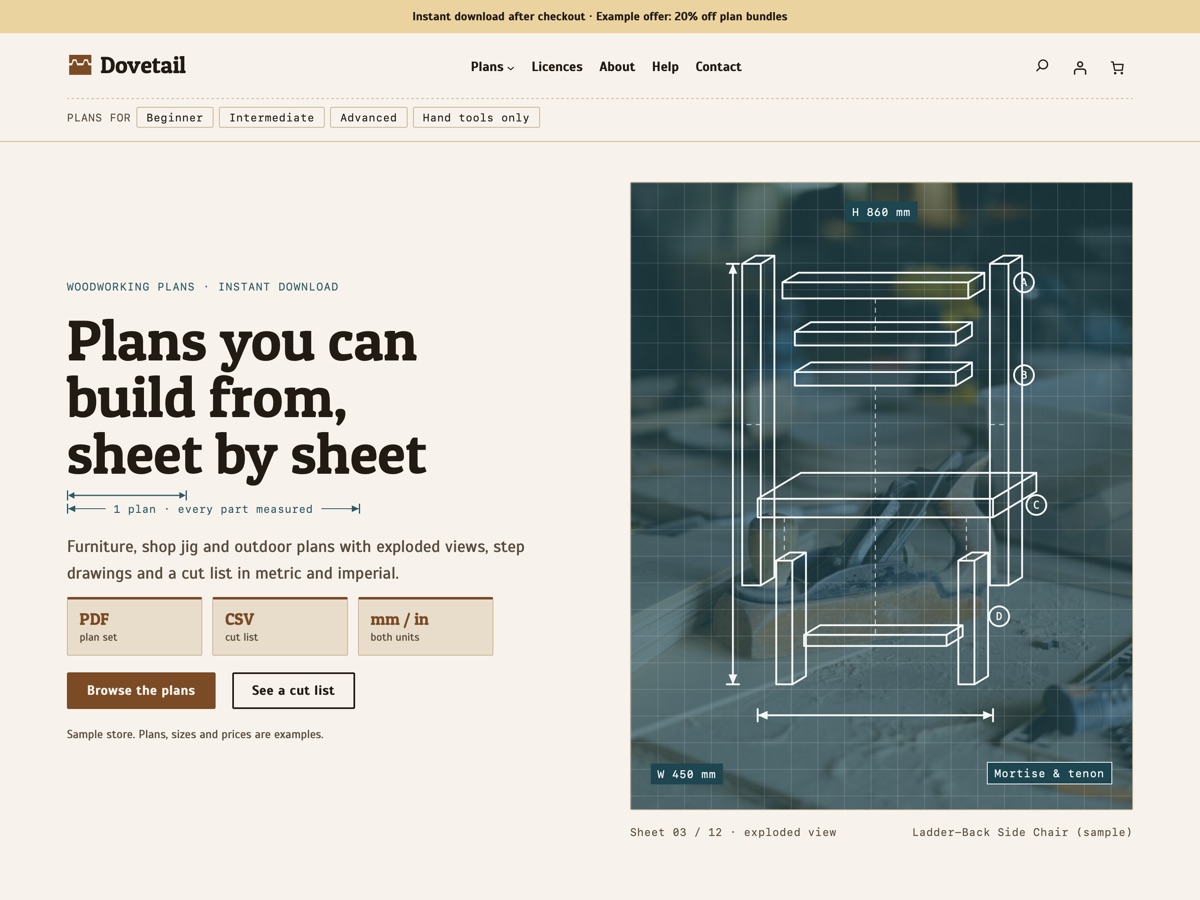
A blueprint-style WooCommerce theme for selling woodworking plans as instant downloads, with cut lists in metric and imperial.
-
Sharpening stones and knife care New
LT Whet
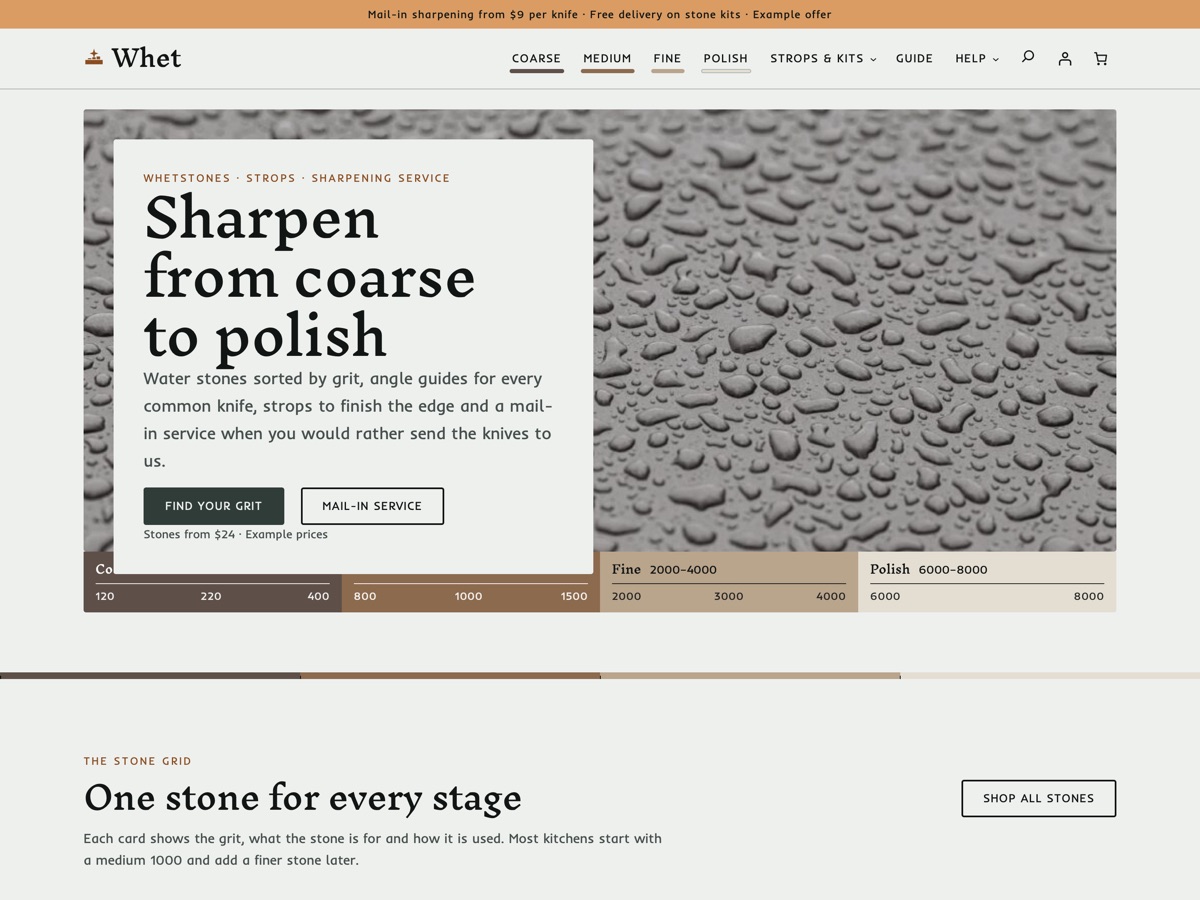
A WooCommerce theme for whetstone shops: stones by grit from coarse to polish, grit and angle guides, strops, kits and a mail-in sharpening service.