Pizza oven WooCommerce theme
LT Blaze – AI-Ready Pizza Oven WooCommerce Theme
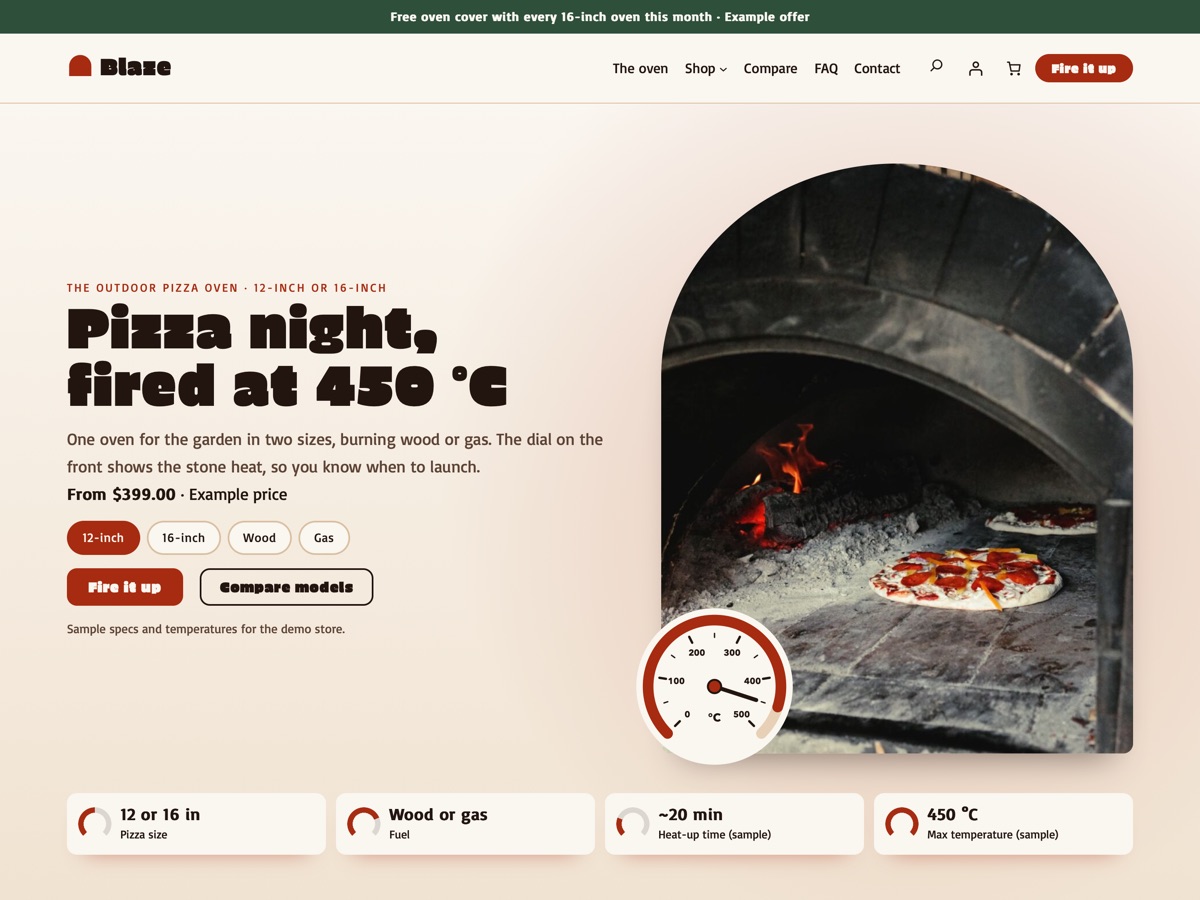
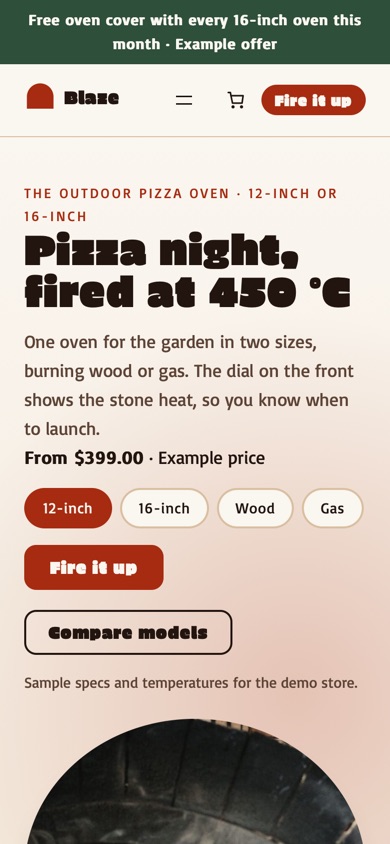
LT Blaze is a WooCommerce block theme for brands that sell one outdoor pizza oven in two sizes and two fuel types, plus peels, a cover, a thermometer and a stand. It comes with a flame hero that puts a 0–500 °C temperature dial over the oven photo with spec chips below, a model picker for size and fuel, a compare models table, what's in the box, first-fire steps, a heat guide, sample recipes, gas and fire safety notes as placeholder text and accessory cards, all built on WooCommerce's own blocks for the shop, product, cart and checkout pages. Pro Unlimited adds an AI kit so an assistant can rebrand the store and write your product pages without breaking the design.
- 24 section patterns
- 6 page layouts
- 3 colour styles
- 9 demo products
Colour styles
3 colour styles, one click apart
Pick a style in Appearance, Editor, Styles, or set your own brand colour once. Buttons, icons and shadows follow automatically.
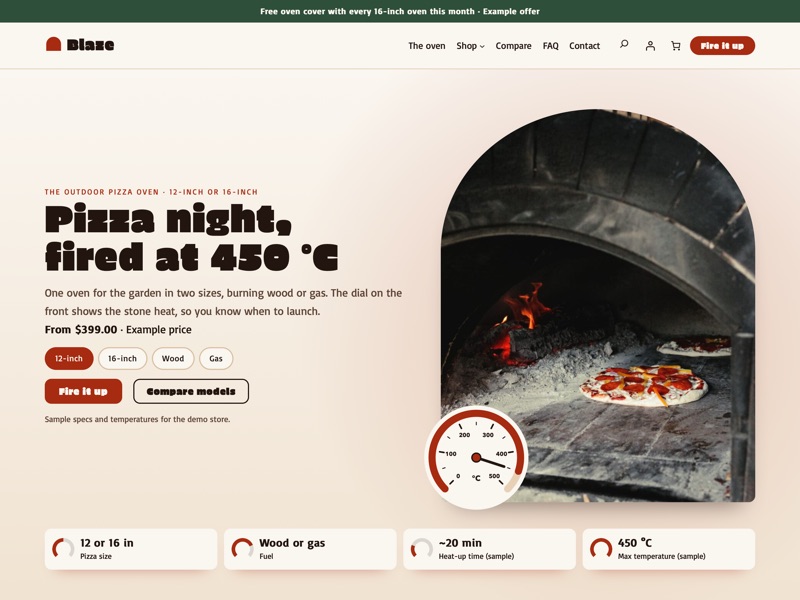 Brick
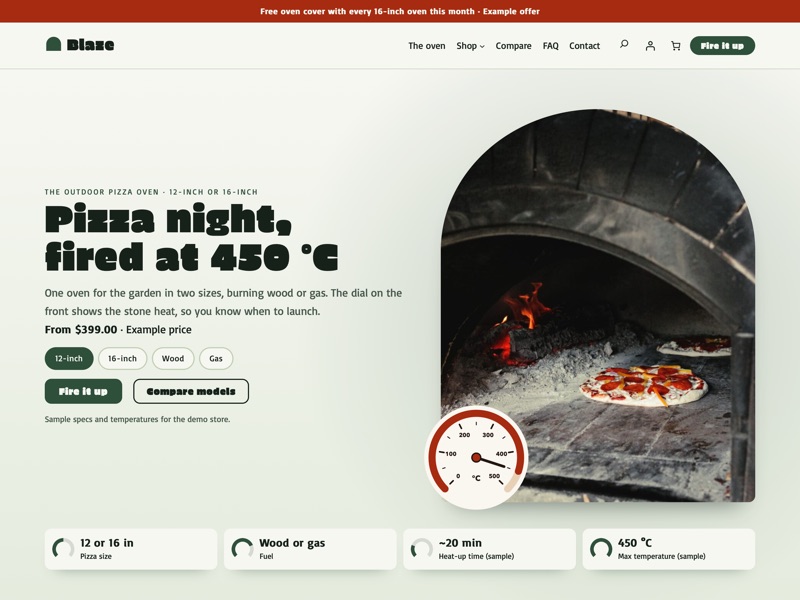 Garden
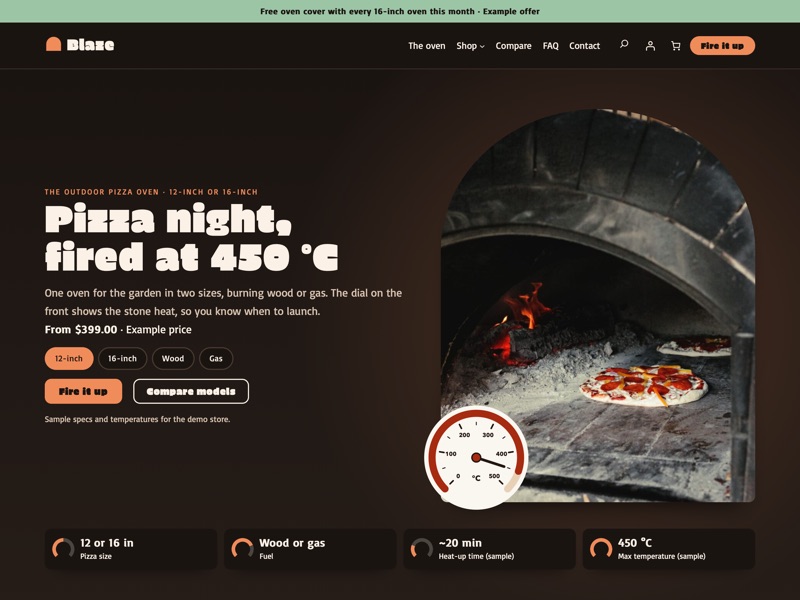 Charcoal
Ready-made sections
Everything a pizza oven shop needs
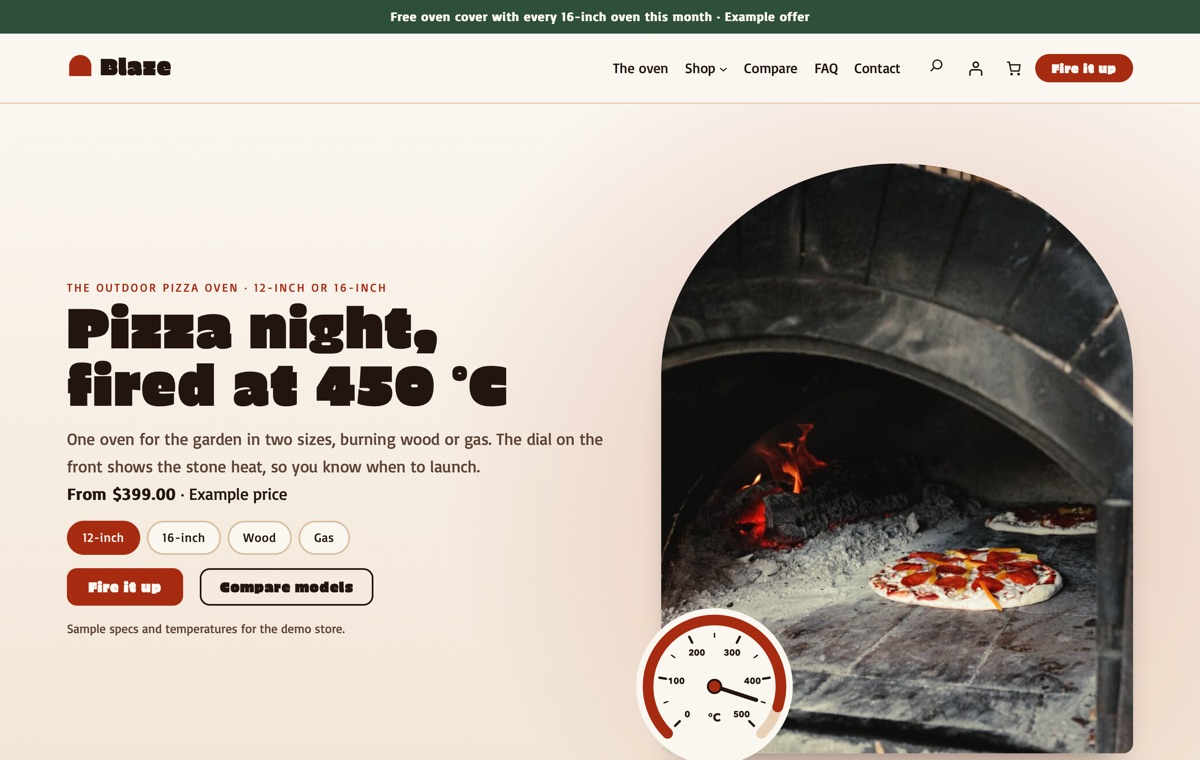
Home
A flame hero with the oven photo in an oven-arch frame, the temperature dial over its corner and spec chips for size, fuel, heat-up time and max temperature, then the model picker, the model comparison, what's in the box, first-fire steps, the heat guide, sample recipes, gas and fire safety notes as placeholder text, accessory cards, sample reviews and a FAQ.
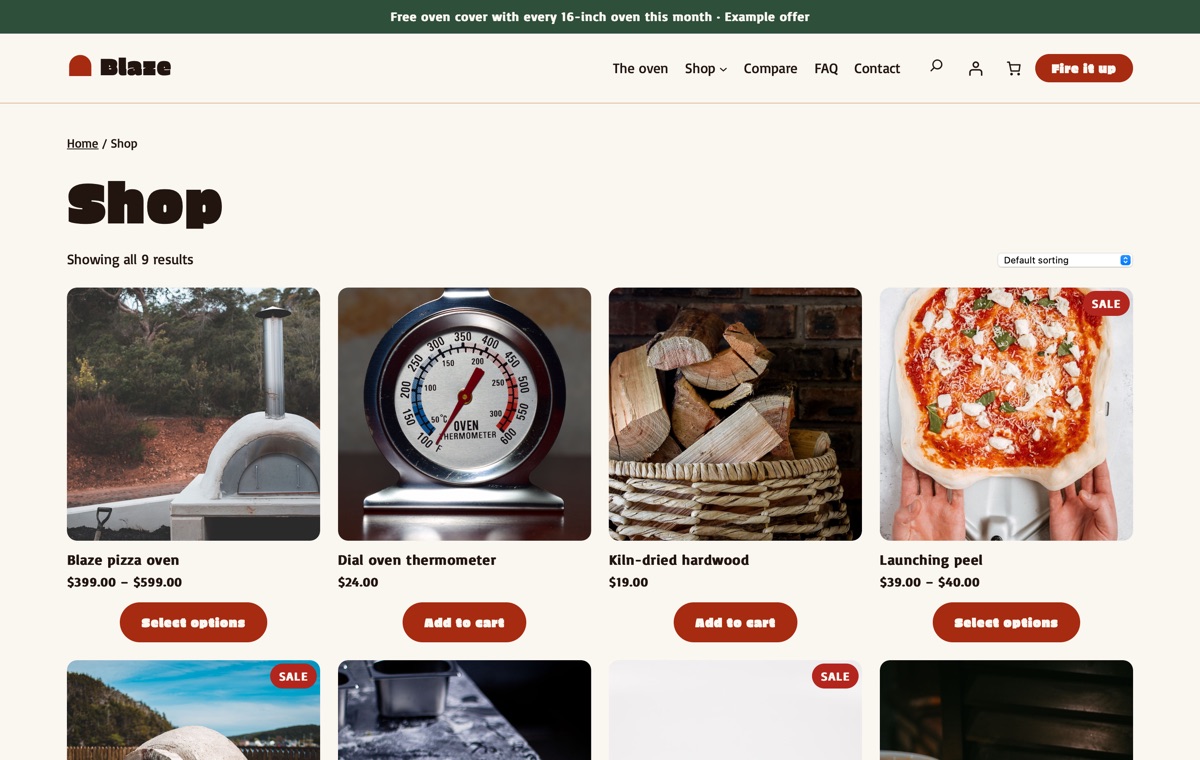
Shop
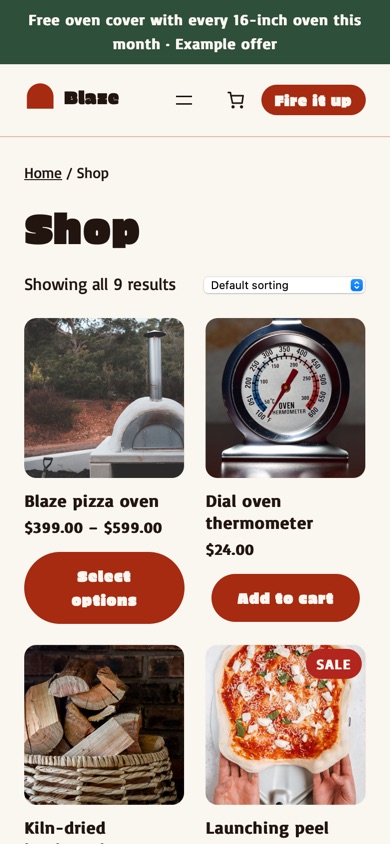
The WooCommerce product catalogue with the pizza oven, a launching peel, a perforated turning peel, a dial oven thermometer, a pizza wheel, a weather cover, an oven stand, a spare baking stone and kiln-dried hardwood.
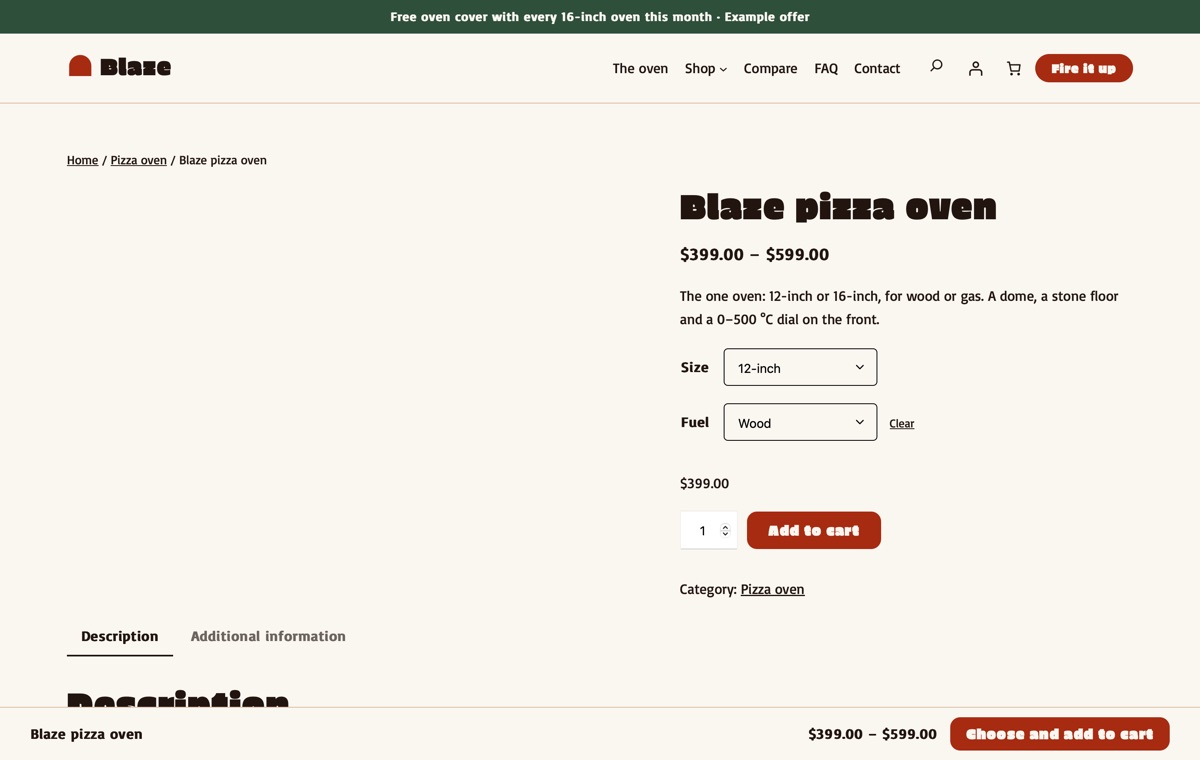
Product page
A variable product with Size (12-inch, 16-inch) and Fuel (Wood, Gas) options, specifications, box contents, a gas and fire safety placeholder and warranty, and a sticky add-to-cart bar at the bottom of the window.
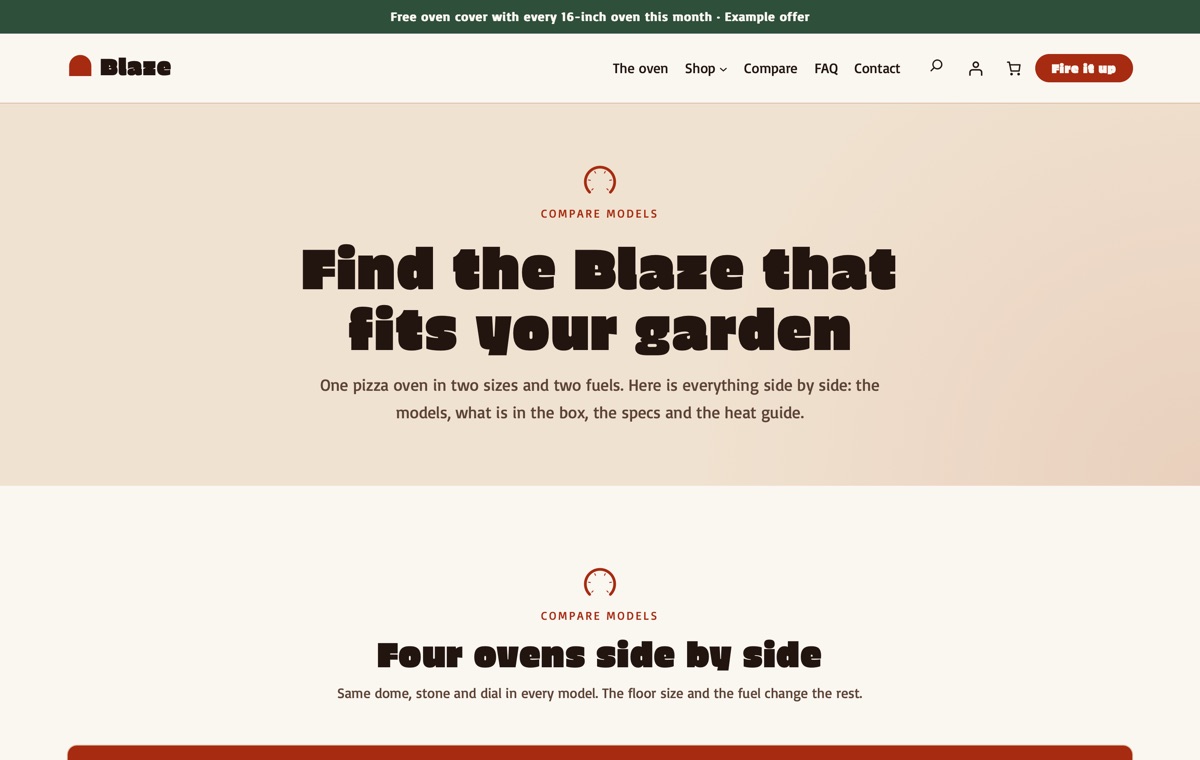
Compare models
The four models side by side, the model picker, what is in the box, the full spec sheet and the heat guide.
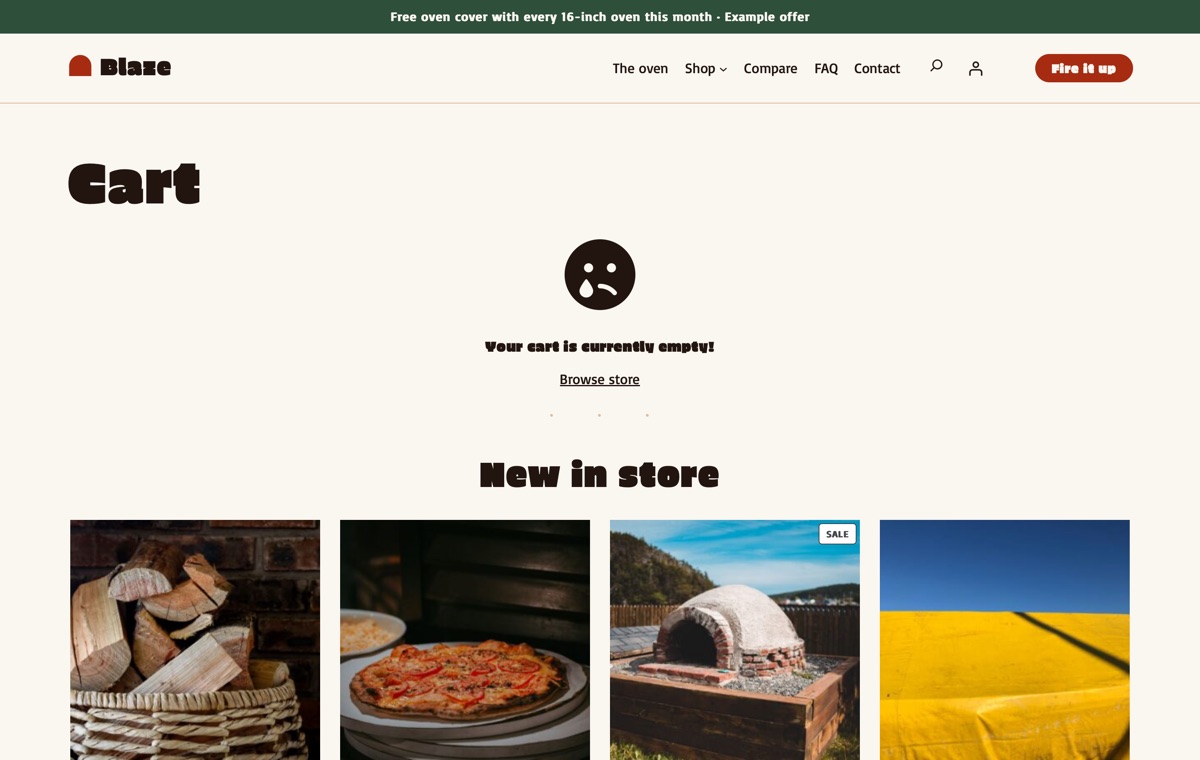
Cart
WooCommerce's Cart block with the chosen size and fuel on each line.
AI kit, Pro Unlimited
Let your AI assistant set up your store
With Pro Unlimited, an AI assistant can read the theme's rules and rebrand Blaze, write product pages with sizes, specs, box contents and warranty, and update the model picker, heat guide and comparison table without breaking the blocks. On a live site it can also import the demo, switch styles and draft landing pages through WordPress Abilities.
- AGENTS.md + CLAUDE.mdRules your AI follows: design tokens, valid block markup, WooCommerce blocks and which sample text to replace.
- Agent SkillA ready skill that walks Claude through setting the store up for your business.
- 12 ready promptsSet up the theme for my shop, rebrand to my colours and fonts, rewrite the homepage in my voice and more, written for this kind of store.
- WordPress Abilitiescreate-landing-page, import-demo, list-demos, set-style: AI agents connected to your site can run them directly.
- Theme checkerOne command checks block markup, colour contrast and leftover sample content before launch.
prompts.md #1Set up this LT Blaze store for my brand "Emberline" (sample). One pizza oven in two sizes: Compact 13-inch, $429 and Family 18-inch, $649, each for wood or gas, with a launching peel and a cover. Accessories: a turning peel $38, a dial thermometer $26 and an oven stand $199. Bake days on Saturdays at 9 Orchard Road. Email: [email protected]. Use the Garden style with my brand colour #3B5E3F, rewrite the homepage, the model picker and the comparison table, keep temperatures as samples and gas details as placeholders, make no safety claims, and mark anything I have not confirmed as sample.
Features
Built the modern WordPress way
Pricing
Get LT Blaze
Free is the theme with its templates, section patterns and colour styles; Pro Standard adds the complete demo store with one-click import, a year of updates and ticket support; Pro Unlimited adds the AI kit and unlimited websites.
Free download
Free Download
- Theme, templates, 24 patterns & 3 colour styles✓
- Complete demo store & one-click import✕
- Mobile ready✓
- Downloads & updatesForever
- Ticket supportDocumentation
- Website license1
- AI kit (AGENTS.md, skill, prompts, checker)✕
- Credit removal✕
Keeps a small credit link in the footer.
Most popular
Pro Standard
$29 Yearly payment
- Theme, templates, 24 patterns & 3 colour styles✓
- Complete demo store & one-click import✓
- Mobile ready✓
- Downloads & updates1 year
- Ticket support1 year (renews yearly)
- Website license1
- AI kit (AGENTS.md, skill, prompts, checker)✕
- Credit removal✓
Pro Unlimited
$49 One-time payment
- Theme, templates, 24 patterns & 3 colour styles✓
- Complete demo store & one-click import✓
- Mobile ready✓
- Downloads & updatesLifetime
- Ticket supportLifetime
- Website licenseUnlimited
- AI kit (AGENTS.md, skill, prompts, checker)✓
- Credit removal✓
LT Blaze FAQ
Can I sell more than one size and fuel?
Yes. The demo oven is one variable product with a Size attribute (12-inch, 16-inch) and a Fuel attribute (Wood, Gas). Each combination is a variation with its own price and stock.
How do the model picker and the temperature dial work?
The model picker is four cards with their own anchors and chips that link to them. The dial rings are drawn with CSS on step numbers, spec chips and heat zones; a class sets how far the heat arc runs, so you change it without editing images.
Are the temperatures and heat-up times real?
No. Temperatures, heat-up times, bake times and weights in the demo are samples, and the gas connection details are marked as placeholders. Replace them with the figures from your product’s own sheet and manual.
Does the theme make safety claims?
No. The copy describes sizes, fuel and use only. The gas and fire safety notes are placeholder text that you replace with the instructions from your product’s manual, and the demo shows no certification or test marks.
What photos does the demo use?
Pexels photos of outdoor pizza ovens, pizzas, peels, tools and gardens with adults. The theme itself ships its own flat illustrations.
Can I use it for another one-product brand?
Yes. The flame hero, the model picker, the comparison and the heat guide suit any product sold in a few sizes and versions with add-on tools, such as a grill, a smoker or a fire pit.
Which versions of WordPress and WooCommerce do I need?
WordPress 7.0 or newer, WooCommerce 10 or newer and PHP 8.1 or newer (tested up to WordPress 7.1 and WooCommerce 11.2). LT Blaze is a block theme: you edit the header, footer and store templates in Appearance → Editor, and WooCommerce runs products, payments, shipping and taxes.
What is the difference between Free, Pro Standard and Pro Unlimited?
Free is the theme package: all templates, the 24 section patterns and 6 page layouts and all 3 colour styles, with a small credit link in the footer; it has no demo content and no demo import. Pro Standard adds the complete demo store (categories, products, pages and menu) with one-click import, credit removal, and a year of updates and ticket support, for one website. Pro Unlimited adds the AI kit, unlimited websites and lifetime updates and support. The demo import works without a licence key; the key gives you updates.
Can I use it on my existing WooCommerce store?
Yes. Activating the theme never changes your products, orders, customers or WooCommerce settings; preview it first in Appearance → Themes. The Pro demo import adds its sample categories, products, pages and menu without changing your existing products or pages, but it can set the demo homepage as your front page and change the site title, so run it on a new or staging site if you only want to copy the layouts.
How do I get the Pro version after buying?
Right after payment you receive a licence key by email. Sign in at ltheme.com/account to download your theme and every update included in your plan, and enter the key in Appearance → Licence to get updates in WordPress.
How do I get support?
Pro Standard and Pro Unlimited include ticket support at ltheme.com/ticket-support. Free users can follow the documentation.
More food & drink WooCommerce themes
No theme matches yet. Try another word, or ask us which theme fits your business.
-
Baking e-books & classes New
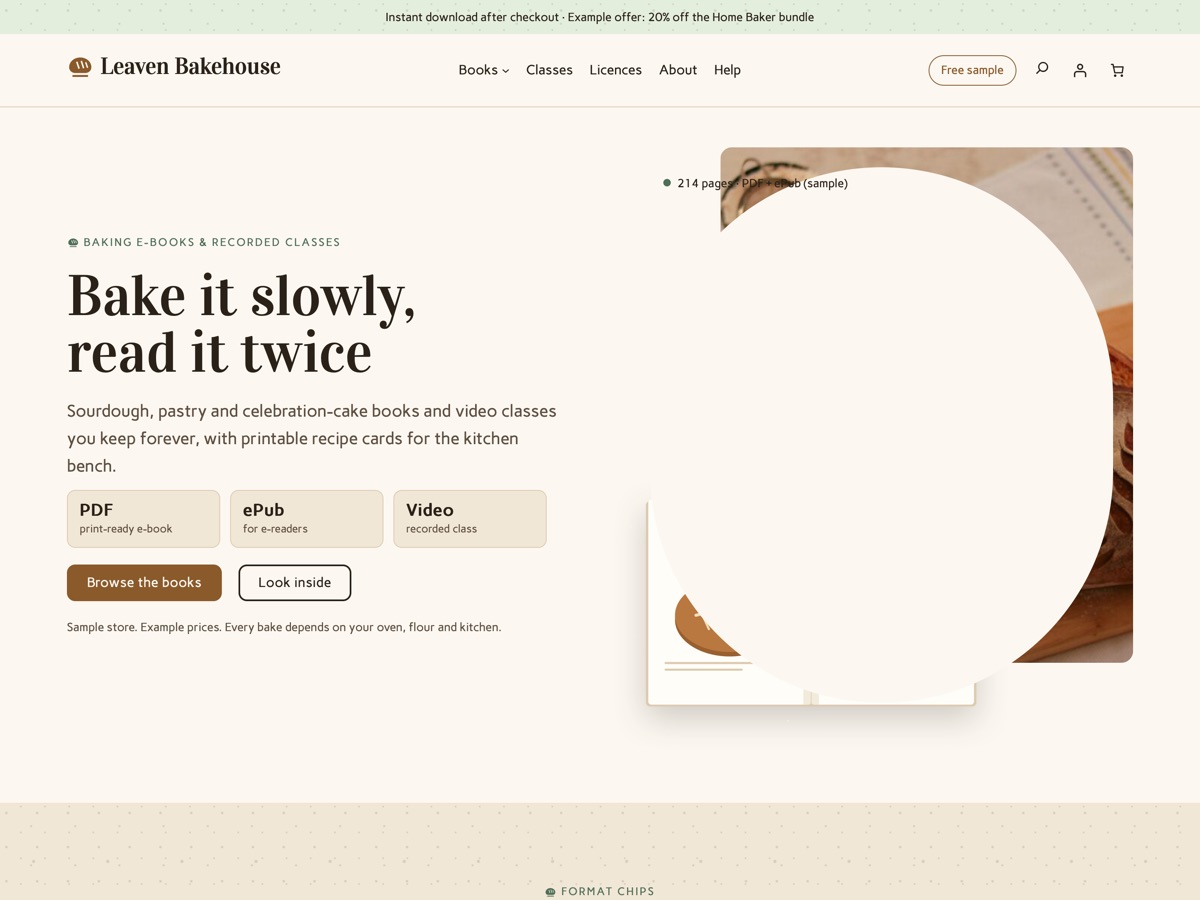
LT Leaven
A warm, flour-dusted WooCommerce theme for selling baking e-books, recorded classes and printable recipe cards as instant downloads.
-
Bean-to-bar chocolate maker New
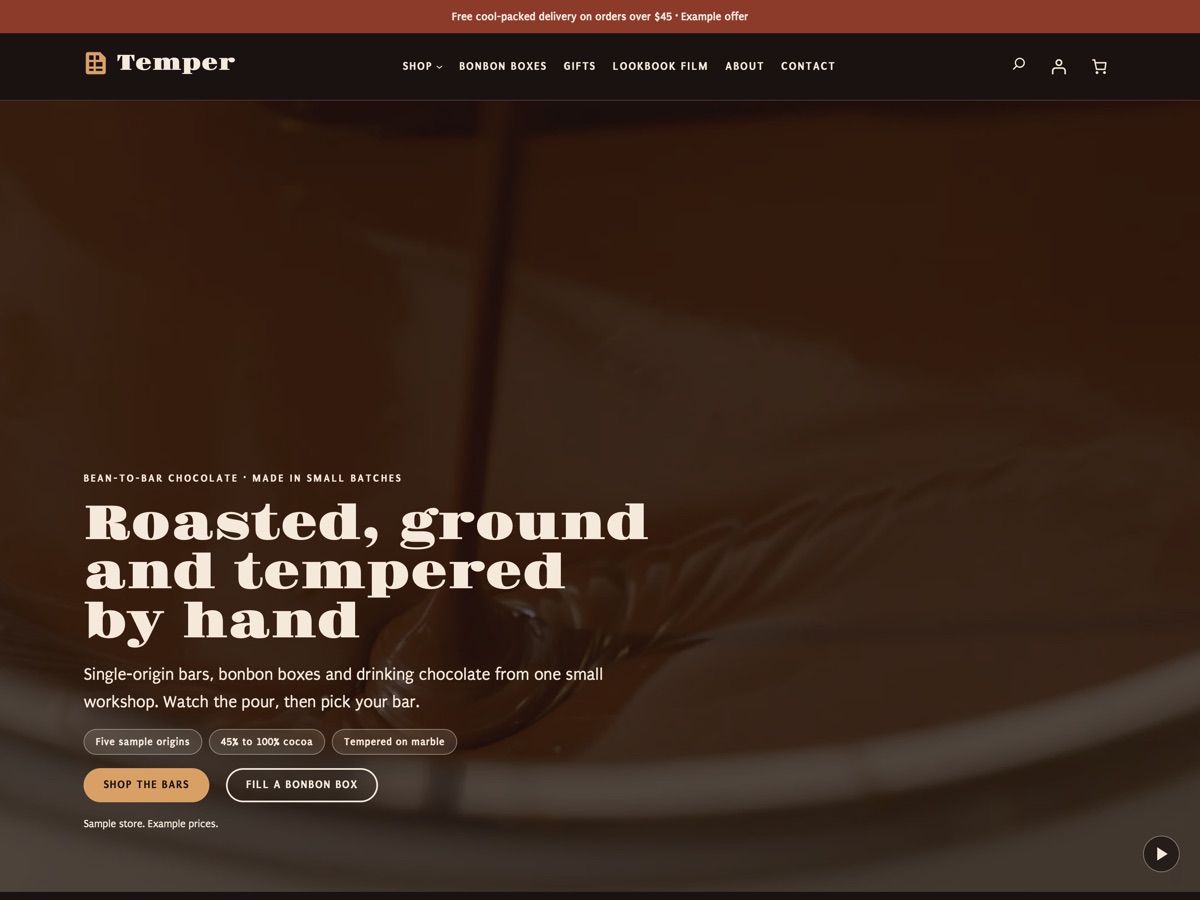
LT Temper
A dark, motion-led chocolate store: pouring and tempering films, bars ringed by cocoa percentage, and a bonbon box builder.
-
Fermentation club New
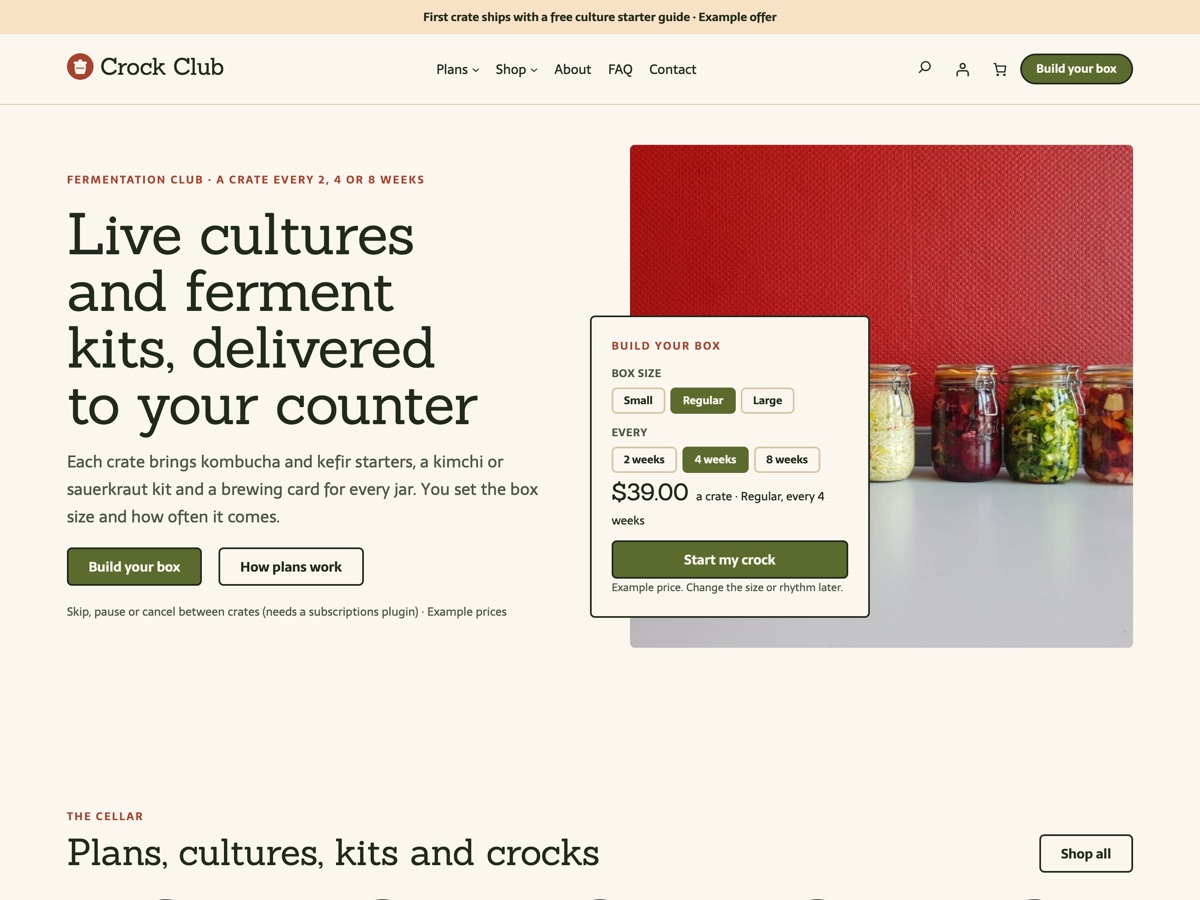
LT Crock
A subscription box theme for fermentation clubs: crate plans, starter cultures, ferment kits and gift runs.