Driving school WordPress theme
LT Drivora – AI-Ready Driving School WordPress Theme
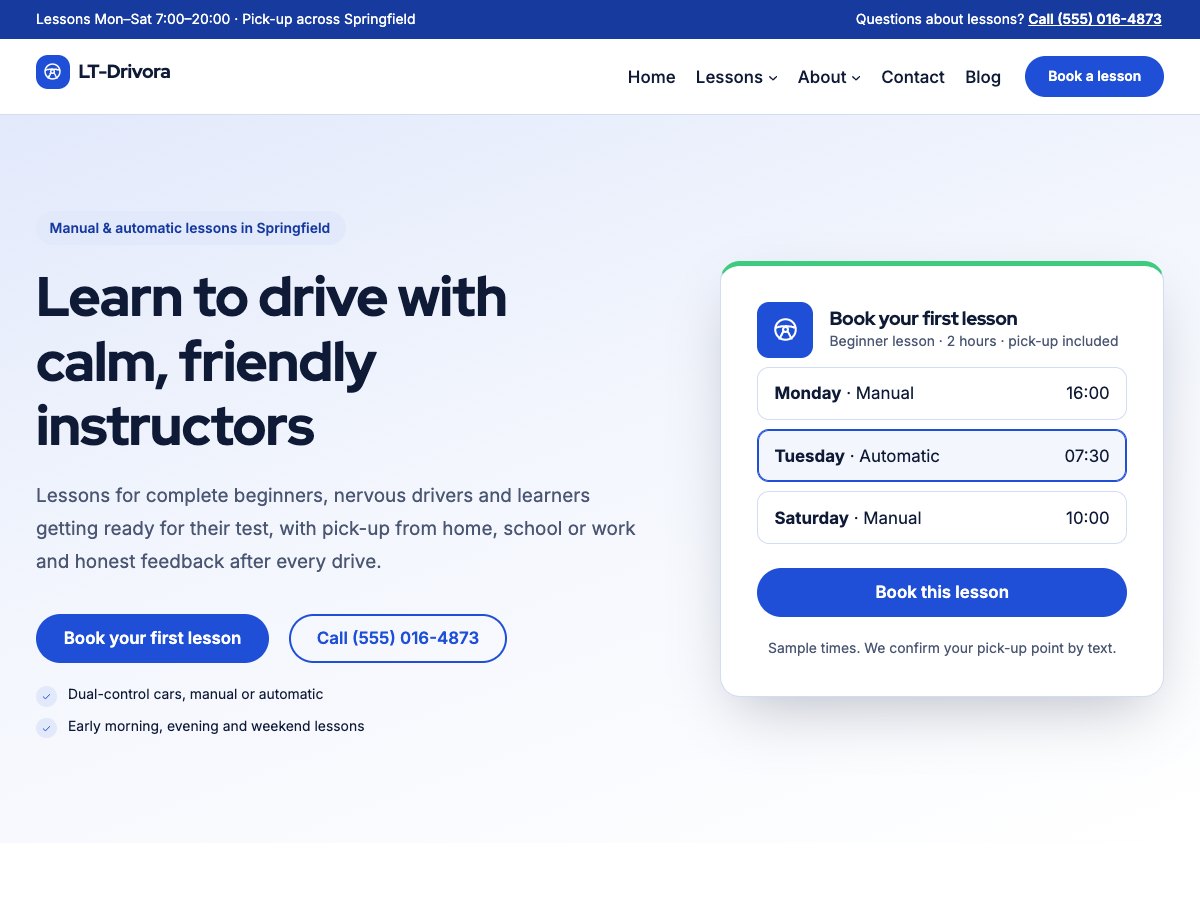
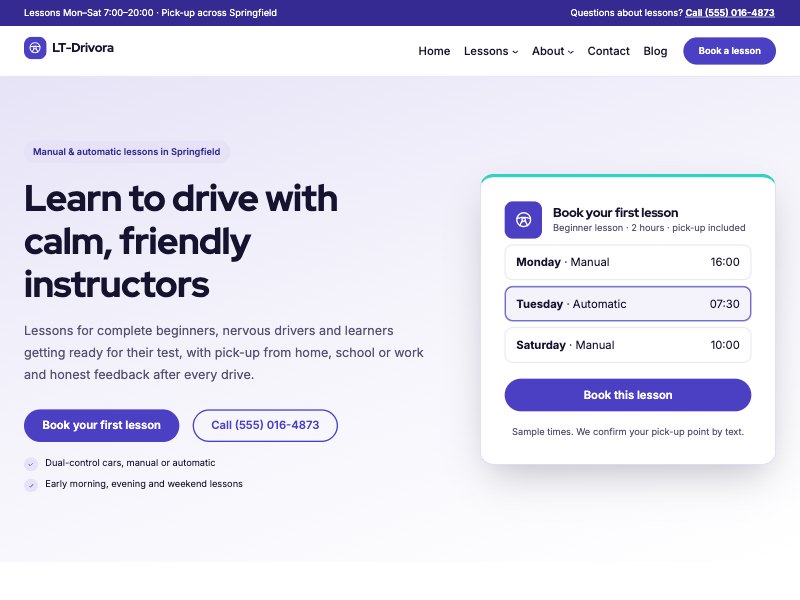
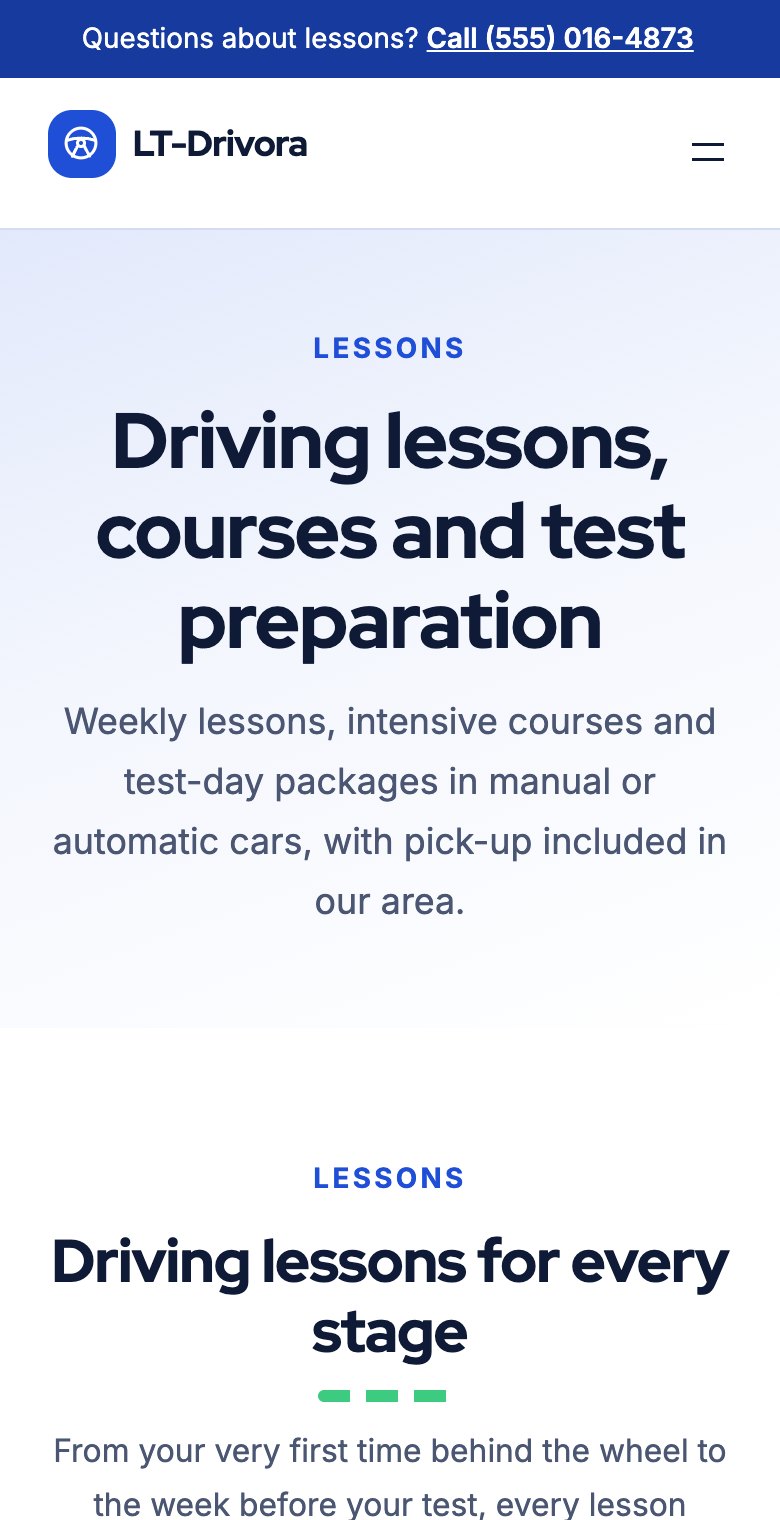
A complete website for driving schools and independent driving instructors. Activate it and the light, photo-led homepage is ready: a photo hero with sample lesson times, lessons with photos, about your school, manual or automatic, your instructors, sample pass stories, latest articles and a photo-backed booking call to action with lesson hours. The Lessons page adds how lessons work, lesson packages with example prices, intensive courses, test preparation and an FAQ. Built only from WordPress core blocks; Pro Unlimited adds instructions that let your AI assistant set it up for your school.
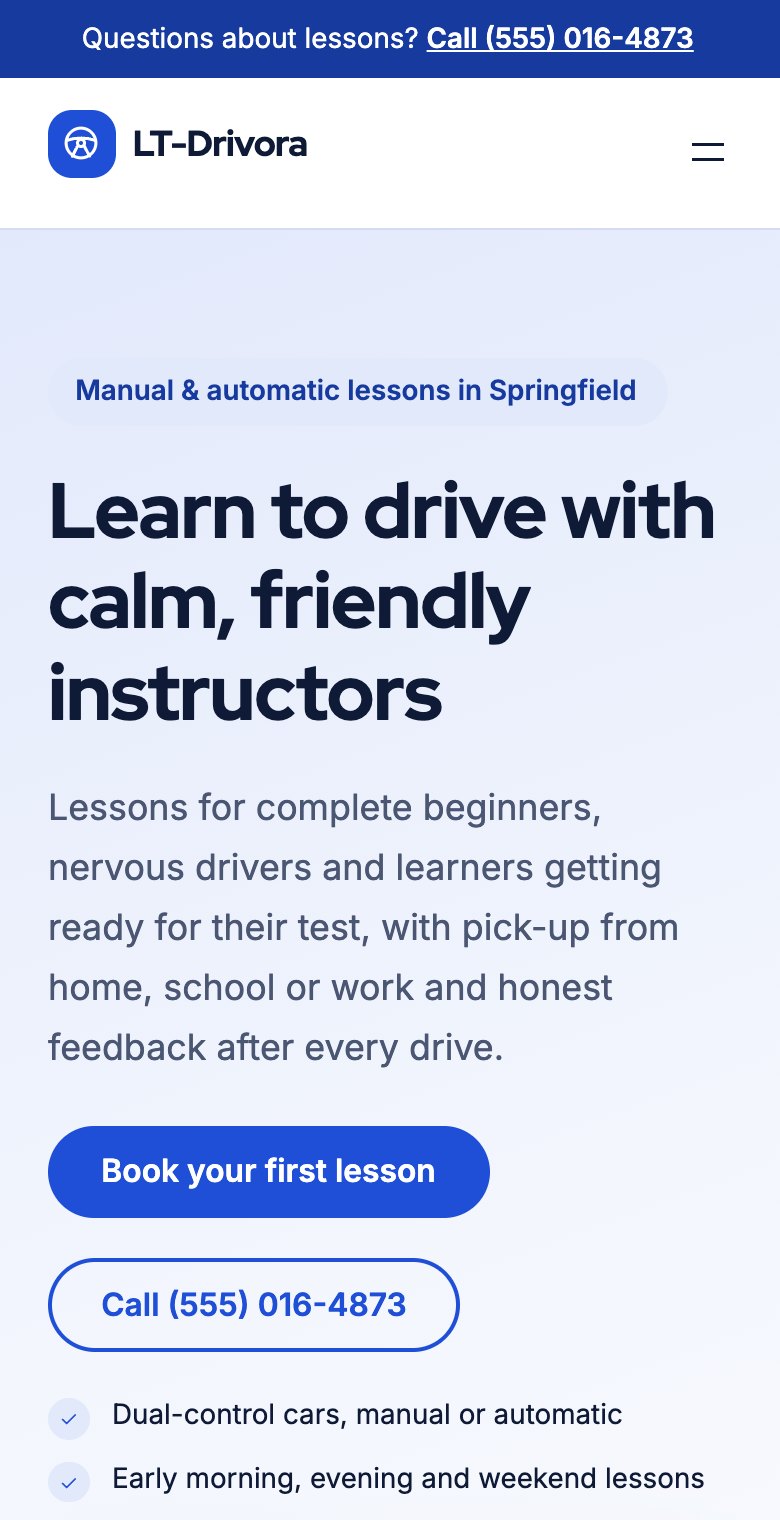
- 4 ready pages
- 16 section patterns
- 4 colour styles
- 0 plugins required
Colour styles
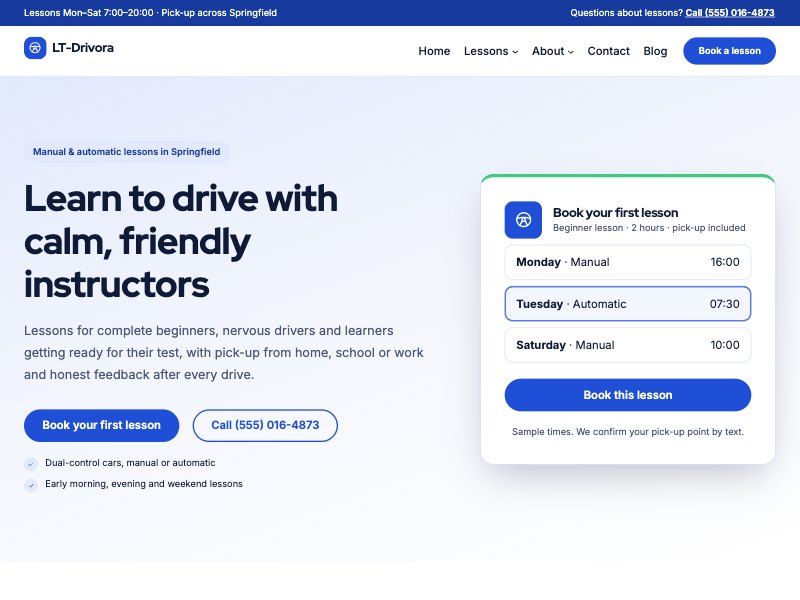
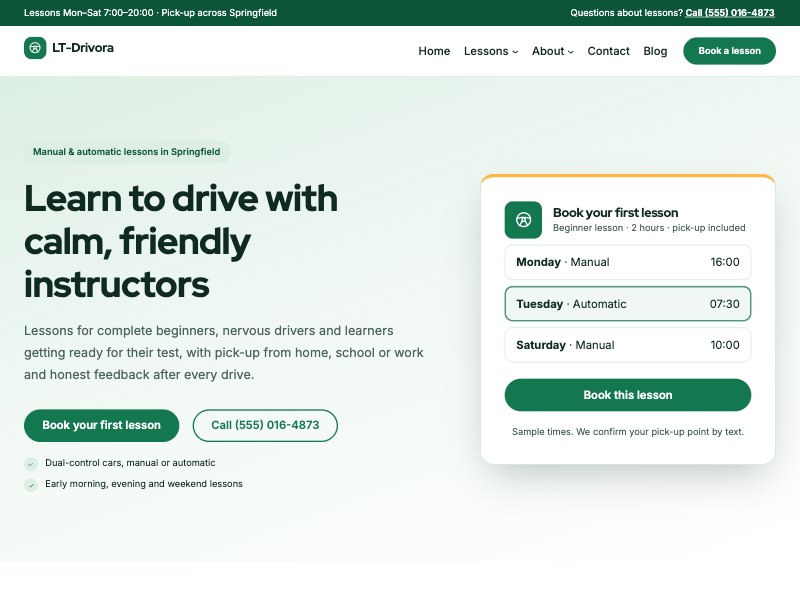
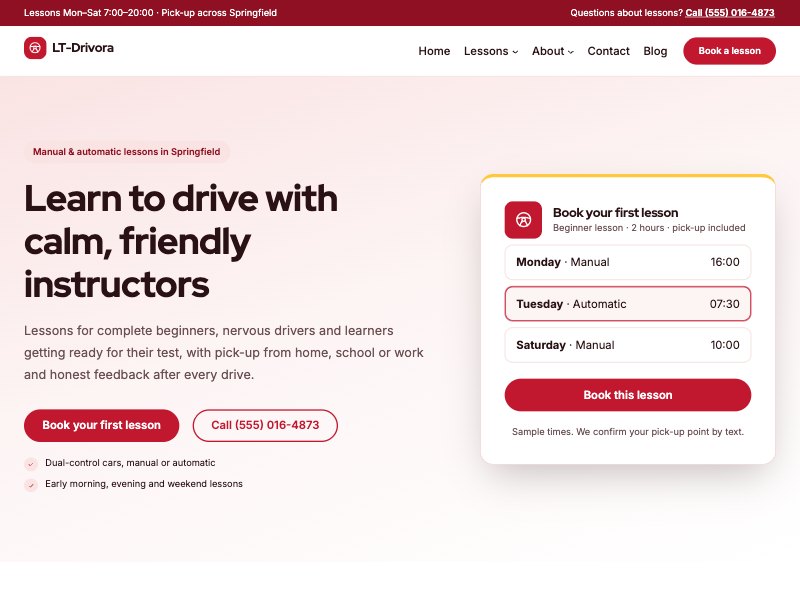
4 colour styles, one click apart
Pick a style in Appearance, Editor, Styles, or set your own brand colour once. Buttons, icons, shadows and the logo mark follow automatically. Click a style to see it live.
Ready-made sections
Everything a driving school website needs
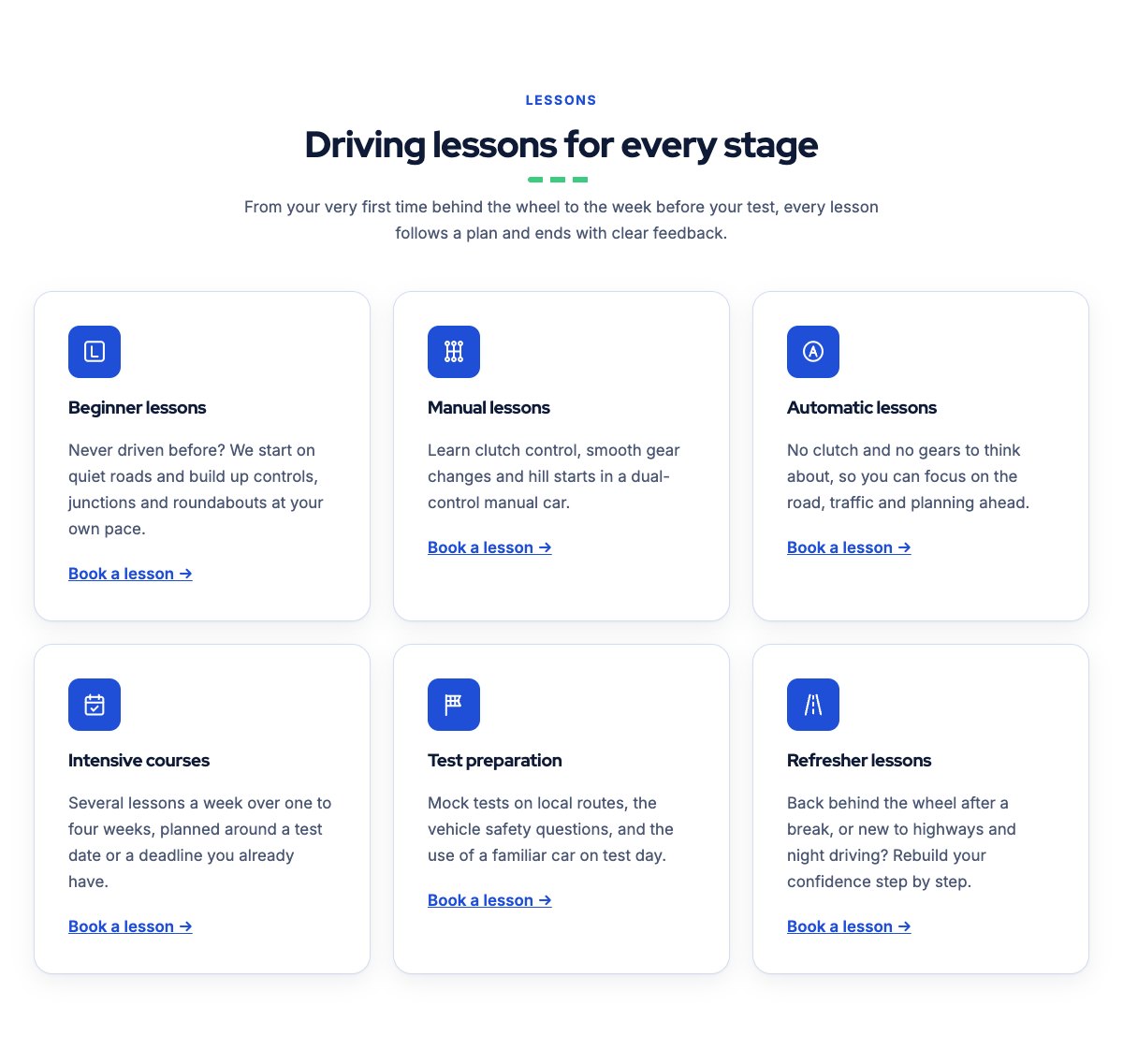
Lessons with photos
Four lesson cards with a photo each: beginner, intensive, test preparation and refresher, plus one line on cars and pick-up.
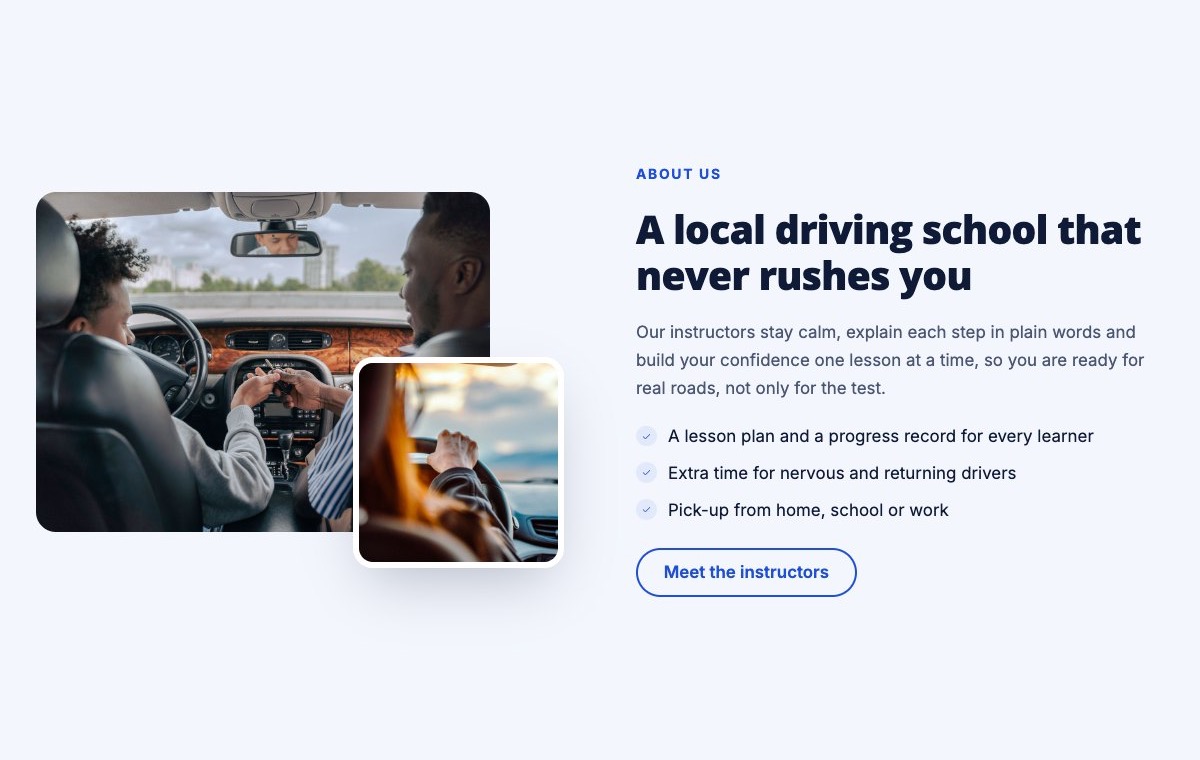
About the school
Two overlapping photos, the school story and a short checklist: lesson plans, extra time for nervous drivers and pick-up.
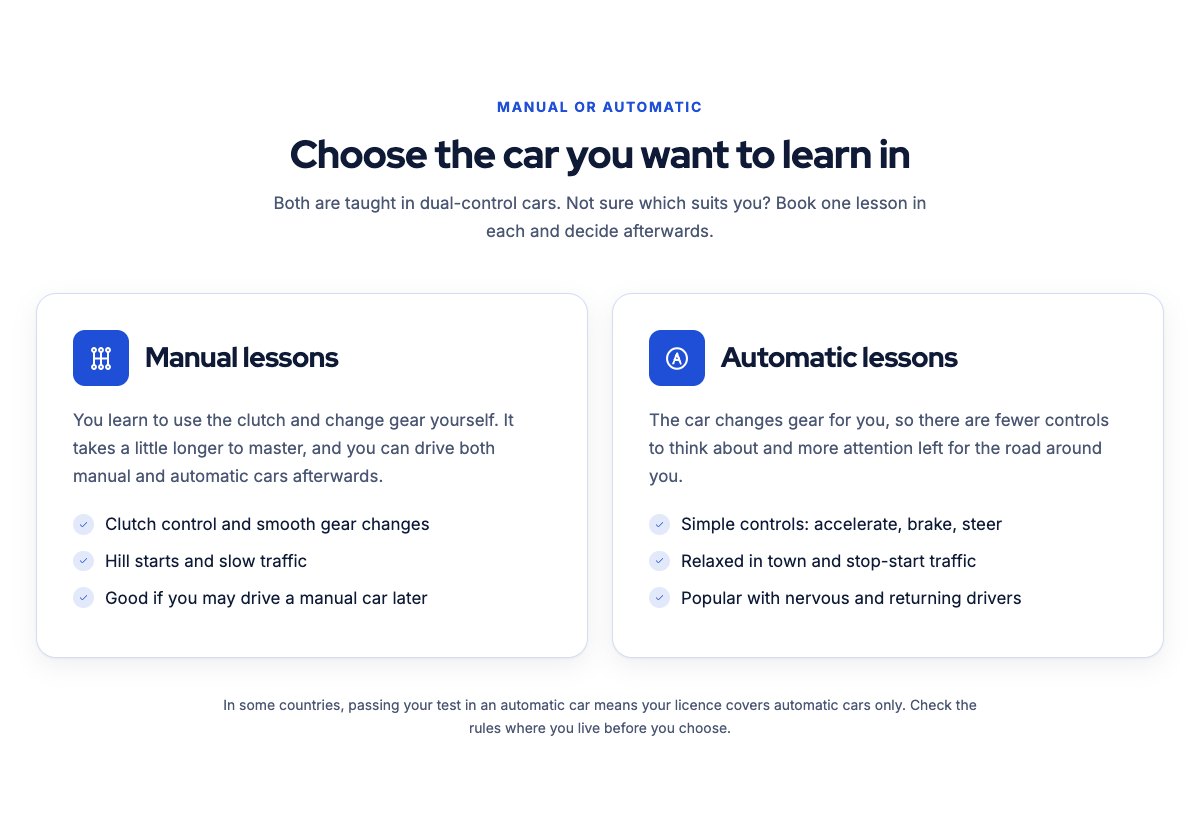
Manual or automatic
Two wide photo tiles that compare manual and automatic lessons, with a note on licence rules.
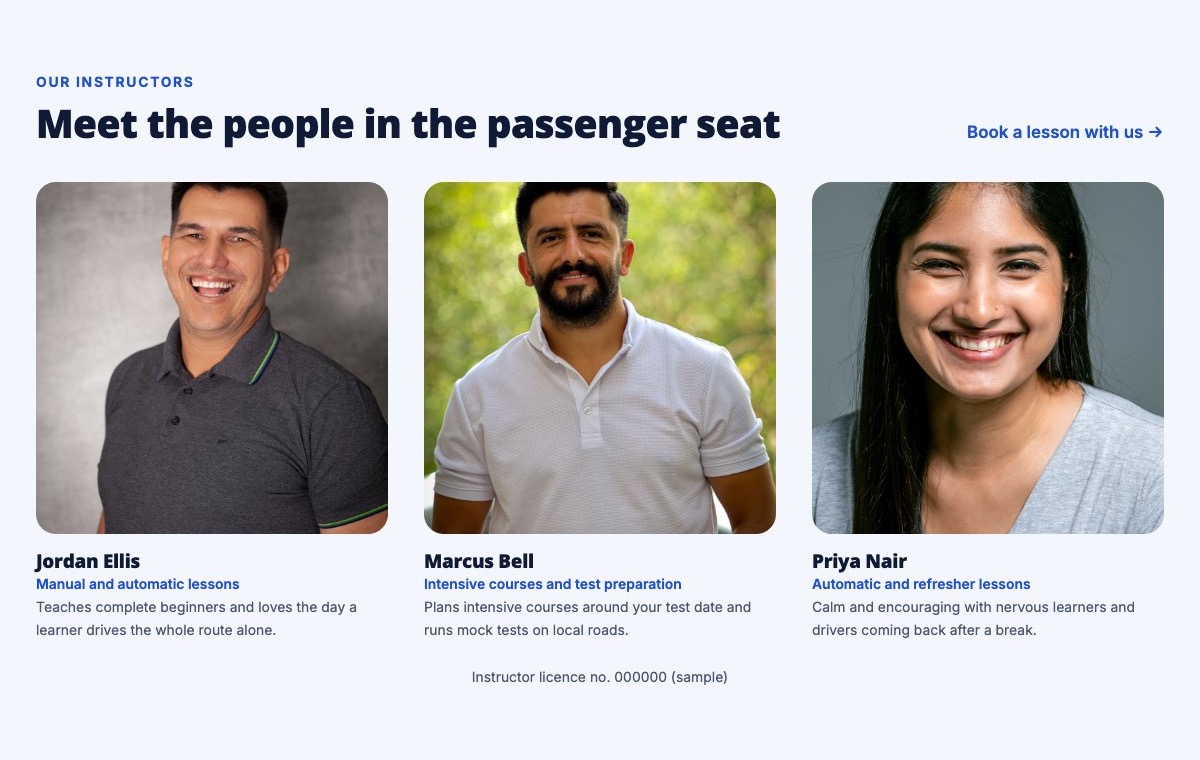
Instructors
Three instructor portraits with name, focus and one line each, plus a licence line the school confirms.
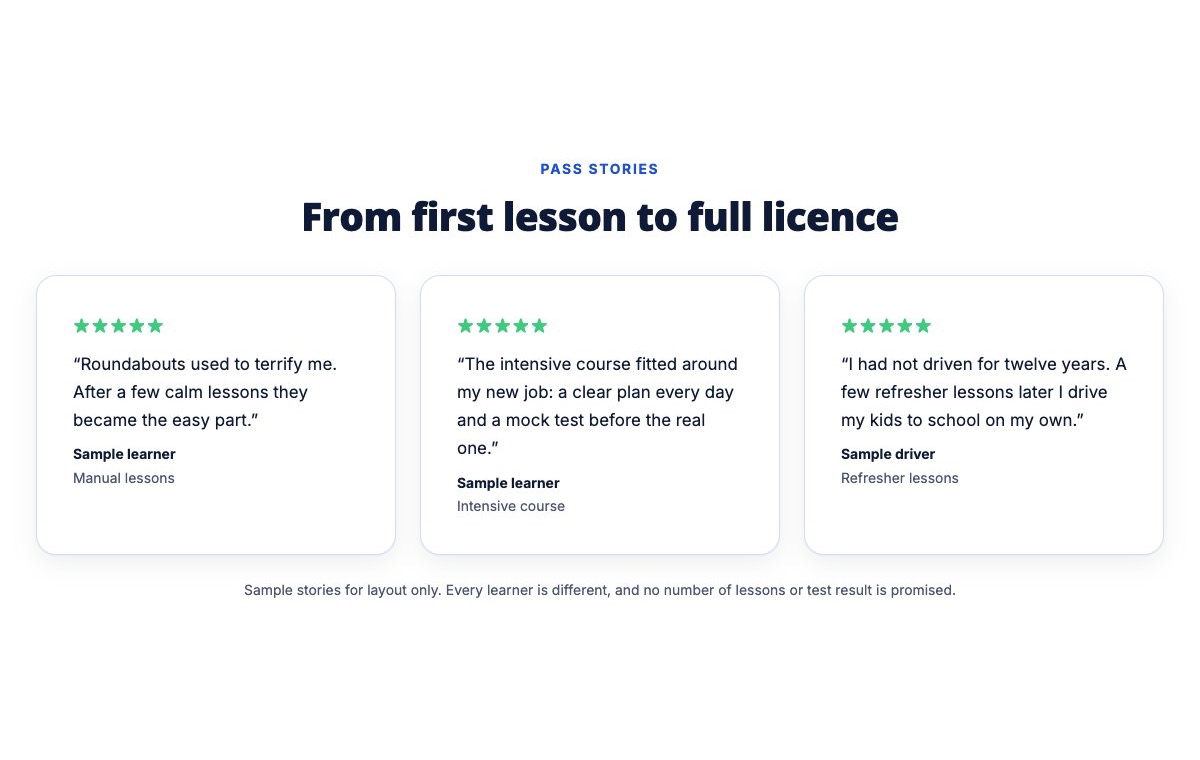
Pass stories
Three short learner stories, clearly marked as sample text until the school adds real reviews.
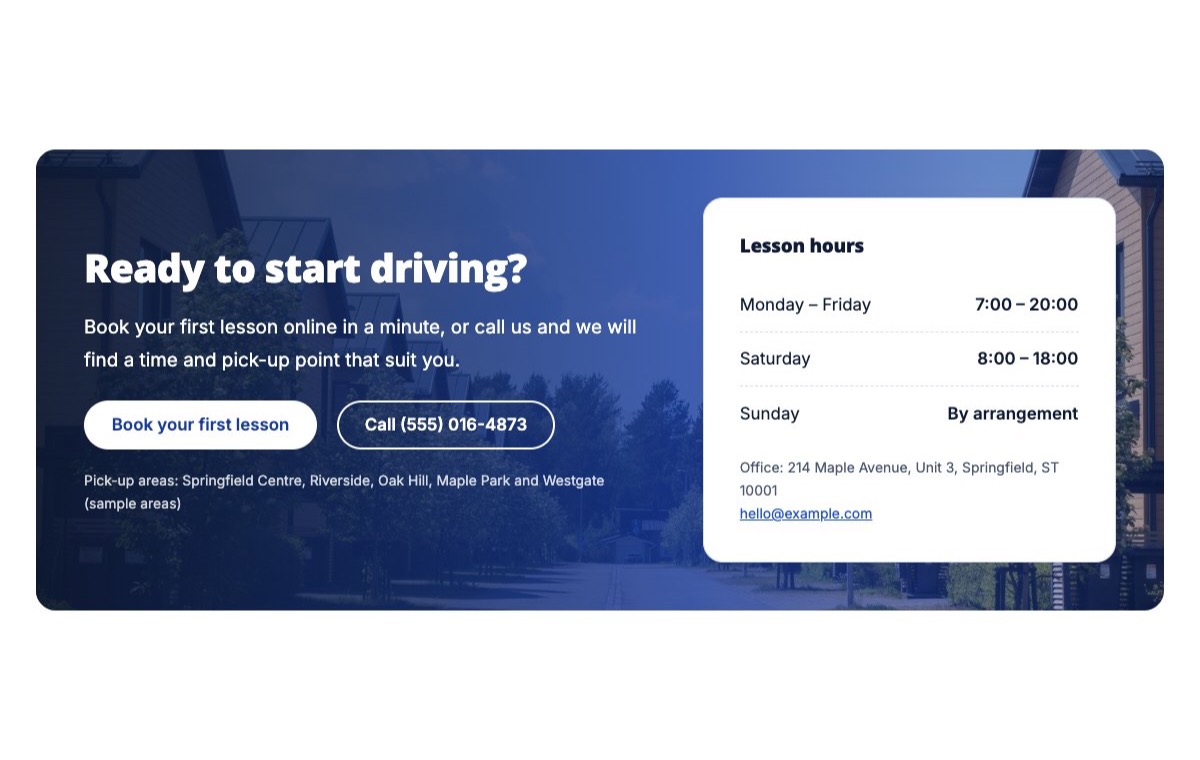
Booking call to action
A photo-backed band with booking and phone buttons, sample pick-up areas and a lesson hours card.
AI kit, Pro Unlimited
Let your AI assistant set it up for your school
Pro Unlimited includes an AI kit. Open the theme in Claude Code or Cursor (or paste AGENTS.md into ChatGPT), describe your driving school, and the assistant rebrands colours, rewrites the demo text and sets your lesson types, packages, prices, pick-up areas, lesson hours and instructors, without breaking the design.
- AGENTS.md + CLAUDE.mdRules your AI follows: design tokens, valid block markup, which demo text, prices and notes to replace, and no invented pass rates.
- Claude Agent SkillA ready skill that walks Claude through setting the theme up for a driving school or instructor.
- 10 ready promptsSet up for my school, lesson types, packages and prices, instructors, translate, new colour style and more.
- Theme checkerOne command checks block markup, colour contrast and leftover demo content before launch.
prompts.md #1Set up this LT Drivora theme for my driving school. Follow AGENTS.md.
School name: Northside Driving School
City: Columbus, Ohio
Phone: (614) 555-0128
Lessons: manual and automatic, intensive courses, test preparation
Brand colour: Green Light
…
Features
Built the modern WordPress way
Pricing
Get LT Drivora
Free is the theme and its colour styles; Pro Standard adds the ready-made homepage, sections and page layouts; Pro Unlimited adds the AI kit and unlimited websites.
Free download
Free Download
- Lifetime usage✓
- Theme & 4 colour styles✓
- Ready homepage, 16 patterns, page layouts & demo import✕
- Mobile support (responsive)✓
- Downloads & updatesForever
- Ticket supportDocumentation
- Website license1
- AI kit (AGENTS.md, skill, prompts, checker)✕
- Branding / copyright removal✕
Keeps a small credit link in the footer.
Most popular
Pro Standard
$29 Yearly payment
- Lifetime usage✓
- Theme & 4 colour styles✓
- Ready homepage, 16 patterns, page layouts & demo import✓
- Mobile support (responsive)✓
- Downloads & updates1 year
- Ticket support1 year (renews yearly)
- Website license1
- AI kit (AGENTS.md, skill, prompts, checker)✕
- Branding / copyright removal✓
Pro Unlimited
$49 One-time payment
- Lifetime usage✓
- Theme & 4 colour styles✓
- Ready homepage, 16 patterns, page layouts & demo import✓
- Mobile support (responsive)✓
- Downloads & updatesLifetime
- Ticket supportLifetime
- Website licenseUnlimited
- AI kit (AGENTS.md, skill, prompts, checker)✓
- Branding / copyright removal✓
LT Drivora FAQ
Which WordPress version do I need?
WordPress 6.6 or newer (tested up to 7.1) and PHP 7.4 or newer. It is a block theme, so you edit everything in Appearance → Editor.
What is the difference between Free, Pro Standard and Pro Unlimited?
Free is the theme package: templates, header and footer, fonts and all 4 colour styles, with a small credit link in the footer. Build your own pages, or install it on an existing website and keep your content. Pro Standard adds the ready-made homepage, 16 section patterns and the Lessons, About and Contact layouts, ticket support and credit removal. Pro Unlimited adds the AI kit, unlimited websites and lifetime updates and support.
Can I install it on my existing website?
Yes. If your site already has a static homepage (Settings → Reading), LT Drivora keeps it and shows your page with the new design. Your pages and posts stay as they are.
Can I use it without AI?
Yes. It is a normal WordPress block theme. The AI kit only makes setup faster if you use Claude, ChatGPT, Cursor or Copilot.
How do I add online lesson booking?
Point the “Book your first lesson” buttons to your online booking system or diary app. If you use a form plugin, add its block to the Contact page.
Are the demo lessons, prices, photos and pass stories included?
They are placeholders that show the layout. Replace them with the lessons you really offer, your own prices, hours, pick-up areas, instructor licence details, photos and real reviews, and never publish pass rates you cannot prove; in Pro Unlimited the theme checker lists anything you missed.
How do I get the Pro version after buying?
Right after payment you receive a licence key by email. Enter it on block.ltheme.com/account to download your theme and every update included in your plan.
How do I get support?
Pro Standard and Pro Unlimited include ticket support at ltheme.com/ticket-support. Free users can follow the documentation.
More automotive themes
No theme matches yet. Try another word, or ask us which theme fits your business.
-
Towing company New
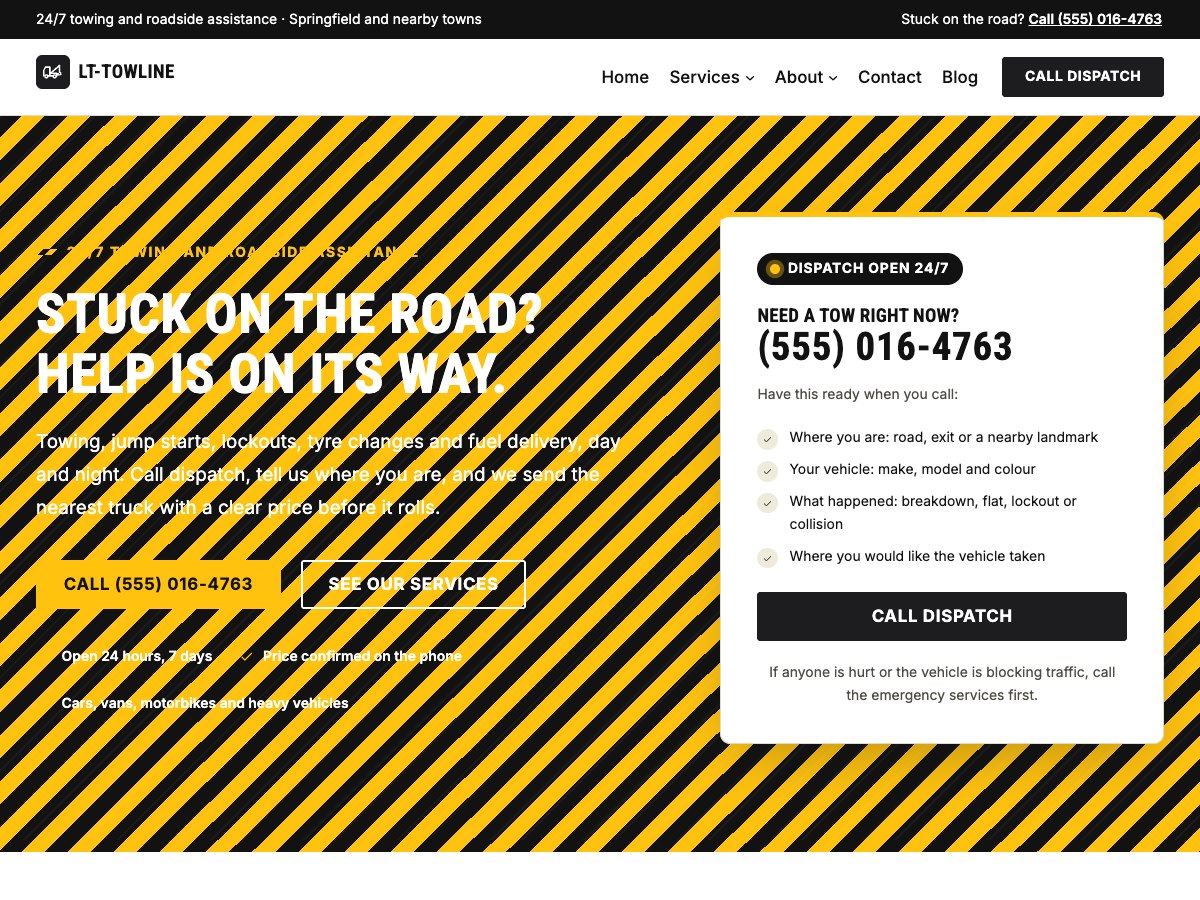
LT Towline
AI-ready block theme for towing companies and roadside assistance services.
-
Car detailing & car wash New
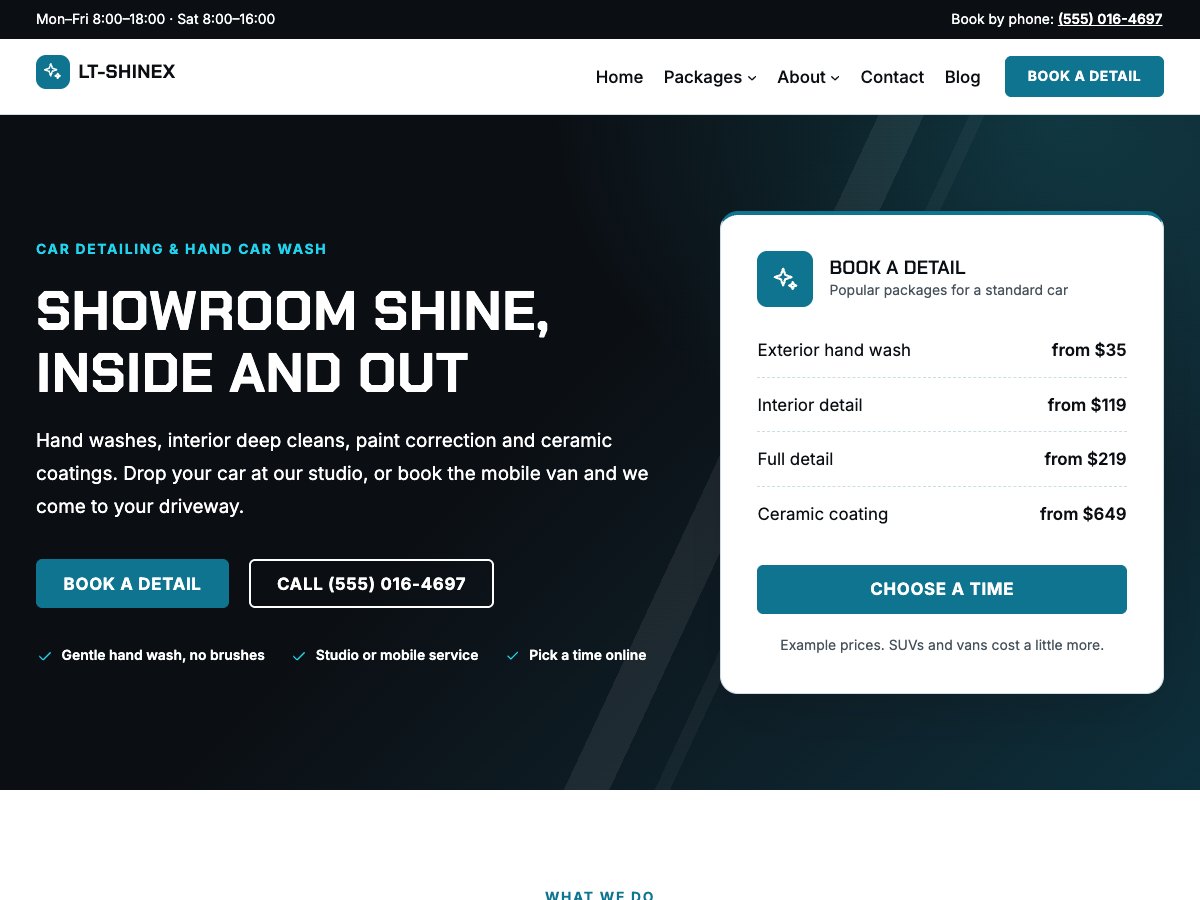
LT Shinex
AI-ready block theme for car detailing studios, hand car washes and mobile detailers.