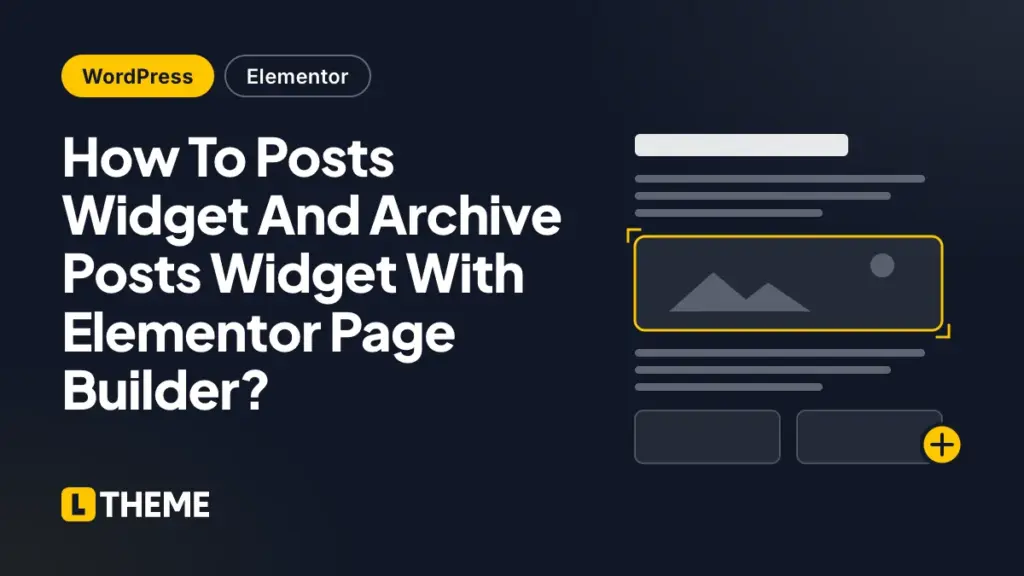
Despite the fact that both Archive Posts widget and Posts widget is used to build a grid layout or a list of posts, they also have differences and cannot replace each other. Therefore, in this instruction, we will help you to have a clear understanding of how to use them.
When and Where To Use Archive Posts and Posts Widget?
- Posts Widget: you can use it on every single post or page that you want to show a list of posts.
- Archive Posts Widget: You just only should use it on Archive templates that are generated in Templates > Theme Builder > Archive. It also shows the current post even you try to use it on ordinary pages.
Which Posts Will Be Shown?
- Posts Widget: it consists of an automatic method that takes control which posts will be displayed in the grid array using a function of query control.
- Archive Posts Widget: It does not consist of a function of query control; therefore, you can not control which posts will be displayed. All posts which adapt the Display Conditions of the Archive Template will be displayed in the Archive Posts Widget.
The reason why Excerpt Length does not work stably in Posts widgets or Archive Posts widgets.
When showing a post, Elementor page builder will automatically create an excerpt which is from your content in case your post does not have an excerpt. There is an Excerpt Length option for both Posts widget and Archive Posts widget that enables you to take control of the auto-generated excerpt length. However, just the posts which do not include a manual excerpt can be applied by the excerpt length. The length which is determined in the Elementor widget will not be paid attention if a manually-generated excerpt includes in your post.
In conclusion
That is all of our instruction today. If you have any questions about this instruction, don’t hesitate to leave a comment below. We will try to answer your questions as soon as possible.
Moreover, you can refer to our free Elementor WordPress themes here to take some wonderful themes for yourself.

- Replace WP-Cron with a Real Cron Job (and Fix Missed Schedules) – October 28, 2026
- 63 AI-Ready WordPress Block Themes for Local Businesses – October 15, 2026
- Fix “The Response Is Not a Valid JSON Response” in WordPress – October 14, 2026