What is a Module Position?
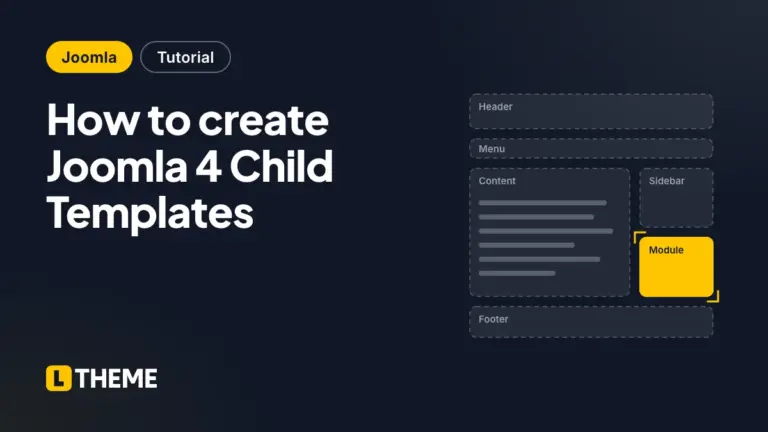
Basically, a module position is a placeholder in a template. It determines where the modules are displayed in that template. This means that the modules will be assigned to a certain position in the template. If you want to assign each module to a specific position in the template, you simply use the module manager. In order to properly arrange module positions in the template, you sometimes need to view module positions before making any changes or settings. Therefore, in today’s blog, we will help you view module positions with Cassiopeia in Joomla 4 quickly. Now, let’s take a look!
View Module Positions with Cassiopeia in Joomla 4
First of all, you need to log in to your Joomla 4 admin dashboard. After that, let’s open System -> Site Templates (in the Templates section).

Now, you will see the message ‘No preview available‘ under the Cassiopeia Details and Files. So, let’s make a simple change by clicking on the Options button.

In the Template tab, you will see that the Preview Module Positions button is disabled. Therefore, you just need to enable it. Then, don’t forget to save your change.

Next, simply go back to the Cassiopeia template by pressing the Close button. Now, you can click on the Preview button to view the module positions easily.
Furthermore, you can view the module positions by adding ‘tp=1‘ after your website address. For example, [your domain]/?tp=1

Now, let’s see all module positions on the Cassiopeia site!

Conclusion
To sum up, we have shared a small tip to view module positions when you use Cassiopeia in Joomla 4. We hope that it will be helpful for you. If you have any questions, why don’t you leave your comment below? We promise we will answer you as soon as possible. Moreover, don’t forget to visit our site to get many responsive and high-performance Joomla 4 Templates here.