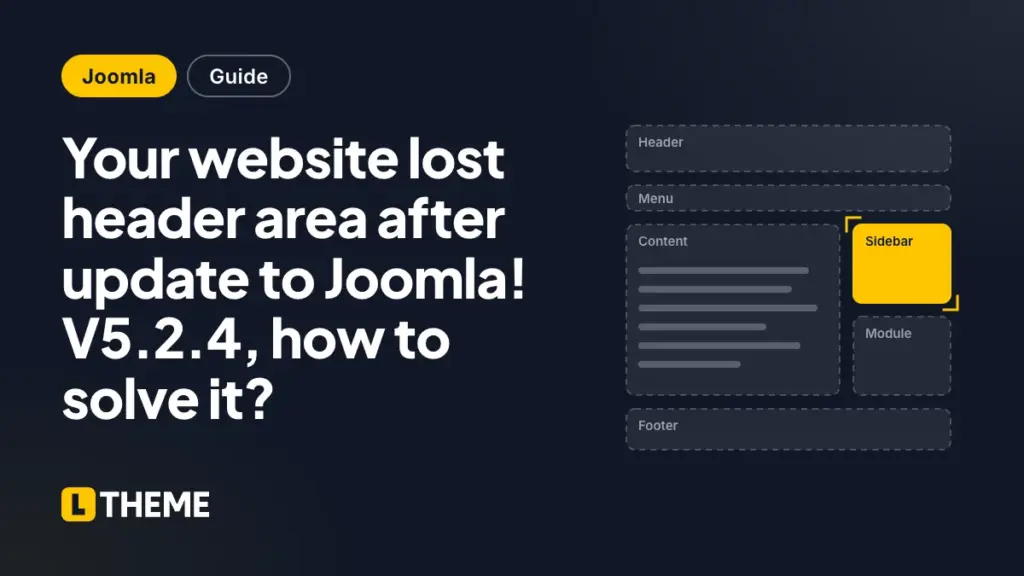
After updating to Joomla! V5.2.4, many users have reported issues with templates built using the Helix framework, particularly that the header has disappeared. This problem appears to be related to changes in the Joomla update, which may have affected how template settings are saved and displayed. Fortunately, there is a temporary solution that can help restore the header functionality while we await further updates from Joomla.
Solution
To resolve the missing header issue, follow these steps:
- Locate the
options.xmlfile: This file is typically found in the directory of your template, such astemplates/[template-name]or your custom template directory. - Edit the
options.xmlfile:- Open the
options.xmlfile in a text editor. - Find all instances of
type="checkbox"and look for thedefaultattribute. - If you see
default="0", change it todefault=""(an empty string).
For example, change this:
<field name="predefined_header"
       type="checkbox"
       helixgroup="header"
       label="HELIX_ULTIMATE_PREDEFINED_HEADER"
       description="HELIX_ULTIMATE_PREDEFINED_HEADER_DESC"
       default="0" />
To this:
<field name="predefined_header" type="checkbox" helixgroup="header" label="HELIX_ULTIMATE_PREDEFINED_HEADER" description="HELIX_ULTIMATE_PREDEFINED_HEADER_DESC" default="" /> - Open the
- Check Template Settings: Ensure that your predefined header is enabled in the template settings after making the changes.
- Clear Cache: Clear Joomla’s cache to make sure the changes take effect.
This temporary fix should help restore your header functionality. Keep an eye on updates from Joomla for a more permanent solution with new version Joomla! V5.2.4.

Welcome to LT Digital Team. We make daily blogs for Joomla! and WordPress CMS, support customers and everyone who has issues with these CMSs and solve any issues with blog instruction posts, trusted by over 1.5 million readers worldwide.
Latest posts by LT Digital Team (Content & Marketing) (see all)
- 63 AI-Ready WordPress Block Themes for Local Businesses – October 15, 2026
- Fix “The Response Is Not a Valid JSON Response” in WordPress – October 14, 2026
- Joomla Workflows: Set Up an Article Approval Process – October 13, 2026