Are you struggling to choose between WordPress and Shopify for your eCommerce site? Luckily, this blog will give you a detailed WordPress vs Shopify comparison to help you choose the best one for your website. Now, let’s explore.
Introduction
As you know, the eCommerce industry is thriving nowadays. As a result, many online stores have quickly sprung up to meet the needs of customers to shop without leaving their homes. Compared to physical stores, online stores have plenty of advantages. First of all, marketing campaigns and customer services via websites and blogs are definitely more convenient and cheaper than traditional paid advertising campaigns.
In addition, both large and small businesses can take advantage of e-commerce to reach even international customers via their websites and search engines. Moreover, customers can easily get all the information about products, including price, colors, sizes and testimonials from other buyers before making a purchasing decision.
For these reasons, a lot of e-commerce platforms have been introduced, providing a variety of features that permit merchants to build a branded online storefront to list and sell their services and products. These platforms will help you build communities and markets where users and sellers can interact and transact via network effects.
Now, it is easy to build an e-commerce website; however, choosing the right eCommerce platform to start from hundreds of platforms is really challenging. Shopify and WordPress are the two most popular platforms, and many people find it hard to choose between them.
In today’s blog, we are going to provide you with an insightful comparison to help you make the right decision. Now, let’s dive in.
WordPress Vs Shopify: Background
WordPress
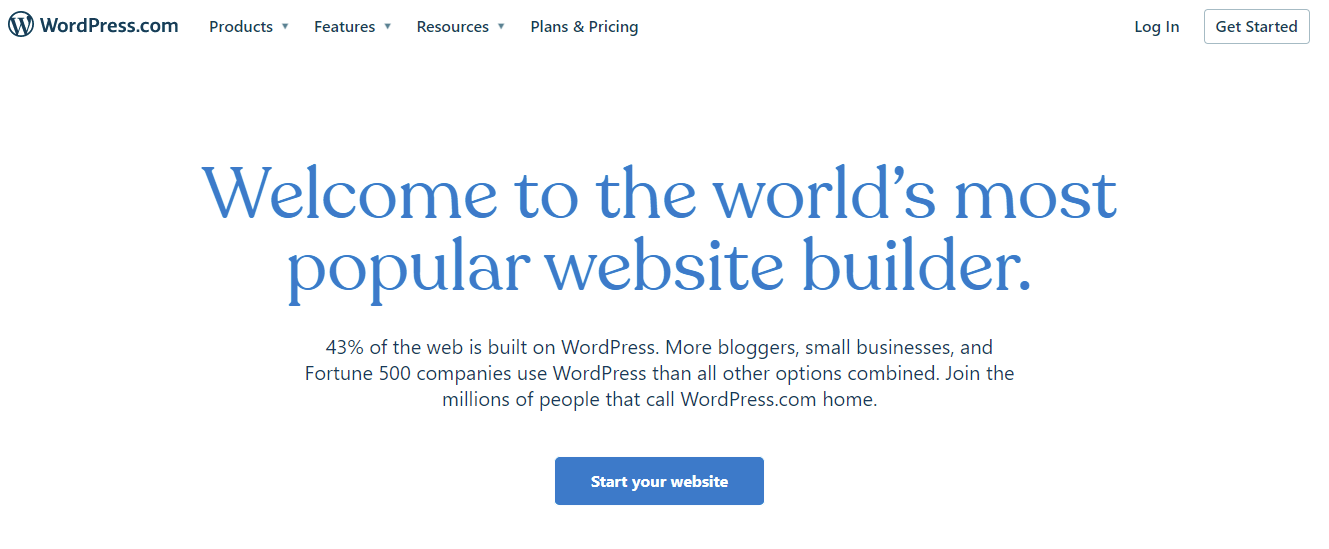
WordPress is an open-source CMS that was specially developed to help you create blogs and websites for any type of business. In addition, it is also an outstanding CMS platform that was written in the PHP programming language and uses a MySQL database. WordPress is split into WordPress.com (hosting services) and WordPress.org (self-hosted) where you can find tons of free themes and plugins.
In addition, WordPress enables you to access all themes to change the appearance of your website. If you want to enhance the functionality and performance of your website, you simply install some plugins. Honestly, it is an extremely flexible, convenient platform that is easy to use if you have coding skills. Many users believe that WordPress is a free platform. However, there are some additional costs for hosting solutions, other features, and plugins that you should consider.
Shopify
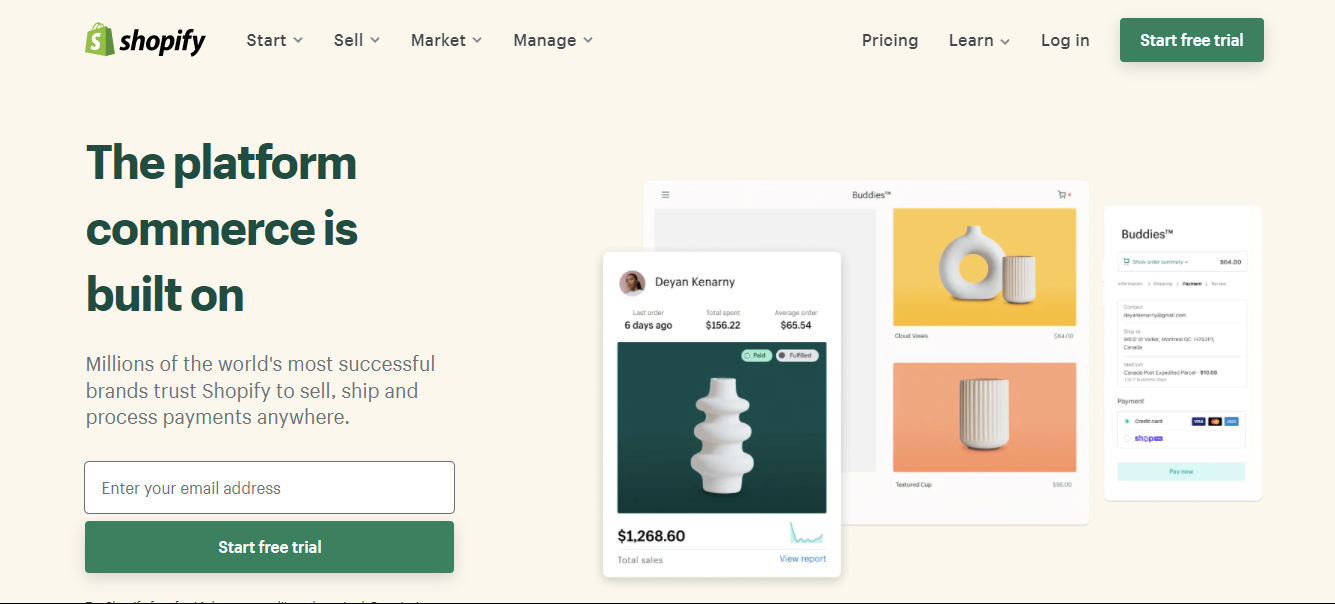
In contrast, Shopify is not only a famous, powerful eCommerce store builder but also a closed-source platform packed with a bunch of great features and gives you the ability to design an impressive E-commerce website without having professional coding knowledge. In addition, it helps you handle and manage everything, so you can run your store with ease. All you need to do is register and set up your account and then you are ready to add and sell your products. Shopify will help you find customers, drive sales and manage your day-to-day operations effectively.
Moreover, Shopify is also a perfect choice for eCommerce websites because it has full customization capabilities. Thanks to that, you can edit HTML and CSS code to design your desired website. If you have good coding skills, it is easy to customize your store to suit your needs.
Theme design & Customizability
WordPress Templates
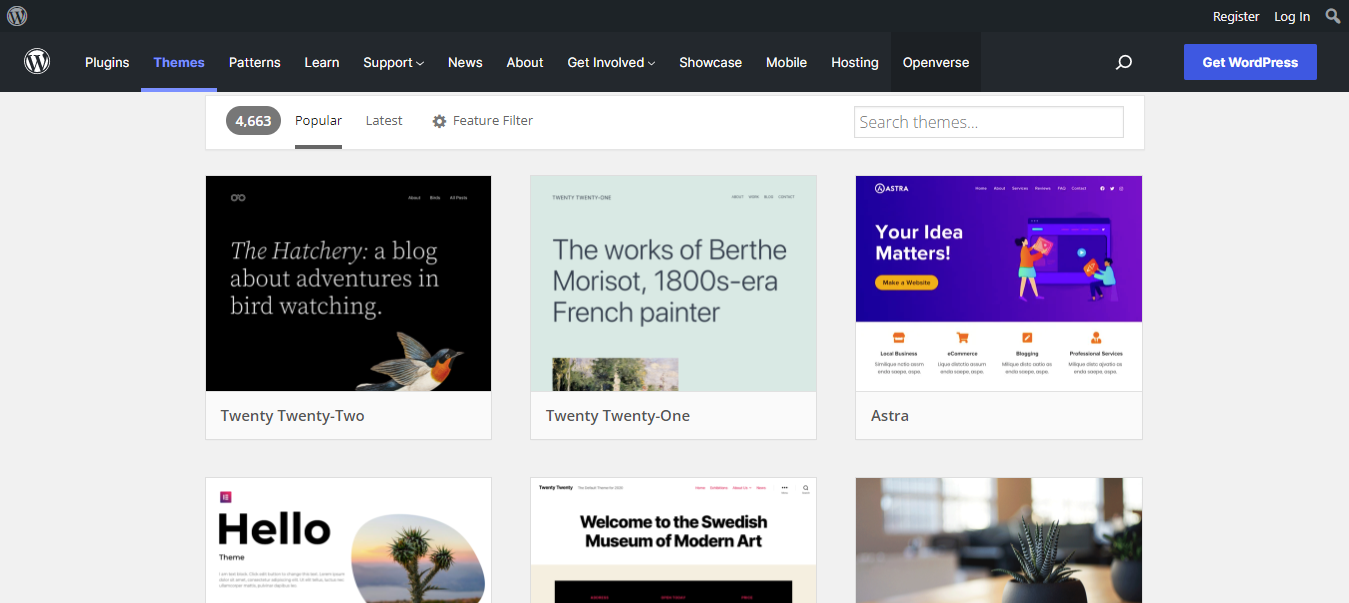
WordPress.org comes with a wide array of stunning and modern themes including both free (over 9.000 free themes) and premium versions. You are limited to the themes they allow. However, when you purchase the Business plan, you can access all the most prevalent WordPress Themes.
This platform allows you to customize various sections on your web page such as uploading the logo, creating stunning sliders, changing colors and backgrounds, and much more. However, WordPress doesn’t give you access to the HTML source until you purchase the Pro plan; then you can add custom CSS to your site.
Moreover, each theme also comes with a lot of customization options that help you easily change the look of your website.
Shopify Templates
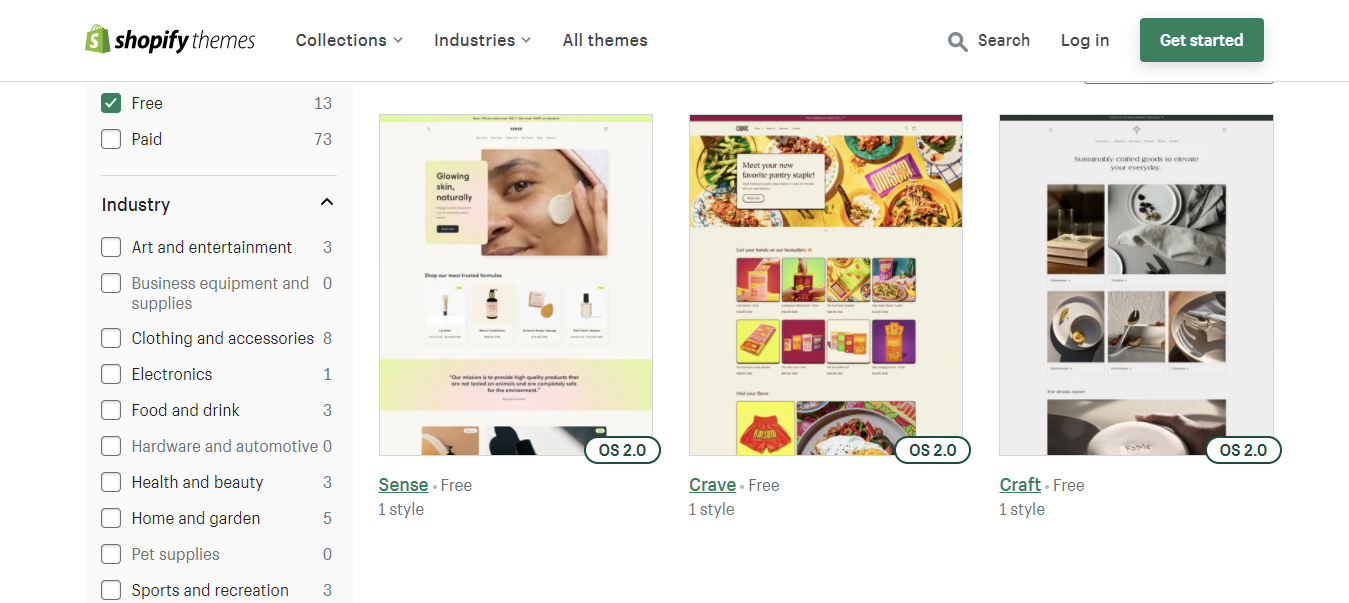
On the other hand, Shopify offers fewer themes. All of them are mobile-ready and highly customizable, which means you can easily create your dream website without writing a line of code. Although the number of premium and free Shopify templates available is very small compared to the number of WordPress ones available, it cannot be denied that Shopify templates are a little bit easier to customize than WordPress ones. This is because most WordPress templates have a steeper learning curve, which takes a long time to master.
You can also build Shopify templates with numerous page builder apps that offer easy drag-and-drop editing. For ideas, check out Pagefly templates, Shogun templates, GemPages templates, etc.
Additionally, Shopify enables you to access and customize the source code by using the Liquid template language. With this template language, you are able to customize the pre-made Shopify templates or layouts, or add new ones and edit them according to your preferences. There is some difference between HTML/CSS languages and Liquid. When using Liquid, you may need the support of a Shopify technical expert who can do it for you.
Plugins & Extensions
WordPress
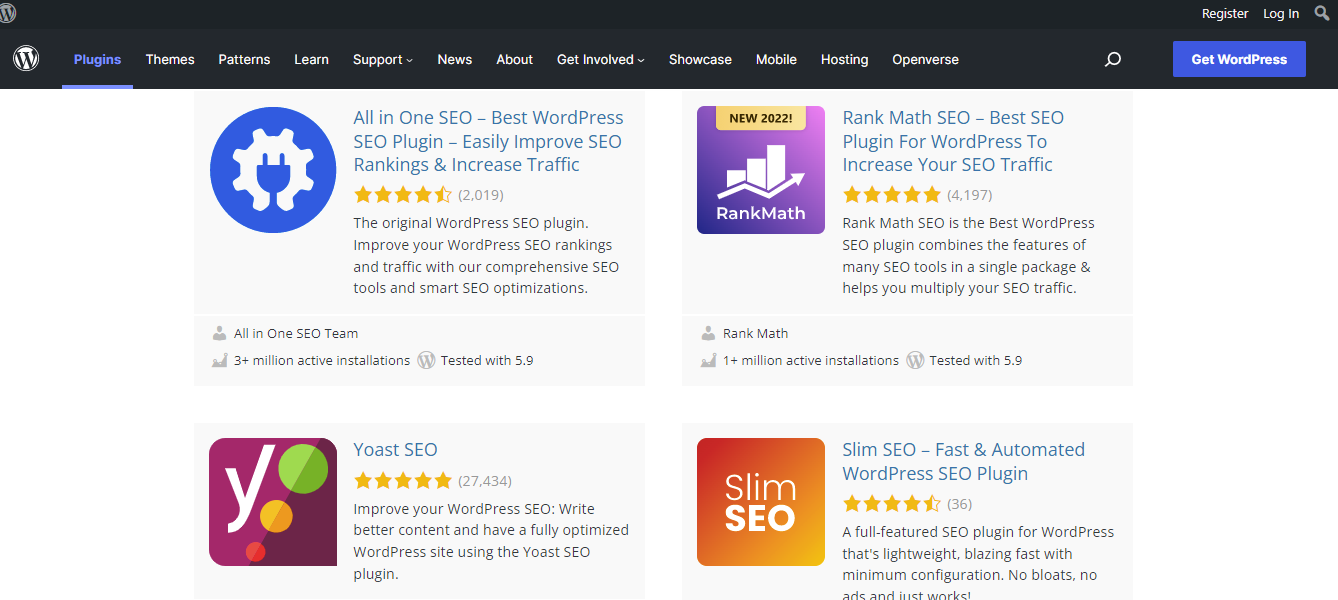
There are a total of 59,457 free plugins in WordPress.org. Each plugin is useful for different tasks and various purposes. In addition, you can install additional plugins to extend the functionality of your website to boost customer experience without having professional coding skills. For example, Yoast SEO and Rank Math are used for website and content optimization, WooCommerce MailChimp is specially designed for email marketing, and much more. In addition, the process of installing and activating plugins is extremely easy, even for beginners.
Further, you can also choose from tons of extensions to use for your specific demands. Extension options cover product pages, checkout, shopping cart, payments, shipping, and much more.
Shopify
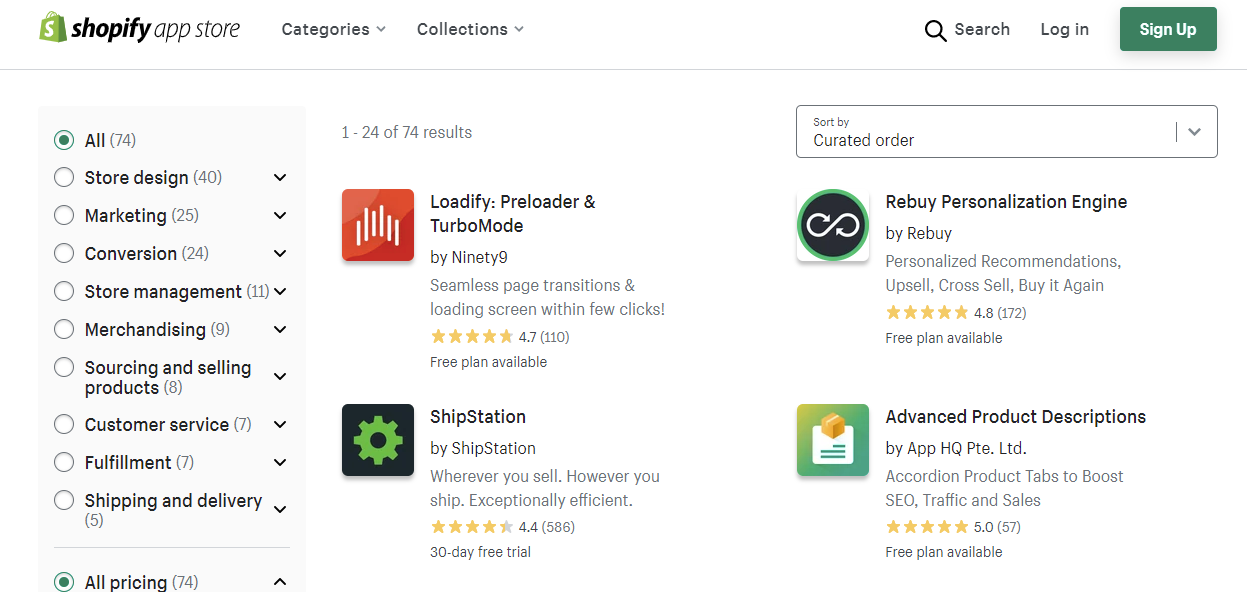
Likewise, Shopify also has an in-house app store where there are over 1200 plugins and apps. Therefore, it is not hard for you to find and use a suitable plugin for your business purposes. Besides, you can take advantage of these apps to boost the efficiency of your business processes such as accounting, shipping, fulfillment, marketing, and much more.
Interface & Ease of use
WordPress
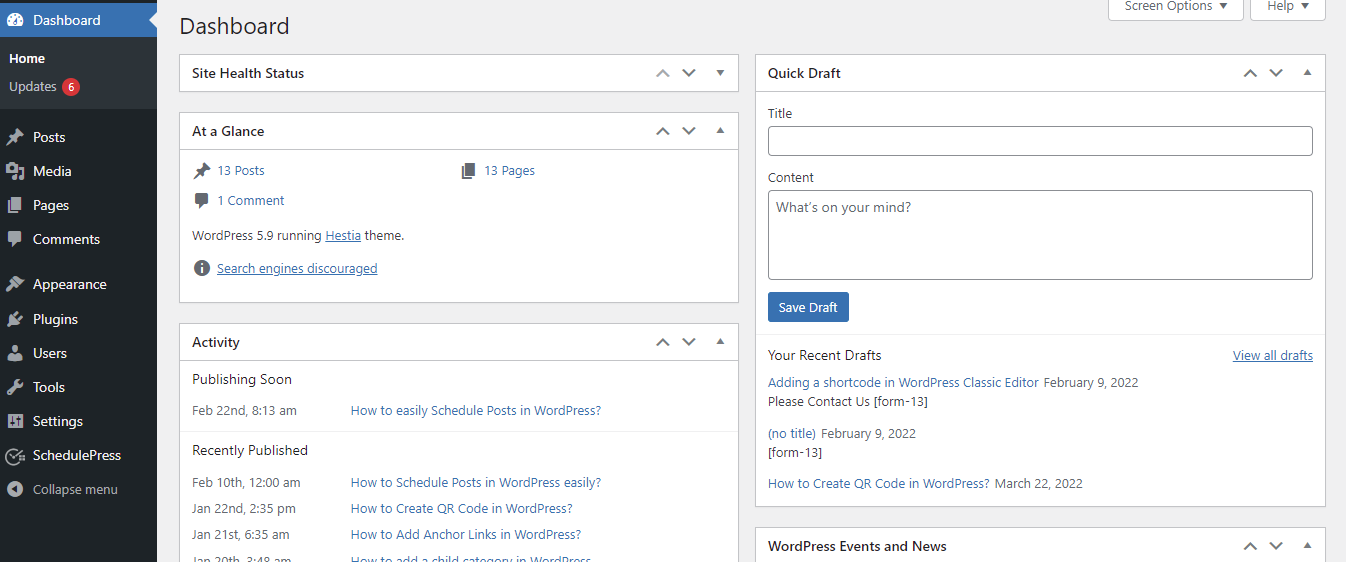
Although WordPress is the most flexible and powerful platform, it is extremely easy to use for beginners. It comes with an intuitive and simple dashboard in the back-end with various menu options. You can use these options to create posts and pages, customize your site, add navigation menus, set up social sharing buttons, and much more. WordPress really makes it easy for absolute beginners to manage and maintain their own website without any technical skills.
In addition, there are regular updates, and you can install themes or useful plugins with a few clicks.
Shopify
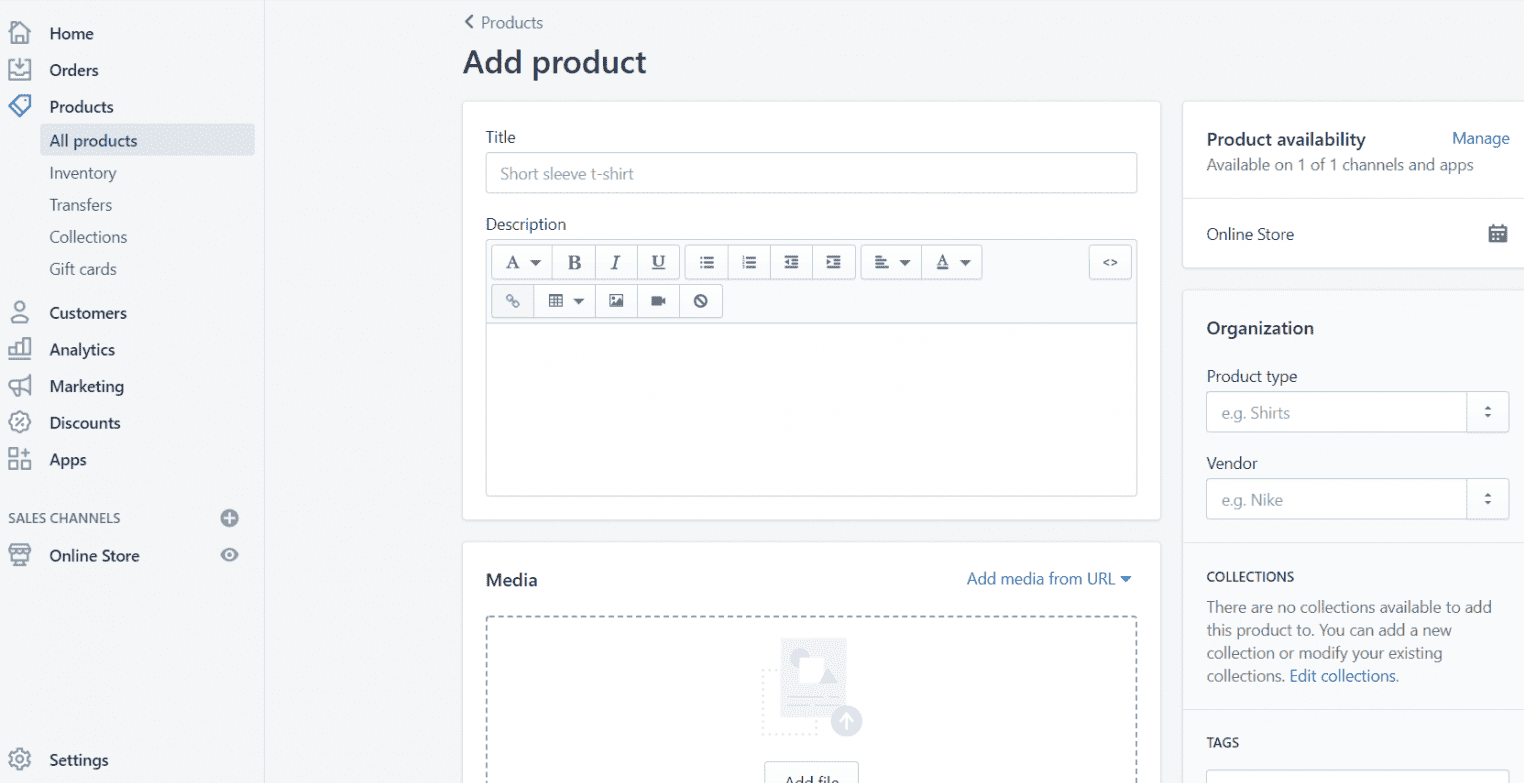
Shopify also allows you to easily install, set up, and begin selling your products. Generally, the interface of Shopify is similar to WordPress’s interface. From the Shopify dashboard, you can view and manage all components of the back-end in one place. In addition, you can use plenty of options to configure your store’s settings, control clients’ orders, add/remove/modify products, and much more.
By using Shopify, you don’t need to be a skilled designer. You can easily start building your own online store in just a few minutes. With Shopify’s free trial, you will get a great chance to experience Shopify’s dashboard and test how the system operates.
Site security
WordPress
If you are going to use WordPress, you must always be ready to take responsibility for everything including regularly updating WordPress, themes, and plugins to the latest versions and making sure your server is configured correctly. While some of this can be automated, you still need to monitor it frequently, or else your website will be vulnerable and easily attacked by hackers.
Additionally, you have to be aware that many WordPress themes and plugins contain malicious code, which can cause some unwanted threats. So you need to think carefully before installing any themes and plugins.
To sum up, as long as you keep everything in WordPress up to date and back up your site regularly, a well-maintained WordPress website will be exceedingly secure.
Shopify
On the other hand, with Shopify, your website will be less vulnerable than a WordPress one, since Shopify sites give users fewer opportunities to neglect security. As a result, hackers find it difficult to add malicious code to the holes.
What’s more, Shopify offers 100% SSL, which means that your customers will browse your E-commerce site quickly and securely. Plus, with hosted services such as Shopify, much of the responsibility for security belongs to the company that provides them. In other words, Shopify is responsible for PCI compliance, so transactions are always protected and your website doesn’t have any serious security threats. Moreover, when your clients pay via several payment gateways such as credit cards, their data is absolutely safe.
Pricing plans
WordPress
It is really difficult to give an exact cost for building a website on WordPress, since there are plenty of variables involved.
First of all, in order to build your website, you need a domain name and web hosting where you can store your website database whenever you need to create backups, upgrades, or security updates.
Here are the costs you need to pay when you use WordPress.org:
- Web hosting: from $4/month
- Domain name: $12/year
- Plugins: range from $0-$1,000
- Developer fees: range from $0 – $1,000
- Security: from $50
Moreover, WordPress.com also comes with a variety of distinctive packages from which users can choose the plan that best suits their website.
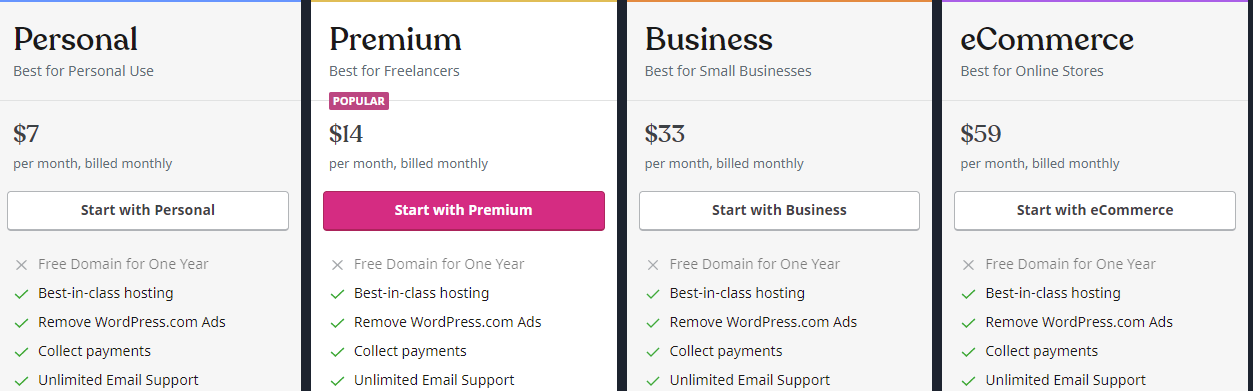
All paid web hosting packages provide you with a custom domain name, a pre-installed SSL certificate, and free themes. Additionally, it also offers unlimited Email and Live Chat support, and a free domain for a year.
Shopify
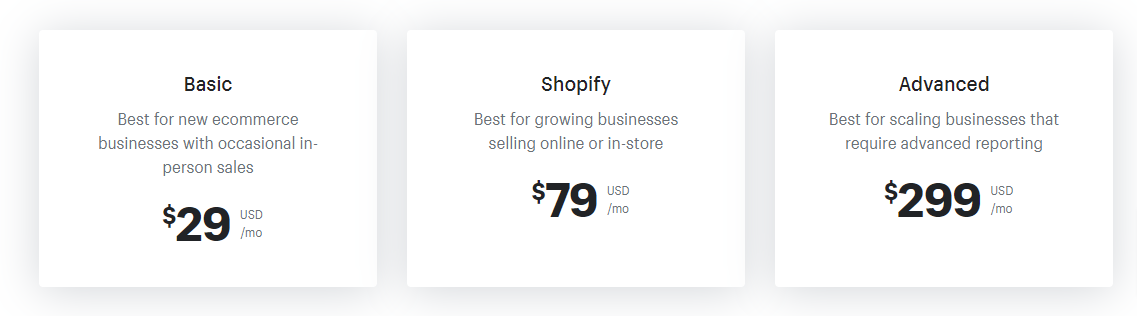
Similar to WordPress, in addition to themes, add-ons, or extensions, Shopify also comes with three flexible packages for you to choose from, including Basic Shopify, Shopify, and Advanced Shopify. The price ranges from $29 to $299 per month and each plan is packed with a variety of powerful features.
Moreover, if you have a larger budget, it is beneficial for you to purchase an annual or biennial plan because you can save up to 20%. In addition, Shopify offers a 14-day free trial so you can try it before making a buying decision.
Besides Shopify pricing packages, you have to pay for a domain and an additional fee for each transaction.
Pros and cons
WordPress
| Pros | Cons |
|
|
Shopify
| Pros | Cons |
|
|
WordPress Vs Shopify: Which is better for eCommerce?
Indeed, it is difficult to say exactly which e-Commerce platform is better for your website, because it depends on your budget and your purpose. Overall, both WordPress and Shopify are great, powerful platforms that give you many opportunities to power your online store. However, if you don’t have a rich budget, using WordPress is really a cost-effective solution. WordPress clearly outweighs Shopify in terms of free themes, plugins, and low-cost hosting. However, if you want to own a professional WordPress site, you will surely have to invest in managed hosting, premium themes, and pro plugins. It may cost you a lot of money compared to the costs of the Shopify monthly plans.
In contrast, if you need a simple, easy-to-use solution and have an abundant budget, don’t hesitate to choose Shopify to start your e-Commerce website. But the biggest disadvantage is that you don’t have full control over every part of your Shopify website. Moreover, your costs will increase with transaction fees, add-ons, and integration with 3rd party tools.
Hopefully, our WordPress vs Shopify comparison can help you better understand the two outstanding e-commerce platforms. Then, you can choose the best one to boost your business plans.
Further, if you use WordPress to build your online store, don’t miss our list of professional, modern, beautiful eCommerce WordPress Themes on our website. They will help you create an amazing website with ease.