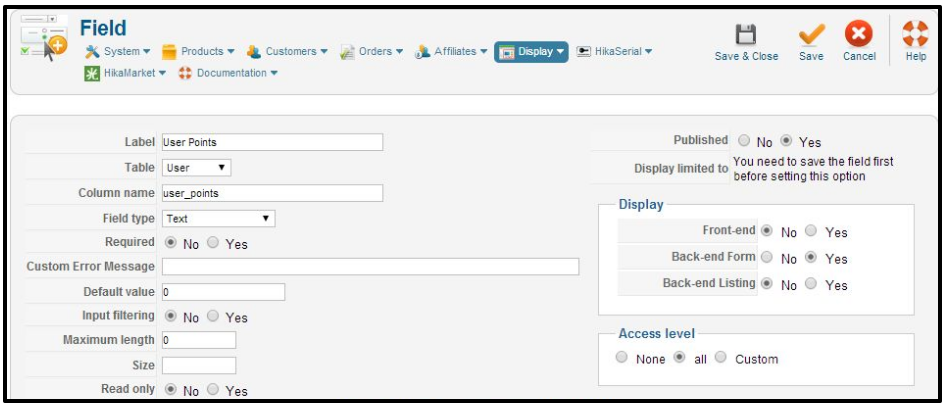
To change the size of thumbnails:
Step 1: Log into your Joomla Dashboard
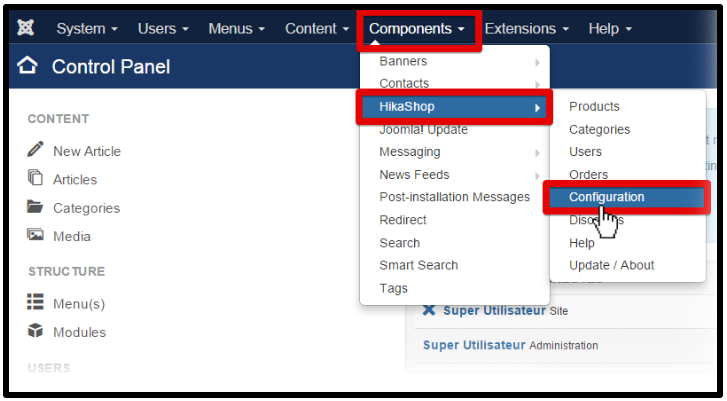
Step 2: In the top menu, hover over Components and click HikaShop to access the HikaShop Dashboard.
Step 3: On the HikaShop menu System, click Configuration and click on the tab Main
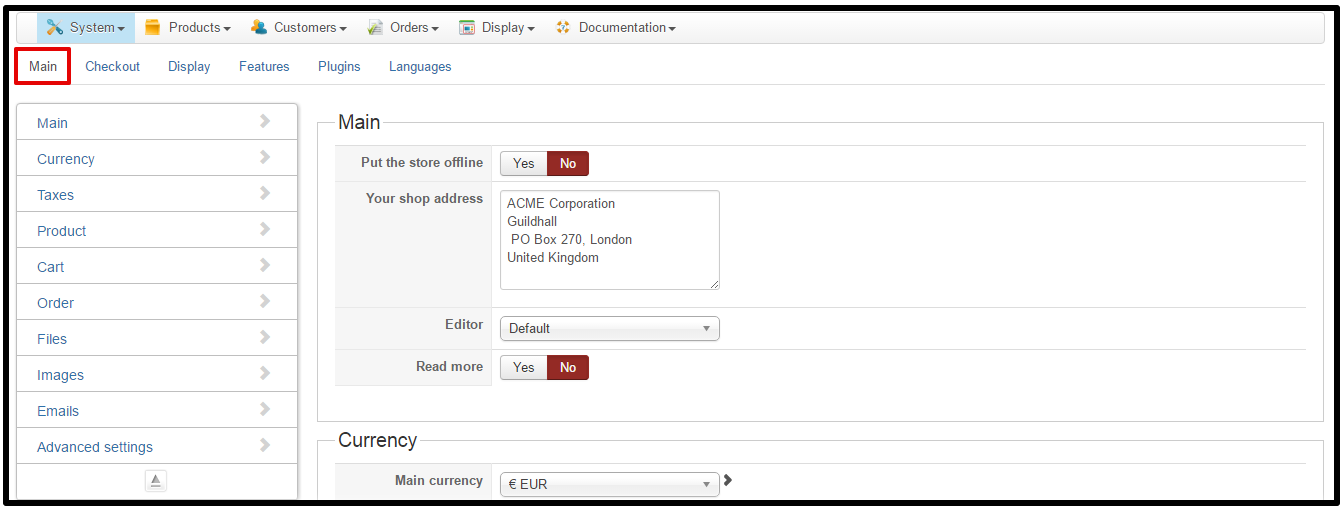
Step 4: In the Image part, you can set the default image.


Hi,
We’re document team, we write document for all products from our company. You can reach our Document Portal. If you have any questions or problem during using our products, feel free drop comment, we will come to help you shortly.
We’re document team, we write document for all products from our company. You can reach our Document Portal. If you have any questions or problem during using our products, feel free drop comment, we will come to help you shortly.
Latest posts by Document Team (see all)
- JS Jobs Data Dictionary: How to Add New Entity? – January 3, 2017
- JS Jobs Categories: How to Add New Categories? – December 30, 2016
- JS Jobs Message System: Front End Messages – December 30, 2016