
Most small business websites start the same way: a multipurpose theme, a page builder and a weekend of moving boxes around until the site finally looks like a dental clinic, a bakery or a roofing company. Today we are launching a different approach. LTheme Blocks is a catalogue of 63 WordPress block themes, and each one is made for a single type of local business, with the sections, wording and layout that business actually needs.
In this post we explain what a block theme is, what you get in every LTheme block theme, what “AI-ready” means, and how to pick the right theme for your business or your client’s.
What is a WordPress block theme?
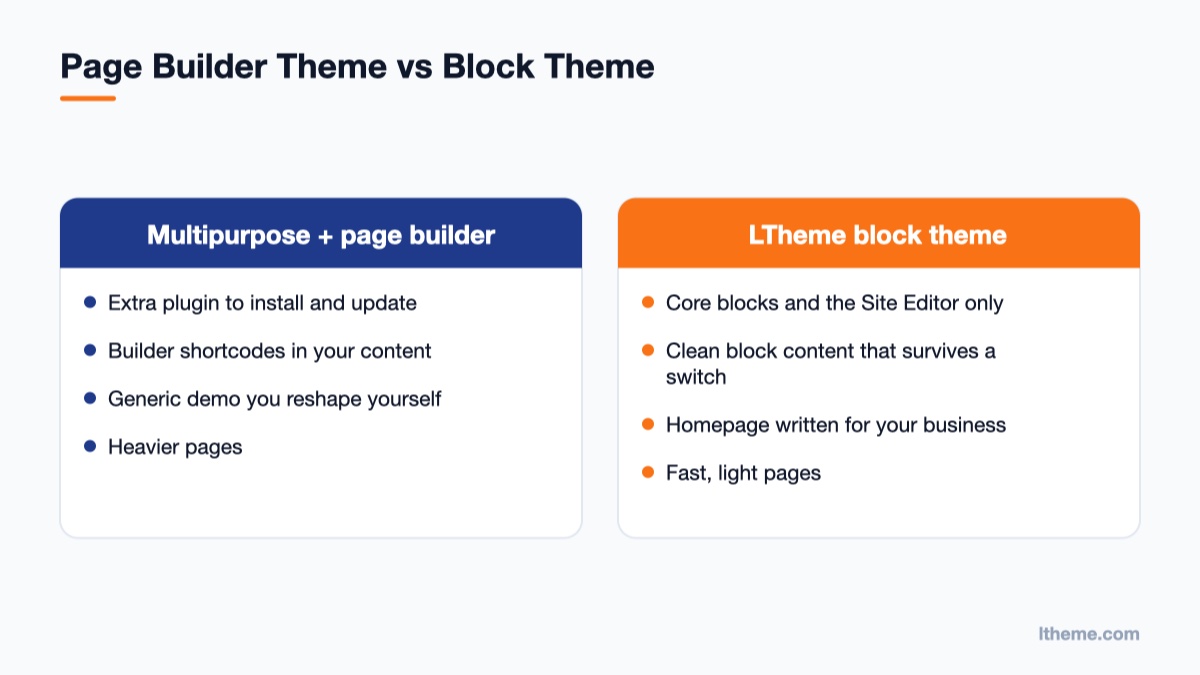
A block theme is built entirely for the WordPress Site Editor. The header, footer, page templates, colours and fonts are all edited with the same blocks you already use in posts, under Appearance → Editor. There is no page builder to install, licence or keep updated, and there is no separate “theme options” panel to learn.
Because a block theme uses only core blocks and a small stylesheet, pages load quickly and keep working through WordPress updates. If you later switch themes, your content stays readable, because it is ordinary block markup rather than shortcodes from a builder.
One theme per business, not one theme for everything
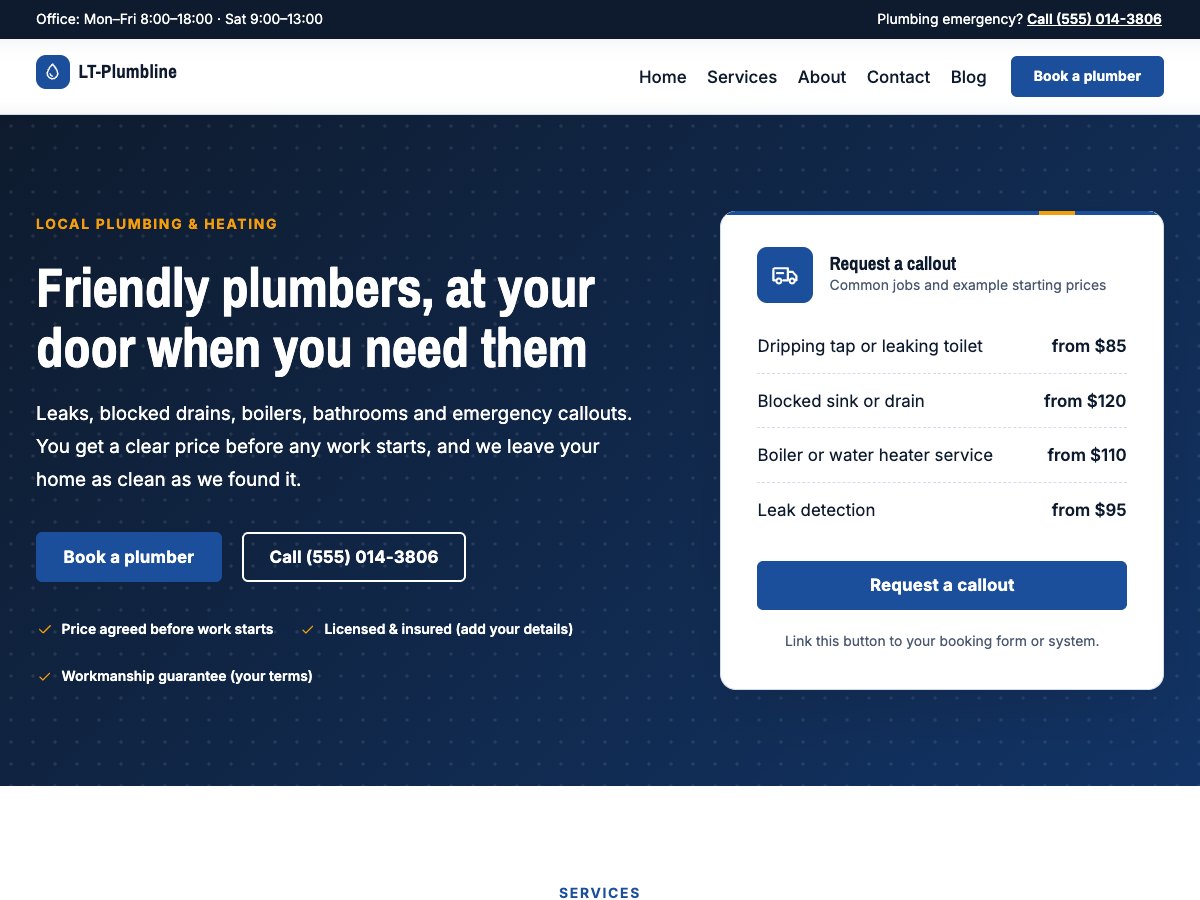
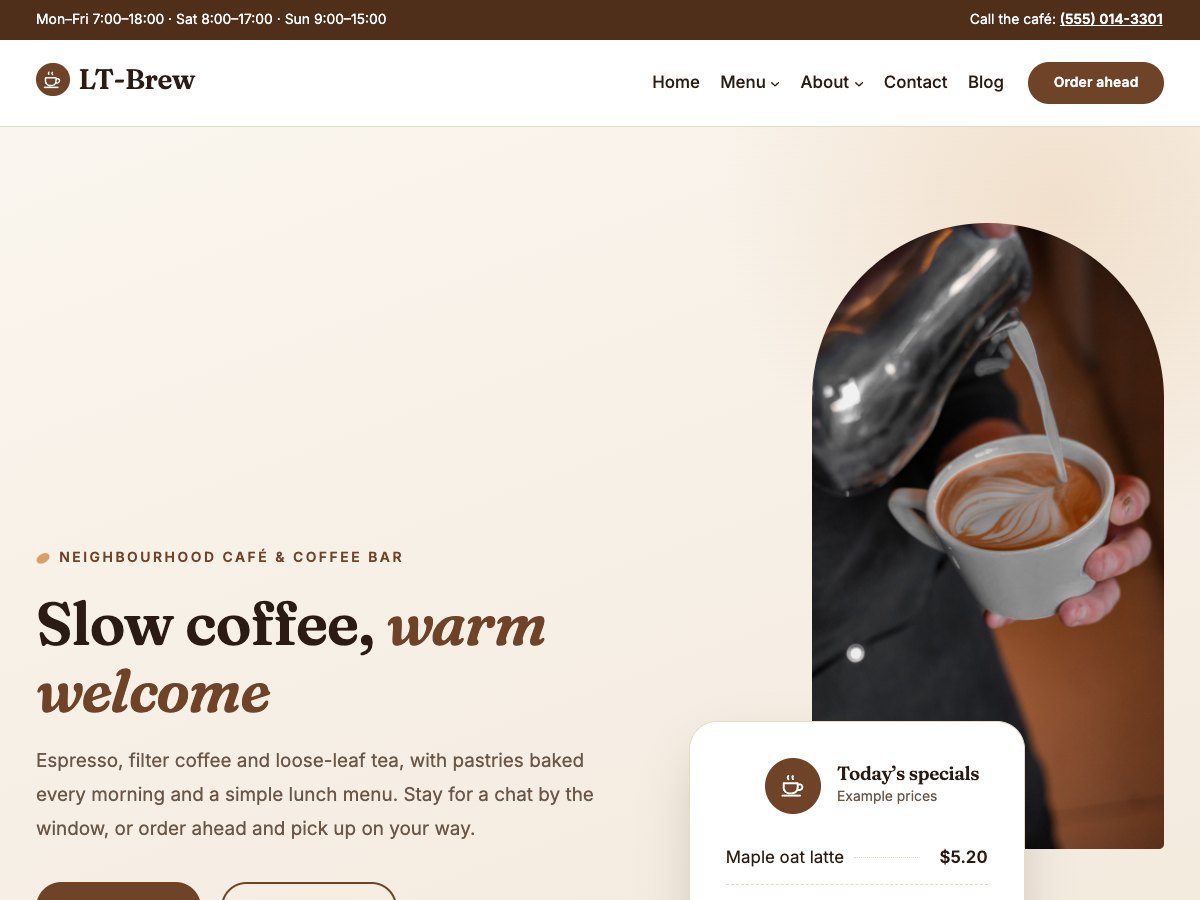
A multipurpose theme can look like anything, which also means it starts as nothing in particular. LTheme Blocks works the other way round. A dental theme already has a treatment list, a team section for your dentists, opening hours and a booking card. A plumber theme already has a callout card, starting prices, the towns you cover and an emergency banner. A café theme already has a menu with prices and dietary tags.
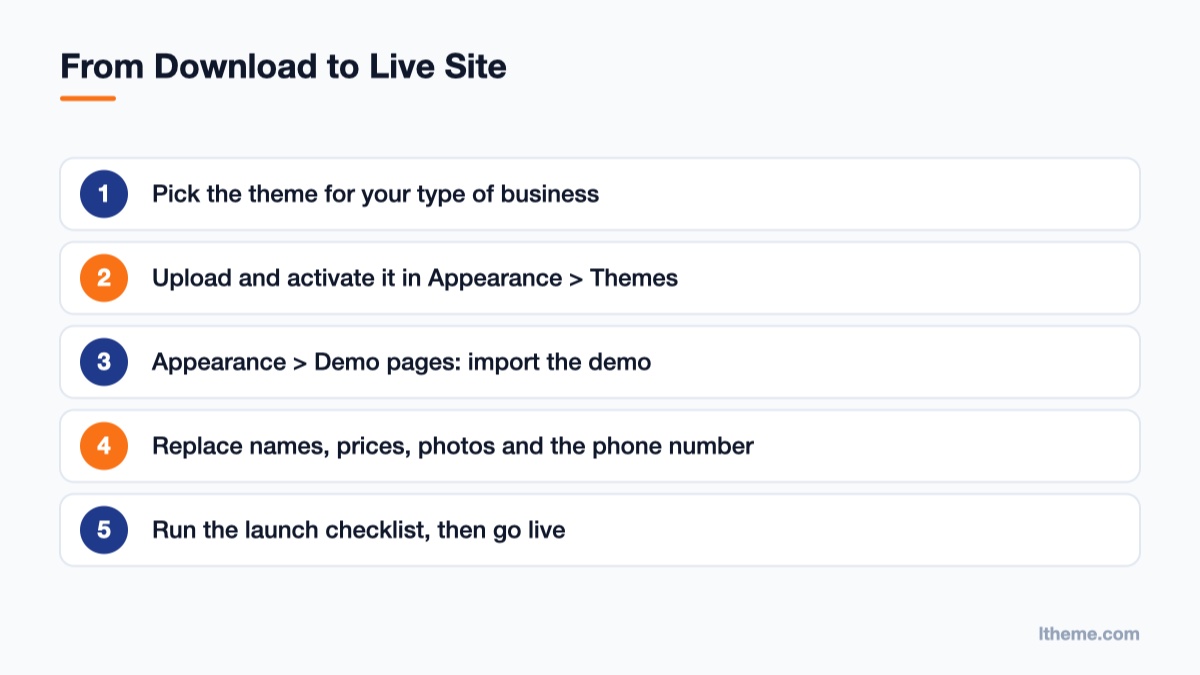
The demo text is written for the business, too, so most of the work is replacing names, numbers and photos rather than inventing a homepage from scratch. Anything that is sample content, such as a phone number, a price or a review, is clearly marked, and a launch checklist inside WordPress lists every sample item still on your site before you go live.
What every local business website needs
We studied what customers actually do on small business sites before writing a single pattern. Most visitors arrive on a phone, from a search or a map listing, and want one of three things: to call, to book or to check a price. That shaped every theme in the catalogue.
- The next step is in the first screen. Each hero has a card for the main action of that business: book an appointment, request a quote, order online or call now.
- The phone number is always one tap away. It sits in the top bar, the hero, the mobile menu and the footer as a tap-to-call link.
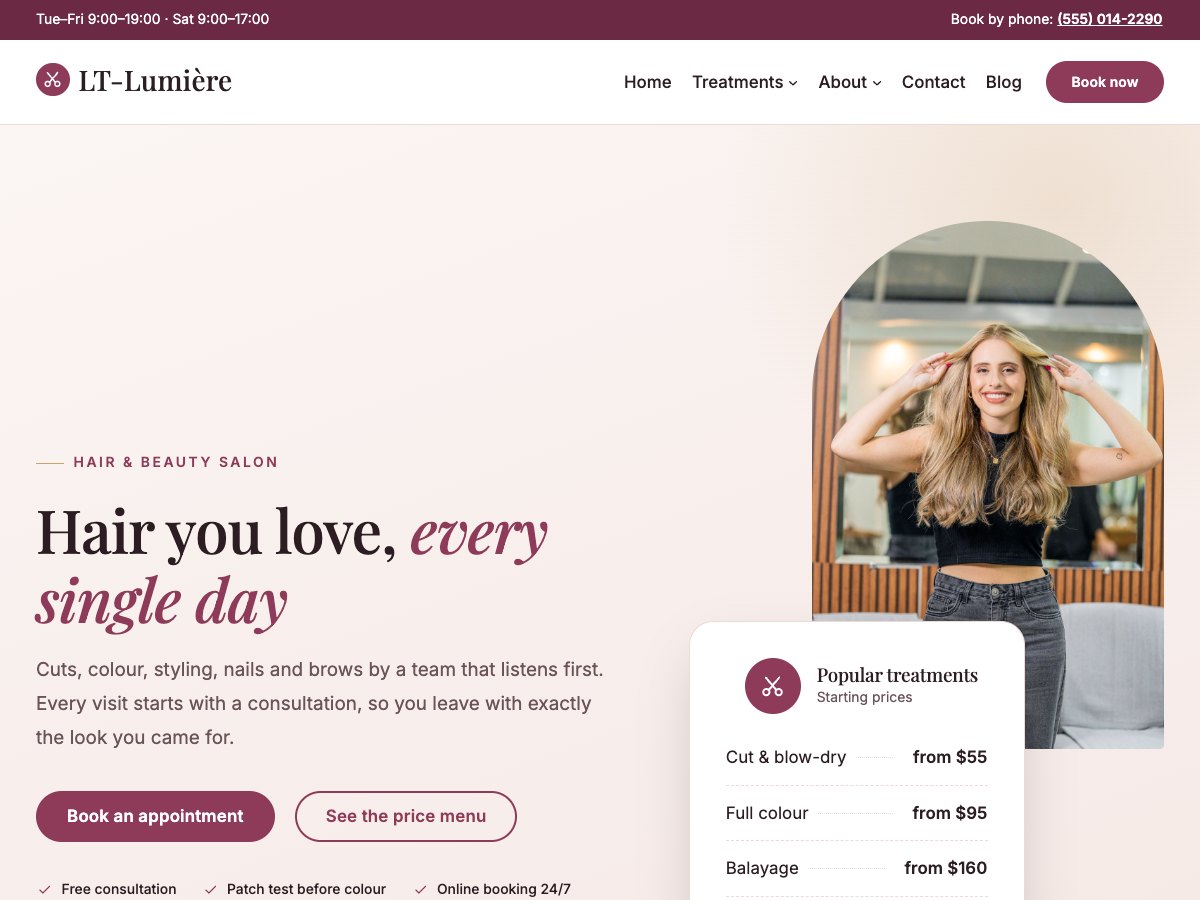
- Prices are visible. Starting prices or a price menu answer the most common question before it is asked, with a short note that the final price is confirmed first.
- Trust is specific, not generic. Team profiles, reviews, a clear FAQ, opening hours and a map do more than stock badges, so the themes leave room for real names, credentials and policies.
- Pages stay light. No sliders, no page builder and no icon fonts: fonts are self-hosted, images use modern sizes and the CSS is a single small file.
What you get in every theme
- A complete homepage with a booking, quote or order card in the first screen, services and prices, team, reviews, FAQ, opening hours and a map.
- Section patterns and page layouts you can add to any page: prices, team, FAQ, gallery, call to action and more.
- One-click demo import under Appearance → Demo pages, which creates the Home, services, About, Contact and Blog pages and the main menu.
- Four colour styles, plus your own brand colour in Styles.
- A mobile menu that opens as a side panel with your logo, tap-to-open dropdowns, your contact details and the call or booking button.
- Translation ready, with a .pot file in every theme.
What “AI-ready” means
More and more site owners edit their websites with the help of an AI assistant. The problem is that a general assistant does not know how your theme is built, so it tends to break layouts or invent styles. Pro Unlimited includes an AI kit: instructions, ready prompts and a checker that tell assistants such as Claude exactly how the theme works.
You can ask it to “rewrite the homepage for a family dental practice in Leeds”, “add a Saturday clinic to the opening hours” or “make the primary colour our brand green”, and it edits the right blocks while keeping the design consistent. It is especially useful for agencies that hand sites over to clients who want to make their own changes.
Find the theme for your business
The themes are grouped by type of business. Each category page lists the themes, what they include and the questions owners in that field usually ask.
- Health & medical: dentist, physiotherapy, chiropractor, pharmacy, optician, children’s clinic, therapist and home care.
- Home services: plumber, electrician, HVAC, roofing, landscaping, cleaning, pest control, locksmith, painter, builder, movers, solar and dry cleaning.
- Food & drink: café, restaurant, bakery, tea room, pizzeria, brewery, winery and caterer.
- Beauty & wellness: hair salon, day spa, nail studio, skin clinic, barber and tattoo studio.
- Professional services: law firm, accountant, insurance agency, real estate, IT support, coworking, travel agency and interior design.
- Weddings & events, Fitness & sport, Automotive, Education & kids, Pets and Travel & leisure.
How to choose the right theme
Start with the closest business type, even if it is not an exact match. A massage therapist will be at home in the day spa theme, a mobile mechanic in the auto repair theme, and a dog walker in the pet grooming theme. Then check three things:
- The first screen. Does the hero card match how customers contact you: booking, quote, order or a phone call?
- The sections. Open the live demo and scroll. If you need a timetable, a price menu or a service area, pick the theme that already has it.
- The style. Each demo has a colour switcher in the top bar. Try the four styles before you decide.
Every product page also has a Try it in WordPress button that opens a working copy of the free theme in your browser in a few seconds, with nothing to install.
Free or Pro?
| Free | Pro Standard | Pro Unlimited | |
|---|---|---|---|
| Price | $0 | $29 a year | $49 once |
| Theme, templates and 4 colour styles | Yes | Yes | Yes |
| Ready homepage, patterns, page layouts and demo import | – | Yes | Yes |
| Websites | 1 | 1 | Unlimited |
| Updates and support | Updates, documentation | 1 year | Lifetime |
| AI kit | – | – | Yes |
| Footer credit | Kept | Removable | Removable |
The free edition is a good fit if you want to build your own pages from scratch, or add the theme to an existing site without demo content. Pro is the fast route: import the demo, replace the sample details and launch.
Built for agencies and freelancers too
If you build sites for clients, a niche theme saves the slowest part of every project: deciding what goes on the homepage and writing the first draft of it. Pick the client’s business type, import the demo, and you have a structure to walk through in the first meeting instead of a blank canvas.
Pro Unlimited covers unlimited websites with lifetime updates, so one purchase works across all your clients in that niche. Because everything is built with core blocks, handing the site over is simple: the client edits text and images in the normal WordPress editor, and with the AI kit they can ask an assistant for bigger changes without calling you for every new paragraph.
Updates arrive through the normal WordPress updates screen once the licence key is added under Appearance → Licence, so you do not need to download and upload new versions by hand.
Will it work with my existing site?
Yes. The themes keep your existing homepage and pages, and the demo import never overwrites a page that already exists. You can preview a theme with WordPress’s Live Preview before activating it, and our guide to switching an existing site covers menus, widgets and backups step by step.
Start here
Browse all 63 themes, open a live demo, and download the free edition of any theme you like. If you are not sure which one fits your business, ask the chat on the site: it knows every theme and will point you to the closest match. New themes are added regularly, so if your business type is missing, tell us which one you need.

- 63 AI-Ready WordPress Block Themes for Local Businesses - October 15, 2026
- Fix “The Response Is Not a Valid JSON Response” in WordPress - October 14, 2026
- Joomla Workflows: Set Up an Article Approval Process - October 13, 2026



Recent Comments