
Short-form video is the dominant content format on social platforms today. TikTok, Instagram Reels, YouTube Shorts, and similar formats reward attention-grabbing clips that communicate value quickly and encourage viewers to take action. Creating high-converting short videos doesn’t require expensive gear or a desktop editing suite — modern mobile video editor like Clideo make it possible to produce polished, persuasive videos entirely on your phone. This guide shows practical steps, creative techniques, and optimization tips to help you turn short videos into measurable conversions.
Why short videos convert

Source: freepik
- Native format and attention economy: Short videos match scroll behavior — they’re quick to consume, easy to share, and designed to hook viewers in the first seconds.
- Authenticity and immediacy: Viewers respond to candid, humanized content. Short formats favor natural voice, demonstrations, and behind-the-scenes moments that build trust.
- Clear call-to-action (CTA): Because videos are concise, a single, focused CTA (visit a link, follow an account, buy now) performs better than a long list of asks.
- Algorithmic amplification: Platforms prioritize watch time and engagement; a highly watchable short has strong organic reach potential, lowering the cost-per-acquisition for paid campaigns.
Planning a high-converting short video

Source: Freepik
- Define a single conversion goal
Choose one clear objective: app installs, email signups, product purchases, website visits, or follows. All creative choices should support that single outcome. - Know your audience
Identify the problem, desire, or context that motivates your target viewers. Create viewer personas: where they hang out, what language resonates, what objections they have. Use these insights to craft the hook and messaging. - Pick the right format
Common high-converting short formats:
- Problem → Solution (quick demo)
- Before/After transformation
- Social proof/testimonial
- Quick tutorial or tip
- Product reveal with benefit-first messaging
- Urgency/offer announcement
- Script the skeleton
Short videos need tight structure. Use a three-part micro-script:
- Hook (0–3 seconds): Grabs attention with a surprising visual, question, or bold statement.
- Value (3–20 seconds): Show or explain the solution, highlight benefits, or demonstrate use.
- CTA (last 2–3 seconds): Tell viewers exactly what to do next (“Tap the link,” “Follow for more,” “Shop now”).
Shooting for short-form success
- Vertical orientation: Shoot 9:16 for Reels, TikTok, and Shorts.
- Lead with motion: Action within the first second boosts the chance of stopping the scroll.
- Use close-ups and tight framing: Faces and products up close create emotional connection.
- Keep shots short: Capture multiple short clips (1–5 seconds each) to cut quickly in editing.
- Capture ambient and direct audio: Record clear voice or instructions and also ambient sound for authenticity. Consider a quick voiceover if on-camera audio is noisy.
- Film extra B-roll: Supplementary clips give flexibility when editing and help with pacing.
Editing on mobile (using Clideo-like mobile editors)
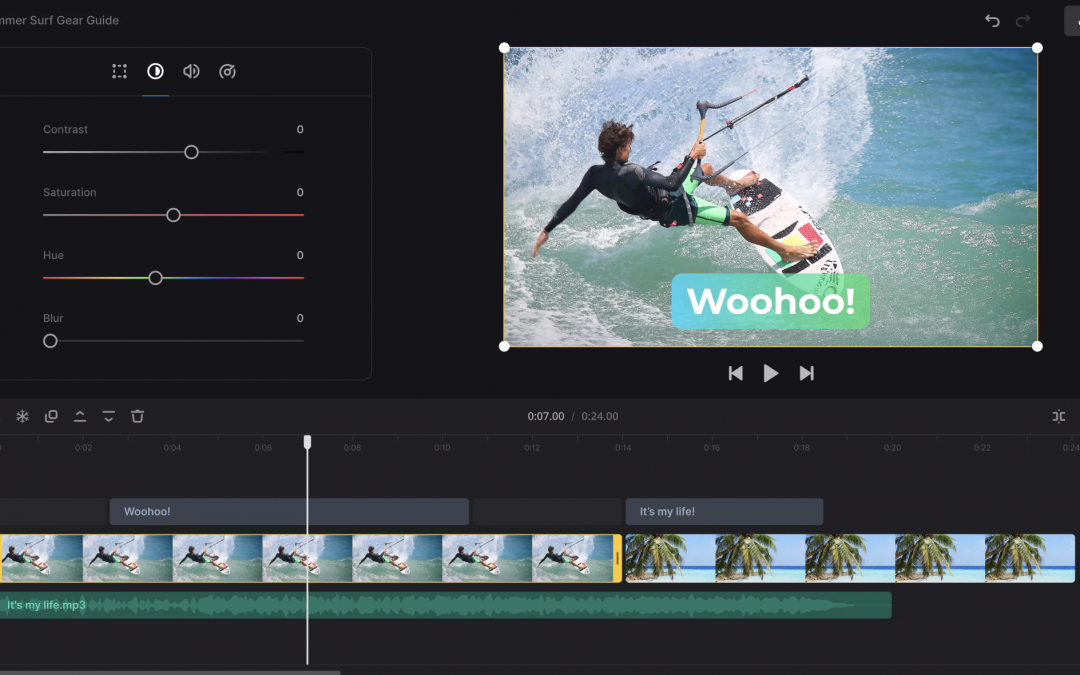
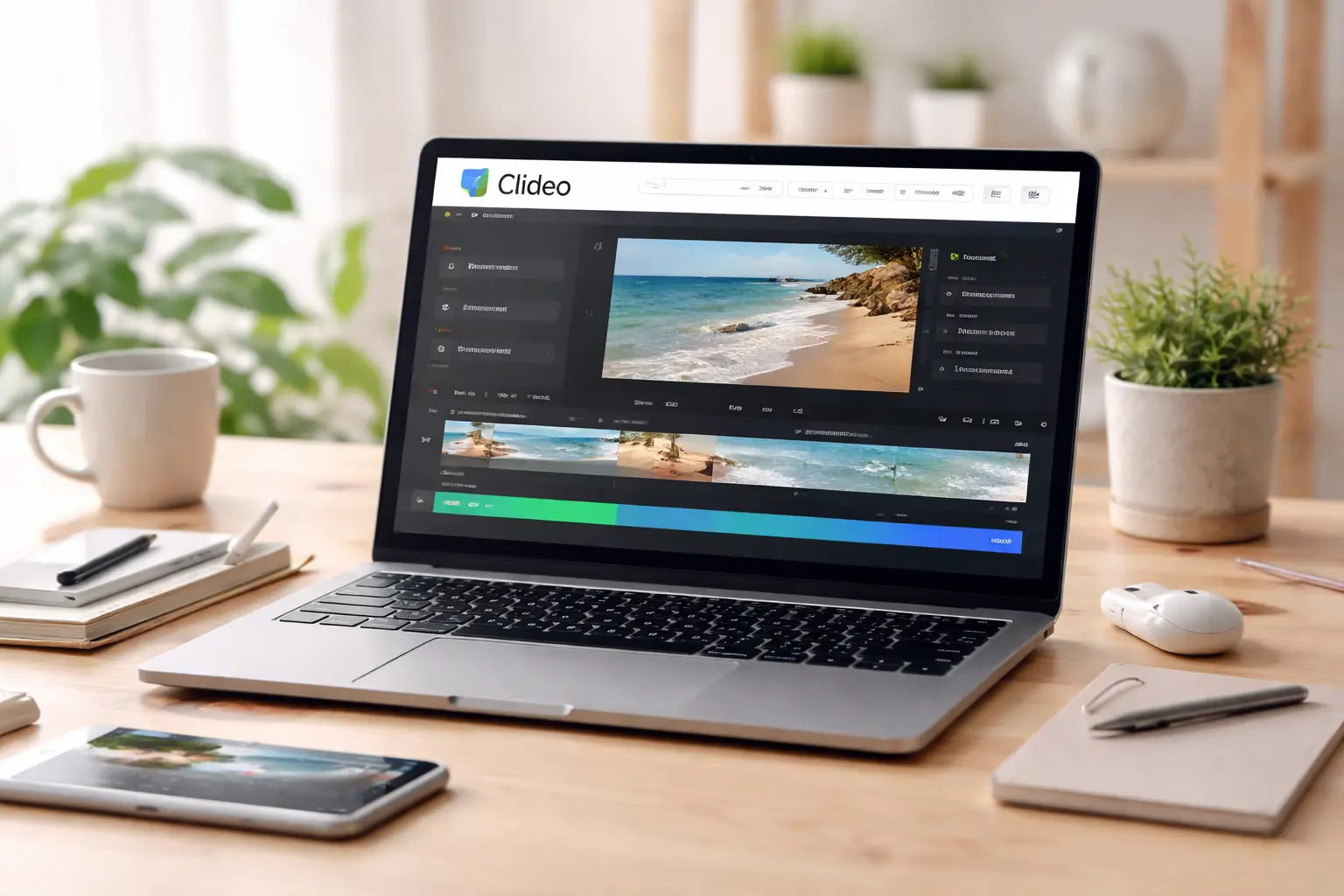
Mobile editors provide essential tools for speed and polish: multi-track timelines, trimming, transitions, text overlays, stickers, music libraries, and export presets. Clideo’s mobile app supports offline editing and has features that matter for short-form conversion: text and sticker overlays, stock media, voiceover/text-to-speech, and export options up to FHD/4K with a Pro subscription. If you want to try Clideo’s mobile editor, you can find Clideo on the App Store.
Step-by-step editing workflow
- Import and sequence
Gather your recorded clips and any stock footage or images. Arrange clips on the timeline in your planned order. Keep the total length aligned with platform best practices (generally 15–30 seconds for most ads and organic shorts often 15–60 seconds). - Tight trimming and pacing
Cut to the most essential moments. Short videos reward fast pacing — remove filler frames and pauses. Use jump cuts to maintain energy. - Craft a stronger hook
If the first shot isn’t captivating, add an overlay text with a provocative line or cut to a more eye-catching clip. Add motion (scale, zoom, or quick push) to increase visual interest. - Use text overlays strategically
Many viewers watch without sound. Add concise, readable captions/summaries and surface the main benefit early. For mobile, use large fonts, high contrast, and keep text inside safe margins to avoid profile UI blocking. - Enhance clarity with visual aids
Add arrows, highlights, or brief callouts to direct attention to key product features or steps. Use branded colors sparingly for consistency. - Apply music and sound design
Choose upbeat or mood-appropriate music from the app’s royalty-free library. Sync cuts to beats where appropriate. Balance levels: music should support but not overpower voice or important sound effects. Add subtle impact sounds to punctuate actions. - Add a voiceover or text-to-speech if needed
A quick voiceover can explain benefits faster than on-screen text. Many mobile editors offer text-to-speech for a consistent, quick narration when recording voice isn’t possible. - Use transitions with purpose
Avoid fancy transitions that distract. Quick crossfades or straight cuts usually work best for short, high-energy clips. - Insert social proof or urgency
Short testimonial clips, user counts, or limited-time offer badges can lift conversions. Keep such elements brief and visually prominent. - Strong CTA card at the end
End with a clear, bold CTA screen: action verb, what the viewer gets, and an easy next step. If the platform supports link buttons, remind viewers to tap or visit your profile link.
Optimization tips for higher conversion

- A/B test hooks: Create multiple versions with different opening lines or visuals to see which retains viewers.
- Tailor creative to placement: Ads and organic posts may have different best practices (e.g., ad thumbnails vs. first-frame emphasis).
- Measure micro-metrics: Watch time, completion rate, click-through rate, and conversions tell you where to improve. Short videos should be optimized for completion and CTA clicks.
- Iterate quickly: Use performance data to refine scripts, visuals, pacing, and CTAs.
- Localize for audiences: Language, cultural references, and localized offers increase relevance.
- Leverage captions and subtitles: They increase accessibility and viewability without sound.
- Keep branding subtle but consistent: Brand early but don’t overshadow the message — too much branding can reduce engagement.
Using Clideo-specific capabilities (or similar mobile apps)
- Stock assets: Quickly fill visual gaps with free stock video, images, and music available in the app.
- Text-to-speech and voice recording: Add professional-sounding voiceovers fast or narrate your key points.
- Collage and split-screen: Compare before/after or show multiple product angles simultaneously to increase persuasive power.
- Noise reduction and audio effects: Clean up spoken audio so your message is crisp and trustworthy.
- Export presets: Use the correct resolution and format for each platform — vertical for Reels/TikTok, or square/landscape if repurposing elsewhere.
- Project sync: If you edit on desktop or the web later, syncing projects across platforms saves time and preserves quality.
Common pitfalls to avoid
- Overstuffed messages: Don’t try to say everything. One message, one CTA.
- Too long or slow openings: If you don’t hook the viewer quickly, they’ll scroll.
- Poor audio: Muffled or overly loud music kills conversions; invest time in audio balance.
- Unreadable text: Tiny fonts or low-contrast overlays won’t convert viewers who watch muted.
- Ignoring platform conventions: Each platform favors slightly different pacing, sounds, and creative language. Adapt accordingly.
Final checklist before publishing
- Is the hook irresistible in the first 3 seconds?
- Is the value proposition obvious without sound?
- Is the CTA clear and easy to act on?
- Is the video optimized for vertical playback and safe margins?
- Are audio levels balanced and clear?
- Have you tested different thumbnails/first frames?
- Do you have localized versions for major audience segments?
Conclusion
Short videos that convert combine strategic planning, tight storytelling, strong production choices, and data-driven optimization. You don’t need a full studio: mobile editors like Clideo provide the tools necessary to record, edit, and export high-quality, conversion-focused short videos. With the right hook, concise value delivery, and a clear CTA, you can create content that captures attention, builds trust, and drives measurable results across social platforms.

Thank you for being here!
- Warum Dev- und Kreativagenturen auf hybride Büros umsteigen - March 26, 2026
- Small Details That Matter When Building a Practical Website - March 13, 2026
- Top 3 Domain Name Purchase Locations - March 11, 2026








Recent Comments