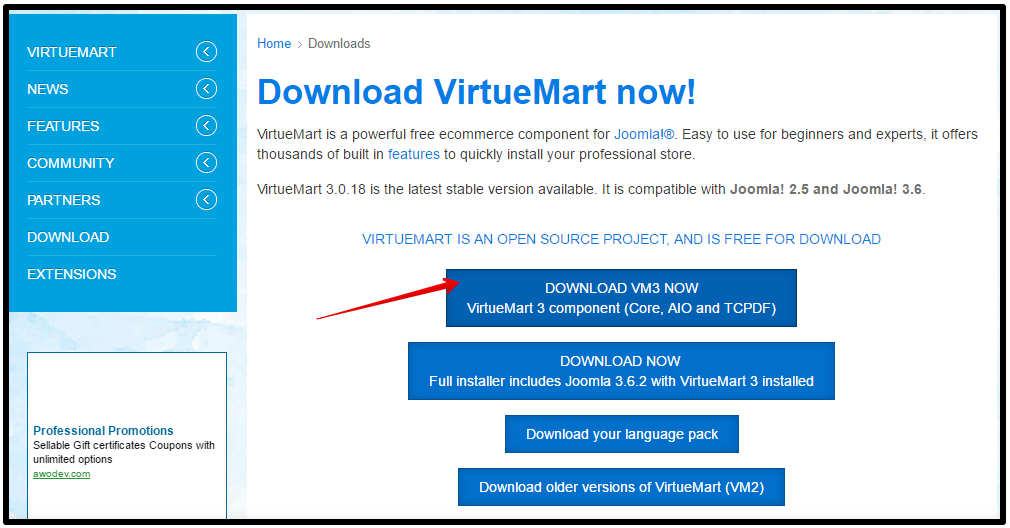
VirtueMart search engine friendly urls use to be a popular topic / request for VirtueMart store administrators. If you’re not running VirtueMart 3, obtaining VirtueMart SEF URLs required the use of third party extensions and VirtueMart plugins. As of VirtueMart 3, search engine friendly URLs is a feature including by default!
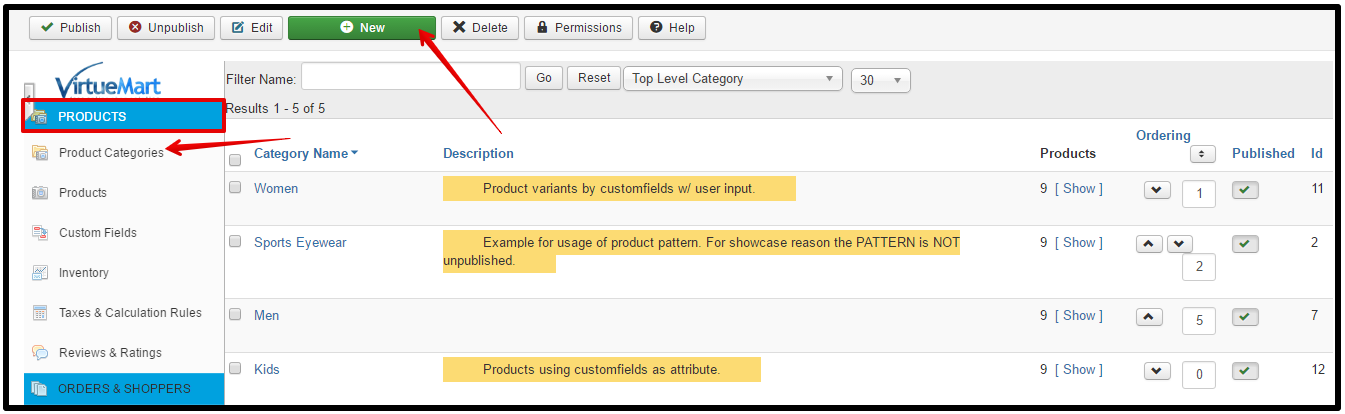
In our testing, we have a product category named Women, and a product called Prada PR77NS Sunglasses. When we browse our store and find the product, the URL is:
http://domain.com/index.php/shop/women/prada-pr77ns-sunglasses-detail
As you can see, there are no numbers or variables in the URL (such as id=5). Instead, the product category and the product title cleanly show! If you’re looking for SEF in VirtueMart, look no further. VirtueMart 3 now includes search engine friendly URLs out of the box!

We’re document team, we write document for all products from our company. You can reach our Document Portal. If you have any questions or problem during using our products, feel free drop comment, we will come to help you shortly.
- JS Jobs Data Dictionary: How to Add New Entity? – January 3, 2017
- JS Jobs Categories: How to Add New Categories? – December 30, 2016
- JS Jobs Message System: Front End Messages – December 30, 2016